"ig.me" links provide a way to create a link where users can directly access the Instagram Direct Message box.
You can follow the steps below to create ig.me links:
Go to your MindBehind company.
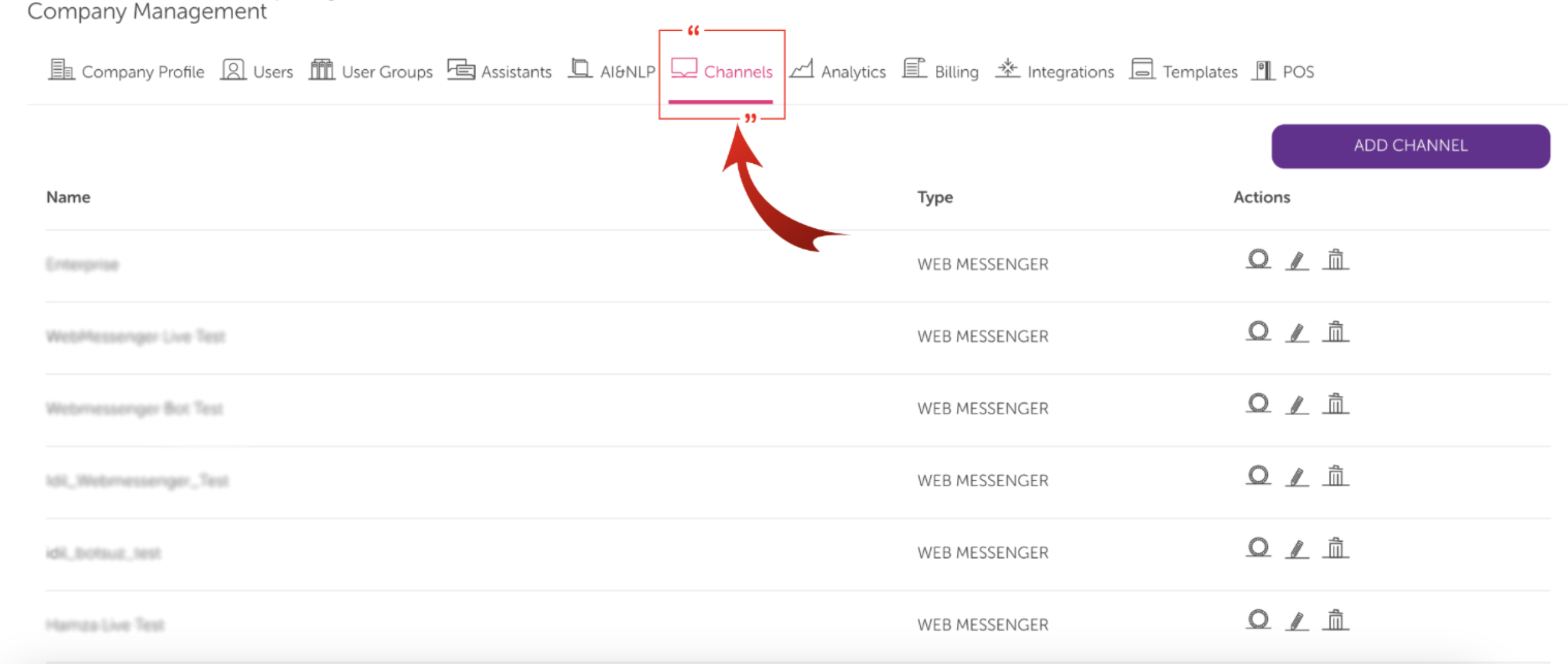
Click on the Channels tab and scroll to your Instagram channel.
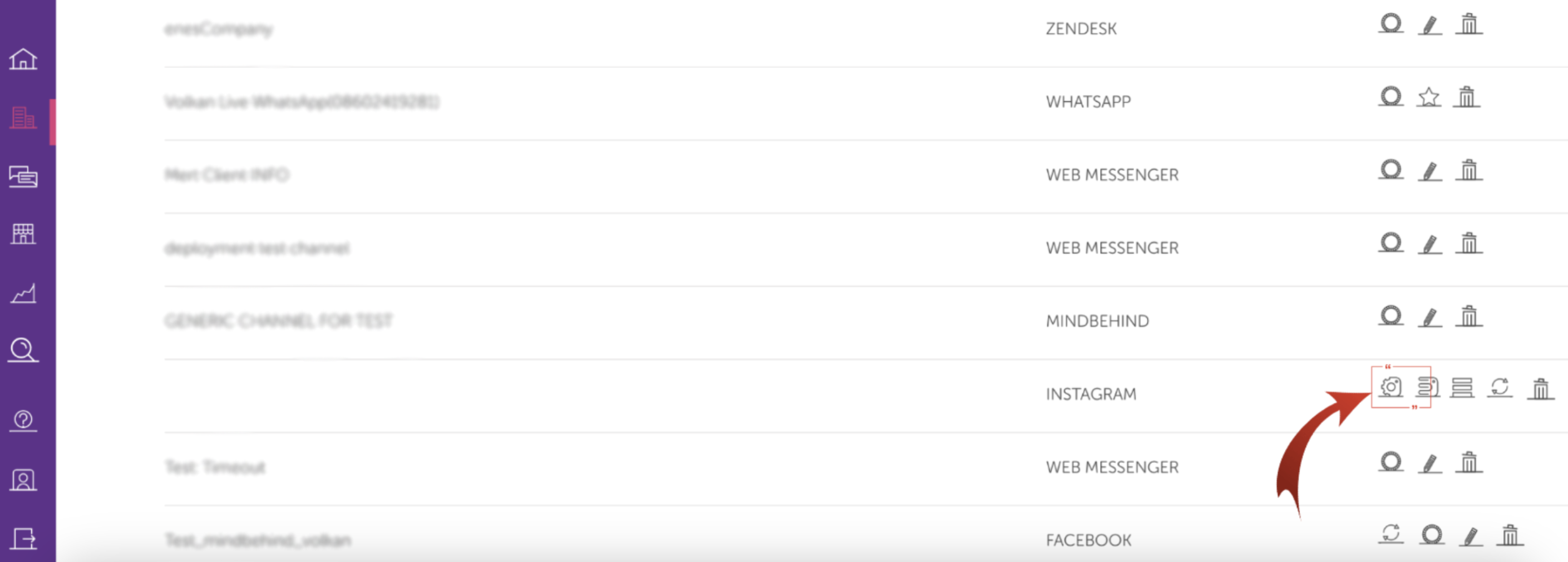
Click on the ig.me link icon.
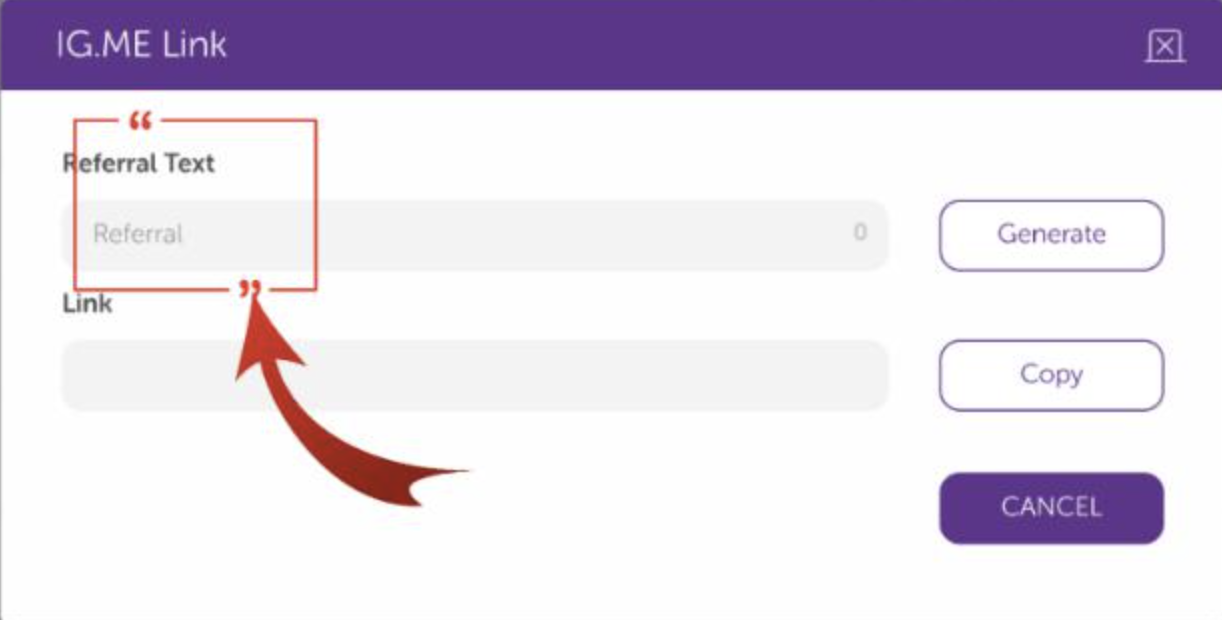
After clicking the ig.me link, a new URL extension should be created in the Referral Text field.
After the desired URL text is written, click the Generate button.
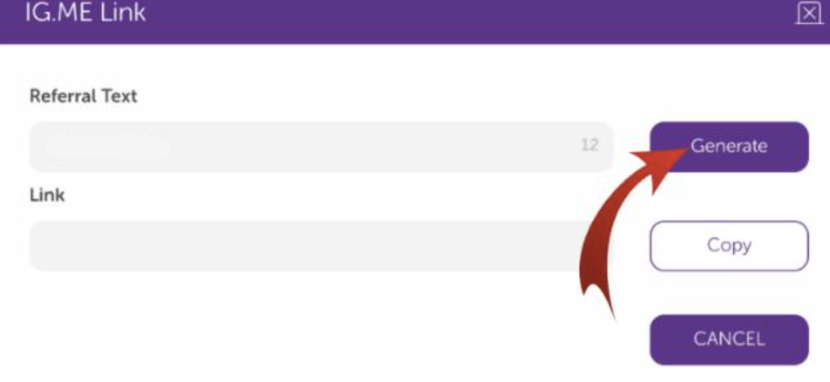
After clicking the Generate button, the link is created.
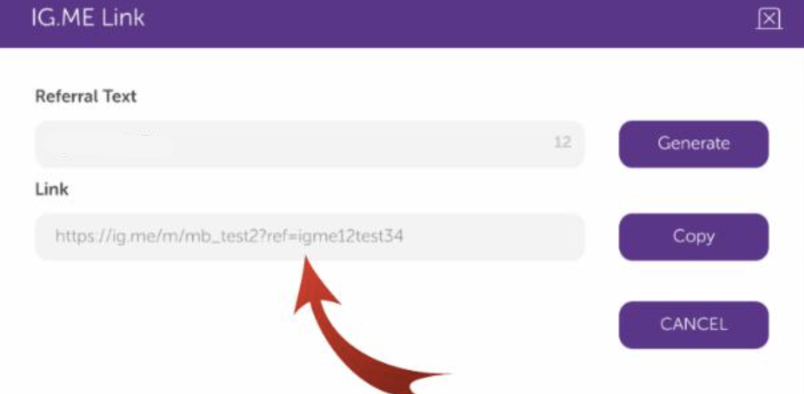
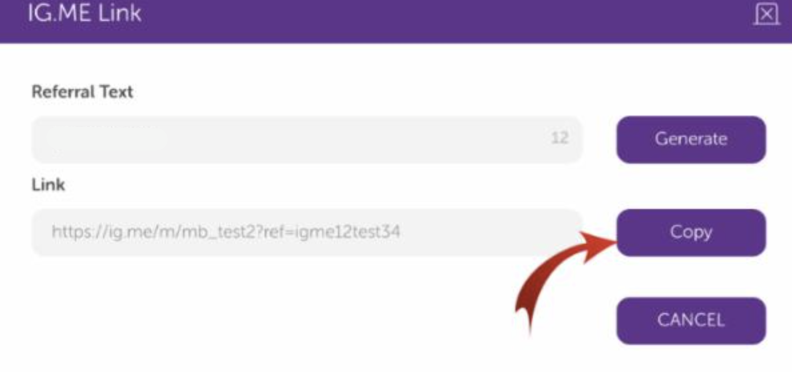
Click the Copy button to copy the link with the shortcut in this area.
The created link can be directed to users with an application such as WhatsApp.
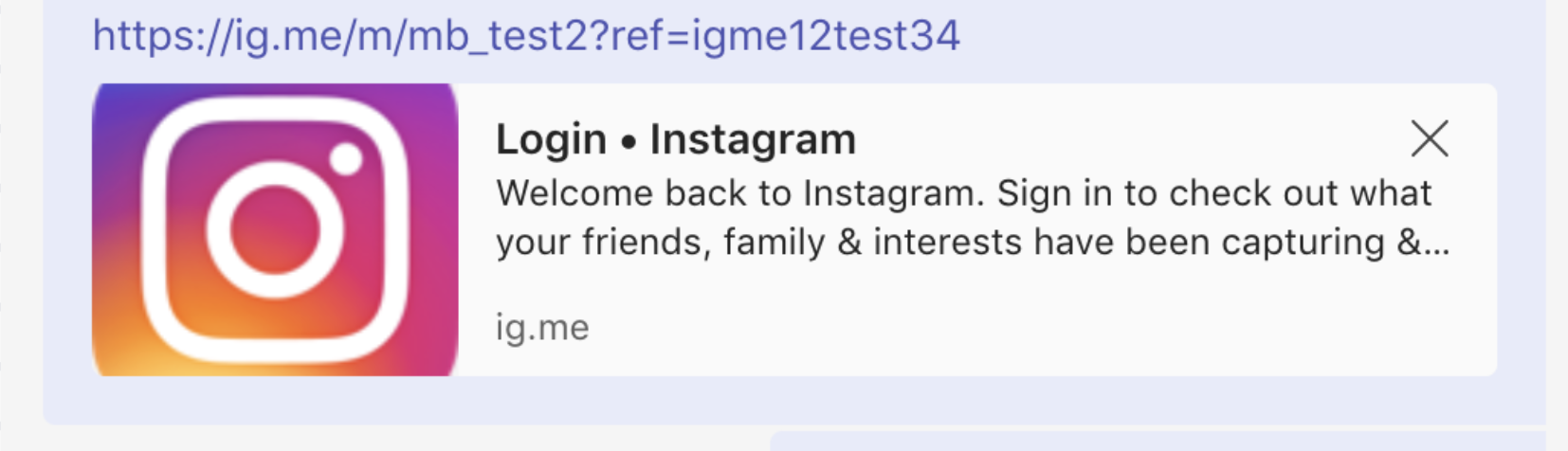
When the user clicks on this link, they will be directed to the generated URL.
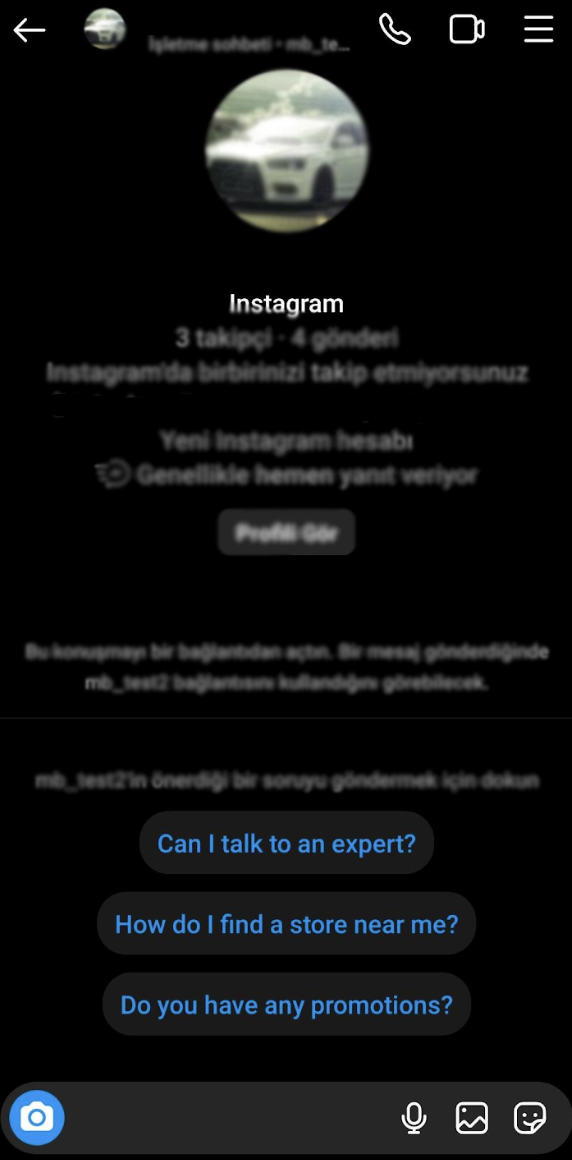
You can see some use cases for ig.me links below:
If a customer clicks on the link and selects Ice Breaker or sends a message, users can view the referral URL in detailed reports.
You can use ig.me links and the QR code on product packaging to allow people to contact you for support or get a coupon for the next purchase.
You can use ig.me links and the QR code on out-of-home advertising, such as billboards, TV ads, and physical stores, to sign up for membership accounts.
You can use ig.me links on the "Contact Us" page on a website to allow people to contact you via messaging instead of relying on calling.
You can provide callers an option to message you on Instagram and send an ig.me link via SMS.
Only alphanumeric characters and "- ", "_", and "=" are supported.
The referral parameter must not exceed 2,083 characters in length.
You should configure the Ice Breaker settings for this feature to work. Refer to the Ice Breaker guide for further details.
It works only for iOS and Android versions 235 and above.
It is not supported by WebApp.