To enhance your experience and flexibility for all on-page and inline cross-platform templates, you can customize the Border settings for elements within your campaign while designing it.
Select the element to which you want to add a border. Then, click the (+) plus button next to the Border.
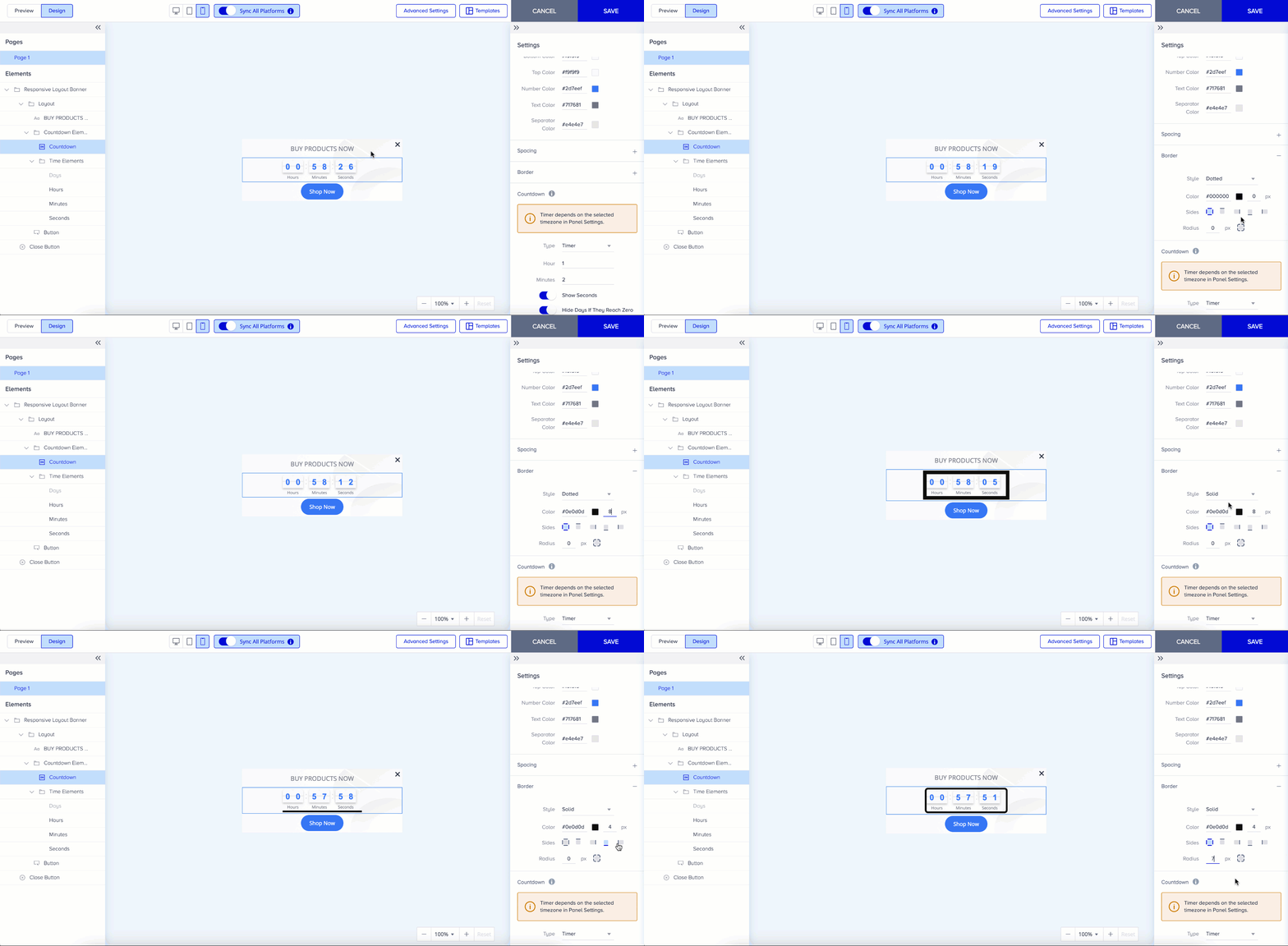
Thanks to solid, dashed, and dotted types, you can set different border and radius values on each side of the element container for all the elements in responsive templates. Your border can be in various shapes, and you can set the sides separately.
For the radius, click the icon to set the px values on each side, depending on your design. Then, you see exactly what you put on your canvas for each platform.