Recommendation Strategies define the characteristics of recommended products. Once recommendations are generated, Smart Recommender provides a set of settings for you to configure within your campaign.
Hide the Widget
Smart Recommender enables you to hide your campaign output if your strategy produces fewer than the number of recommendations you define. This capability is used when your strategy produces recommendations in a low number due to the following reasons:
- The extensive filter and exclusion usage
- Not having enough products in the catalog or having too many out-of-stock products
- Algorithm health due to user data shortage
- A selected algorithm with no fallbacks
For Widget-based Smart Recommender campaigns, click on the Advanced Widget Settings icon in the Design step to open the Advanced Widget Settings module after creating your design.
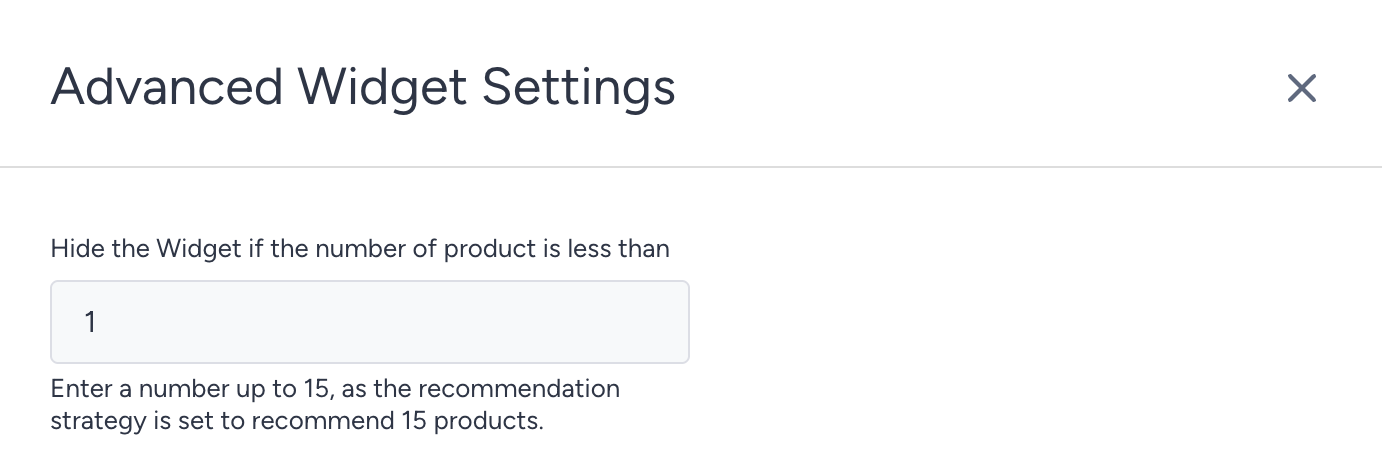
For API-based Smart Recommender campaigns, click the Advanced Widget Settings icon to access the settings modal.