You can use A/B Split in your journeys to compare channels, contents, and paths and see which option performs best.
Follow the instructions below to add and use A/B Split in your journeys:
- Click the + (plus) button to select the A/B Split element.
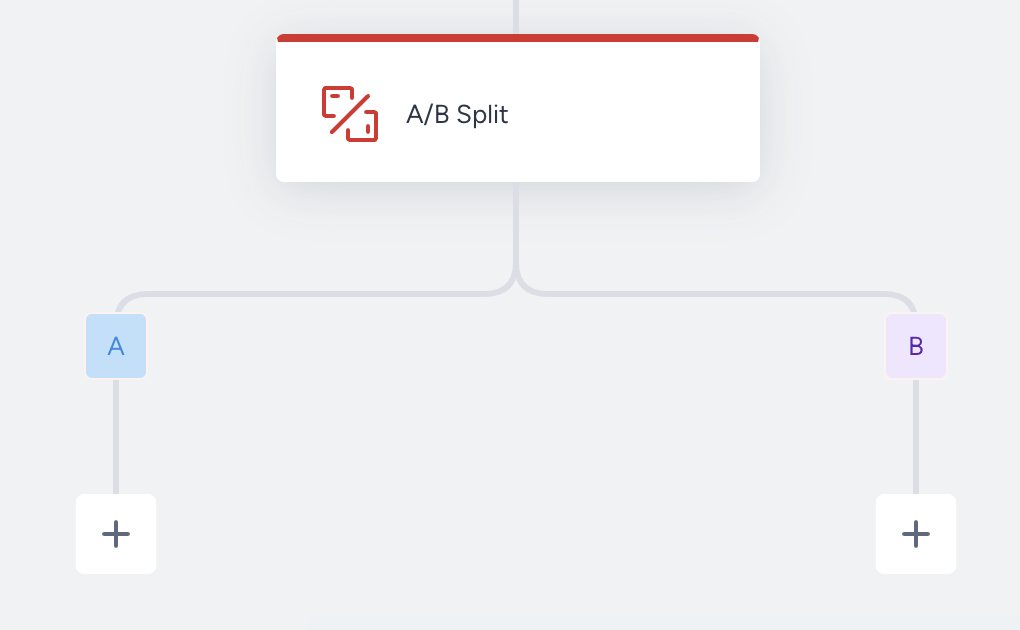
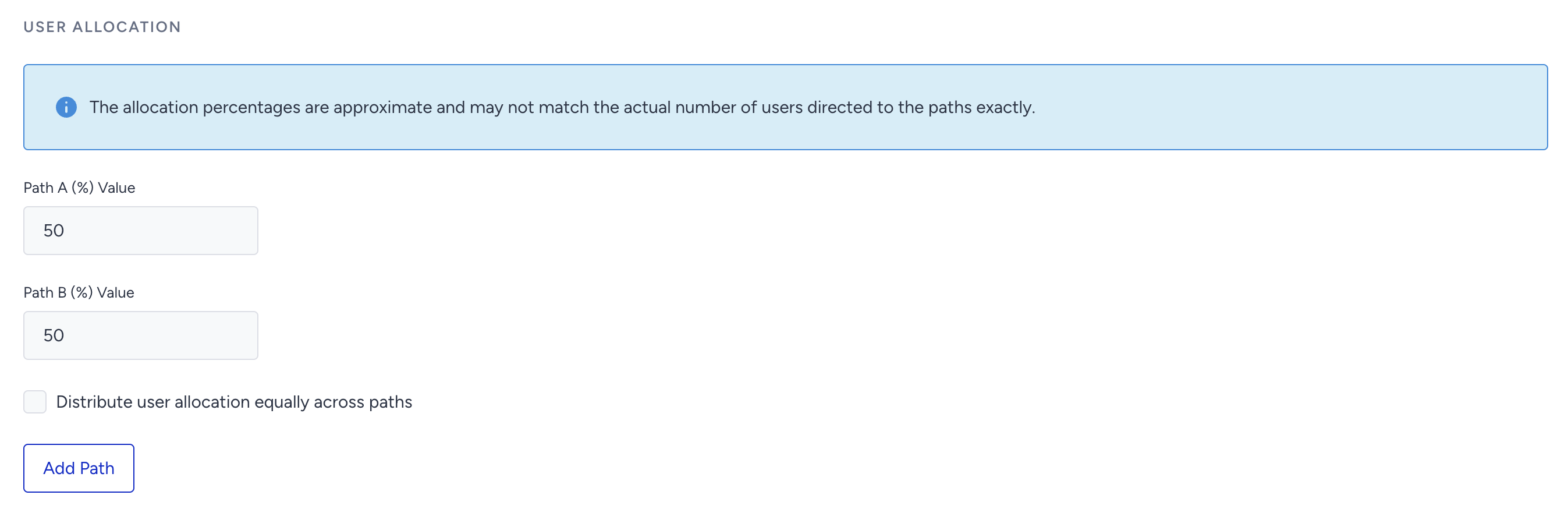
- Under User Allocation, you can set the allocation percentages for each path. To distribute the allocation evenly across paths, click the checkbox next to "Distribute user allocation equally across paths". Once you select the checkbox, the allocation percentages will be automatically adjusted to divide the users evenly across all paths. Note that once you select the checkbox, you won't be able to edit the allocation percentages manually anymore. While the checkbox is selected, you may add up to 4 paths by clicking the Add Path button or delete the paths you added; then the allocation will be re-adjusted.
- Enable the winner autoselection or keep it disabled based on your needs. Then Save the element.
- Add your desired channels to the A/B Split element.
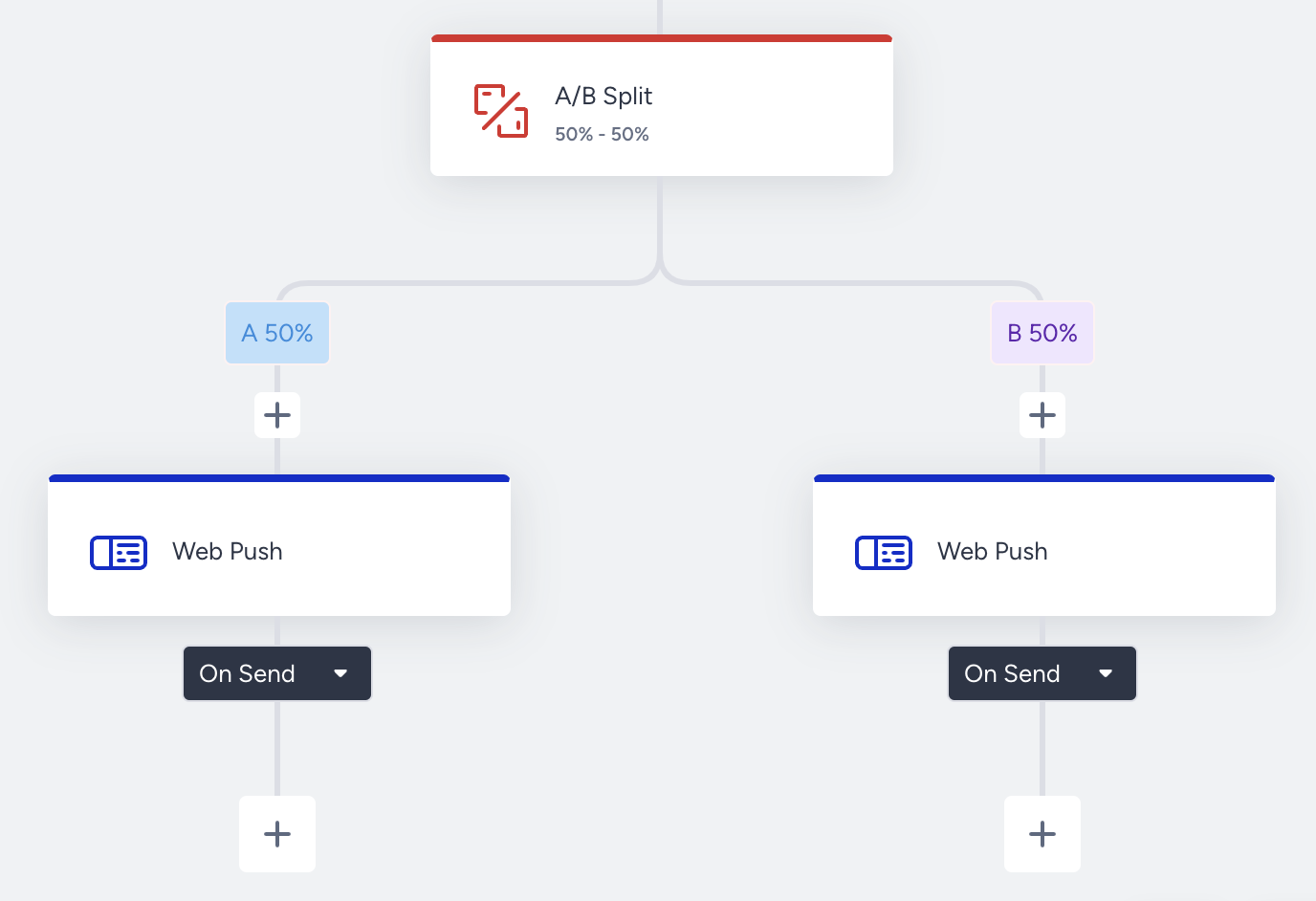
- When you add channels to the A/B Split element and launch your journey, it will automatically divide your audience who arrives at the element into these paths you created in real time.
your title goes here
- The percentage allocation should add up to 100%.
- A/B Split can not be used as the last element of the journey.
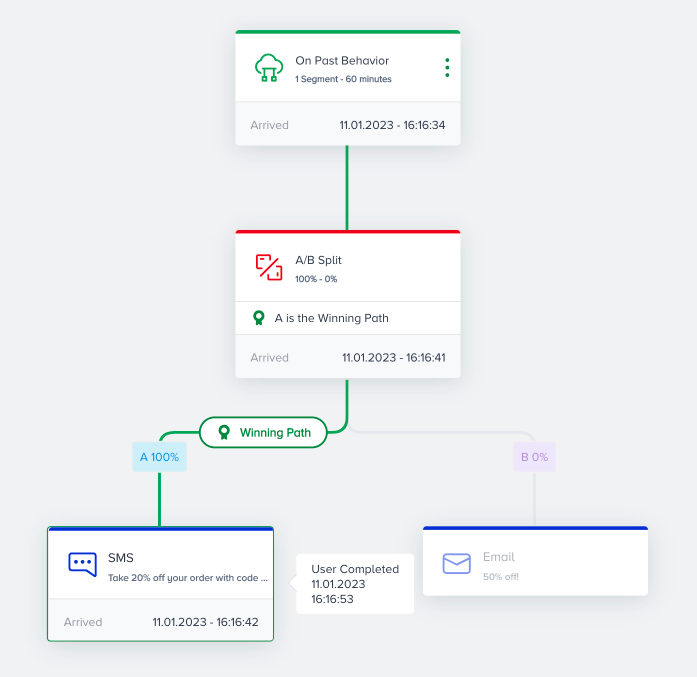
After the winner path is defined, you can see the path highlighted as the winner path on the canvas. Also, the winner path is mentioned on the live stats of the A/B split element.