To decide the best channel option for each user and lead them to this specified channel, you can use the Next Best Channel following the instructions below:
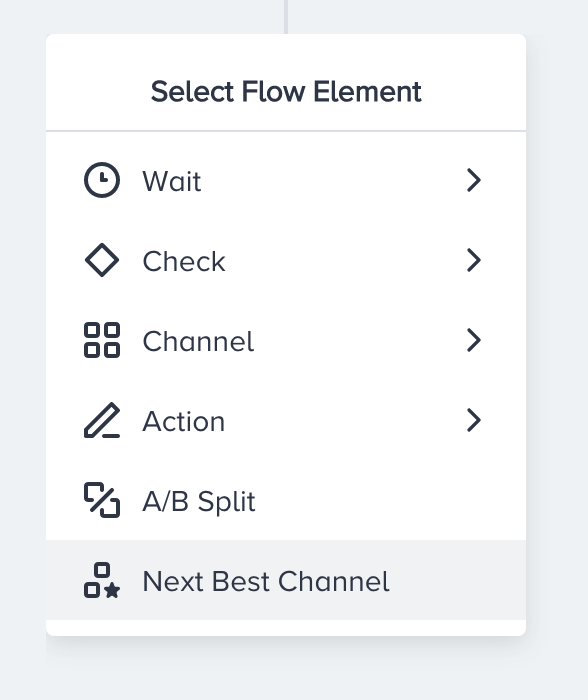
Click the + (plus) button to select Next Best Channel.
Add your desired channelsafter the Next Best Channel.
If you have only two paths after the Next Best Channel, the element automatically saves when you select the channels on the canvas. You don't need to save the Next Best Channel.
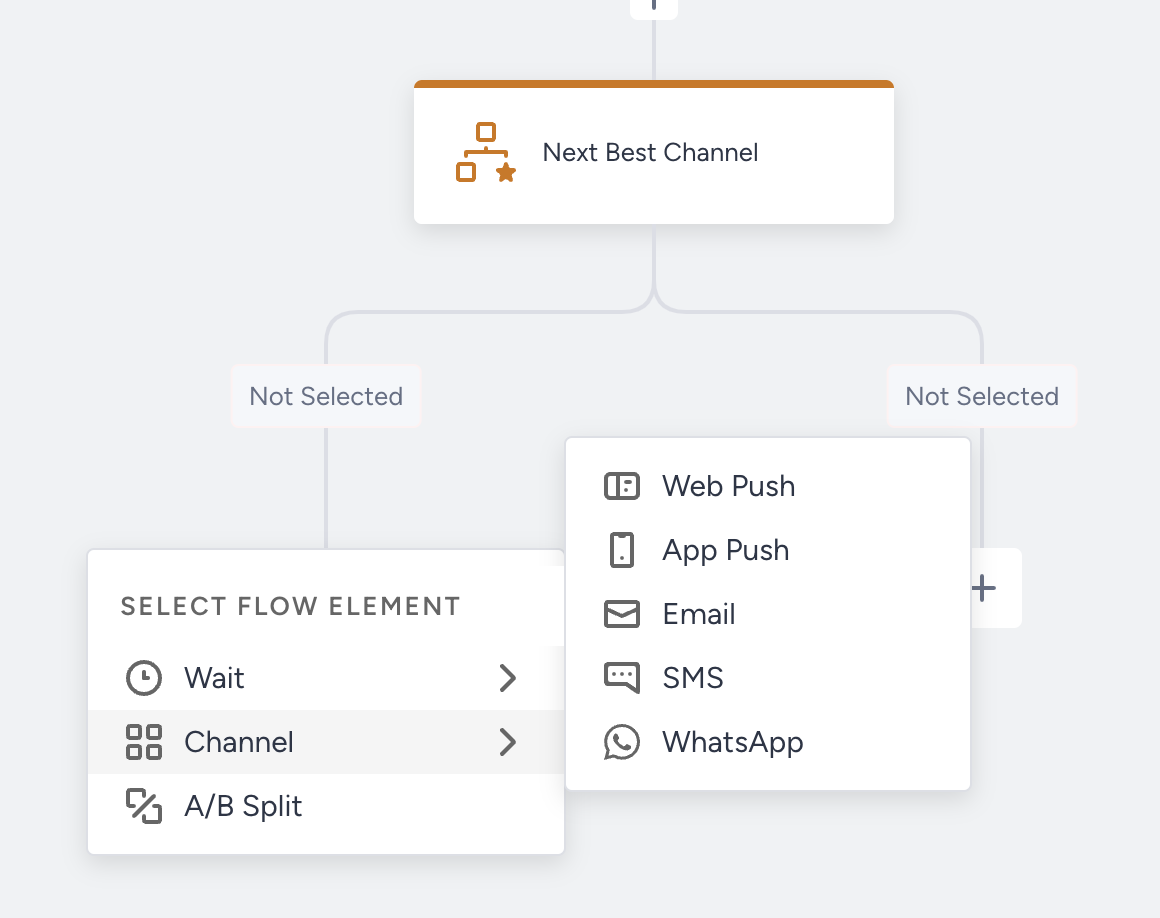
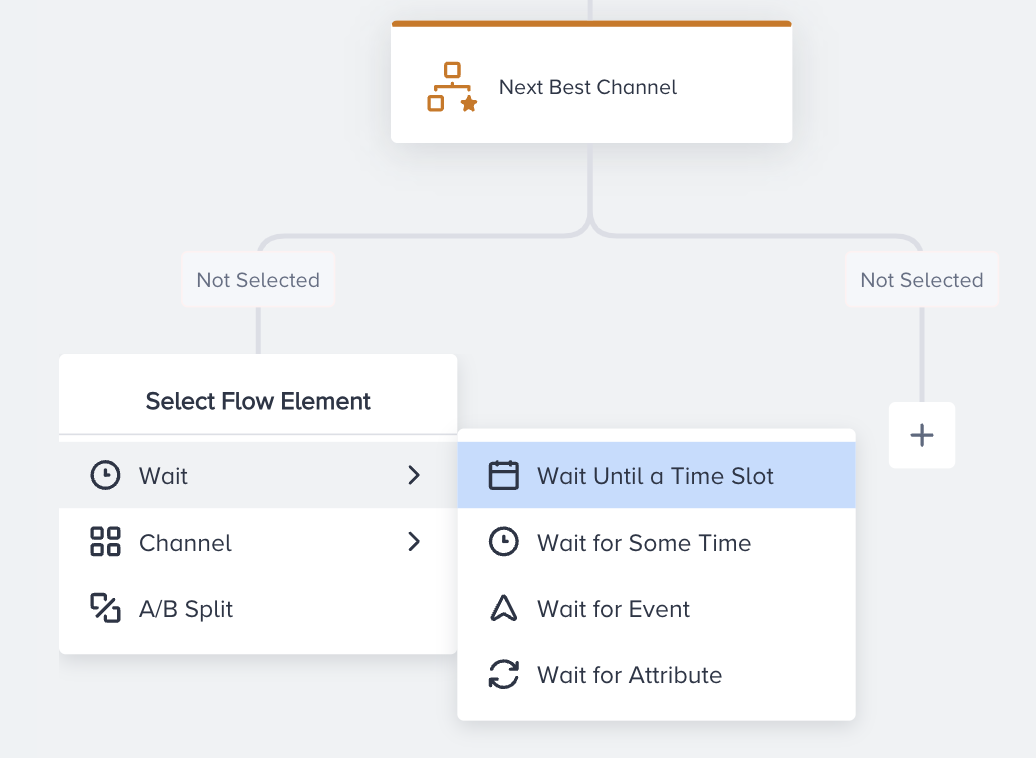
You can add a Wait element or an A/B Split element before the channel element. After Wait or Next Best Channel, you should add a Channel element to continue. The channel type you add to each path of the A/B Split element should be the same.
Click the Next Best Channel element to add more channels and save the element.
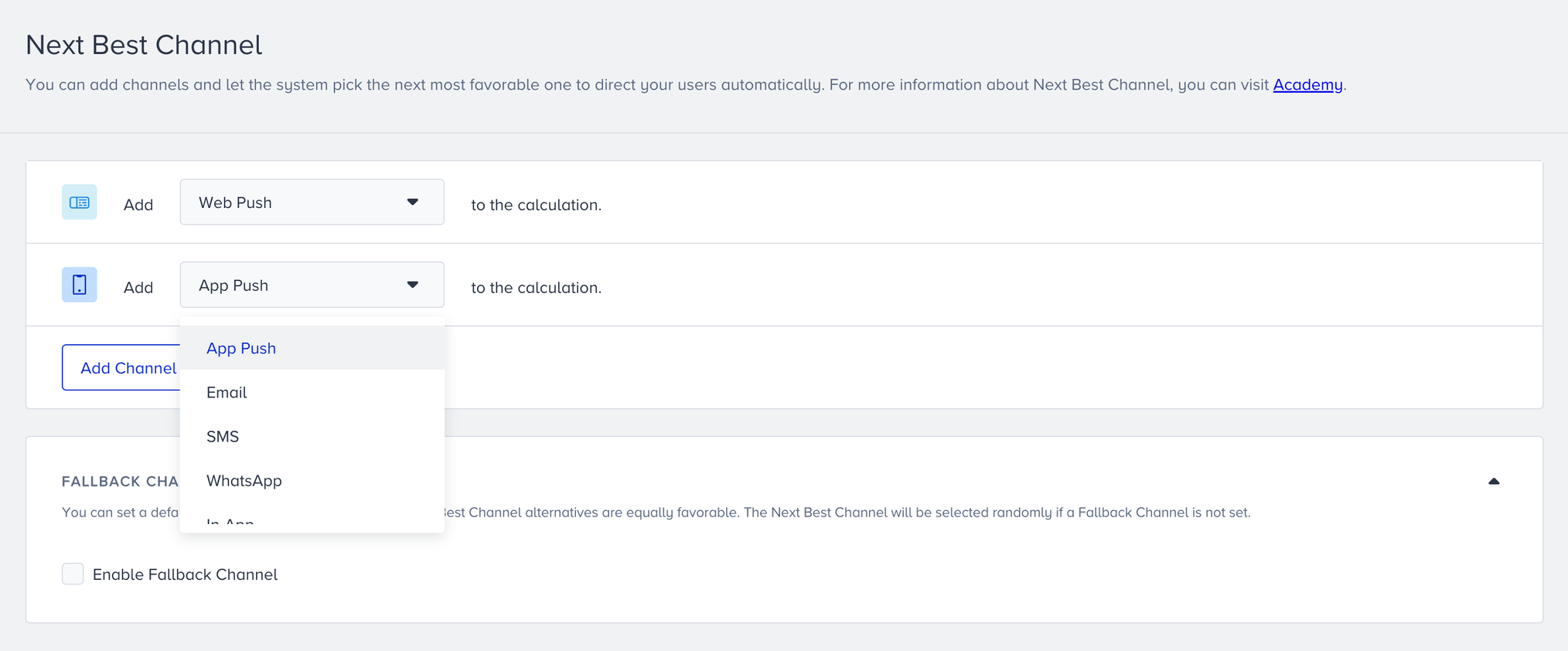
When you select the channel, it will be colored.
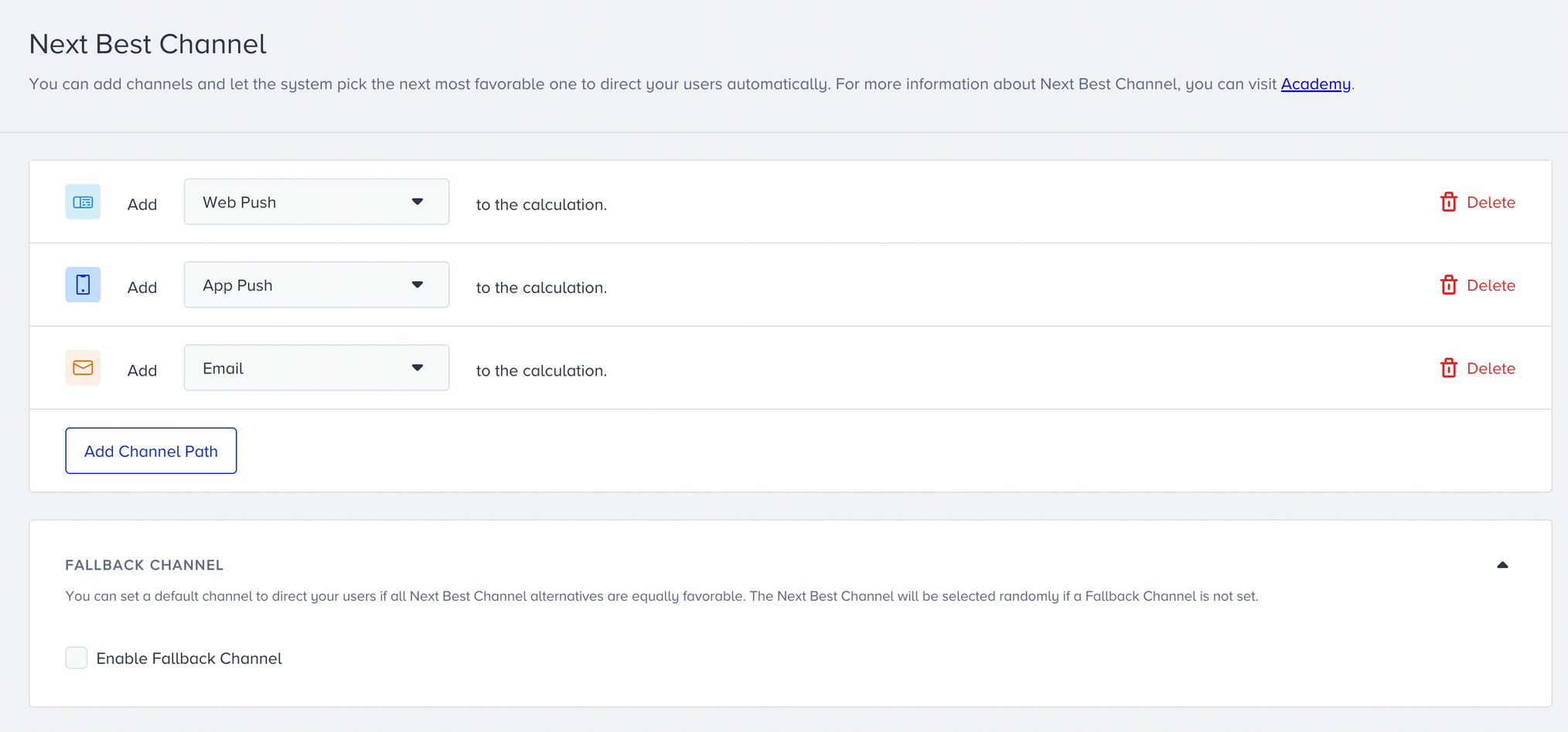
You can also add a fallback value when you check the Enable Fallback Channel box. You can only use the channel selected in Next Best Channel as a fallback. You can use the fallback option when:
There is no behavioral data to predict the user’s next best channel.
All selected channels are predicted to have equal weights, so no channel has an advantage over the others.
When one of these cases happens, the user will follow the selected fallback path.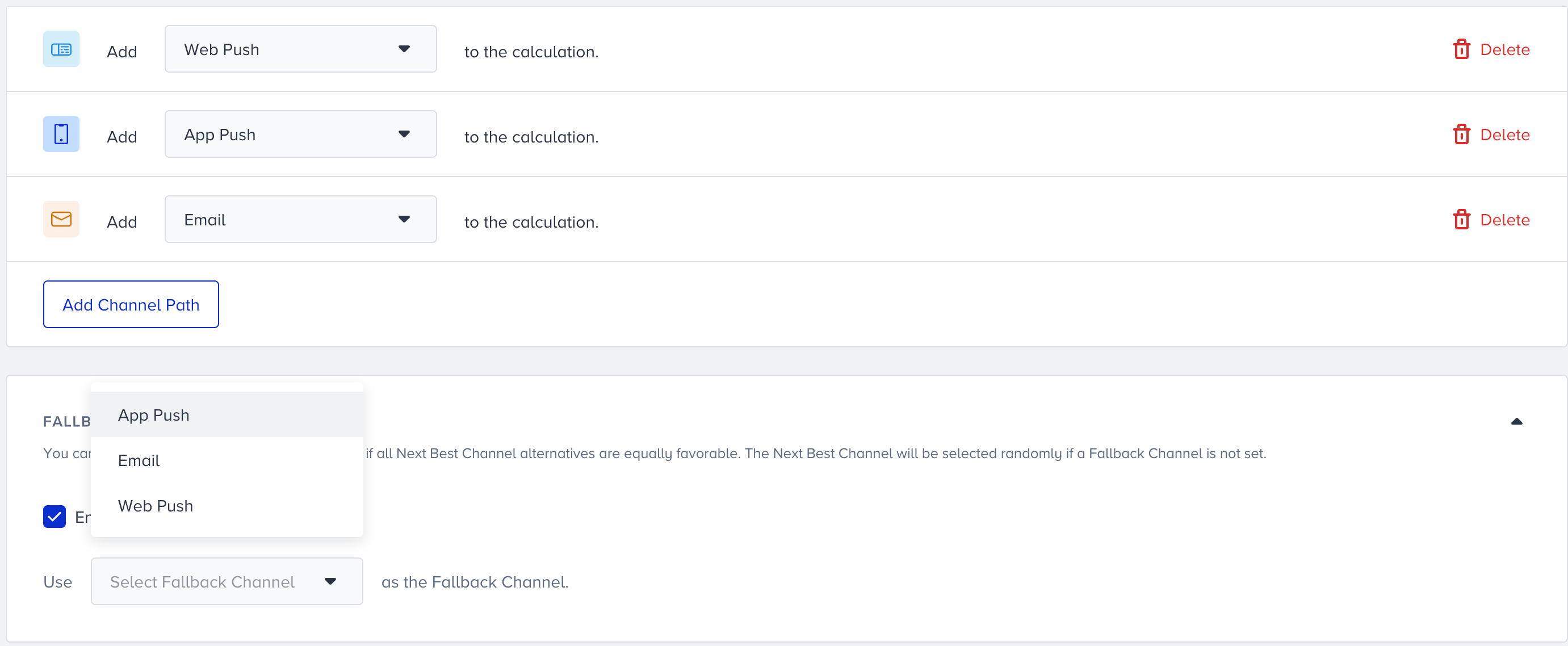
When one of the use cases above happens, the user will follow the selected fallback path.
When you add channels, you can save the Next Best Channel. The channels will appear on the canvas. When you launch your journey, it will automatically calculate the best channel for each user.
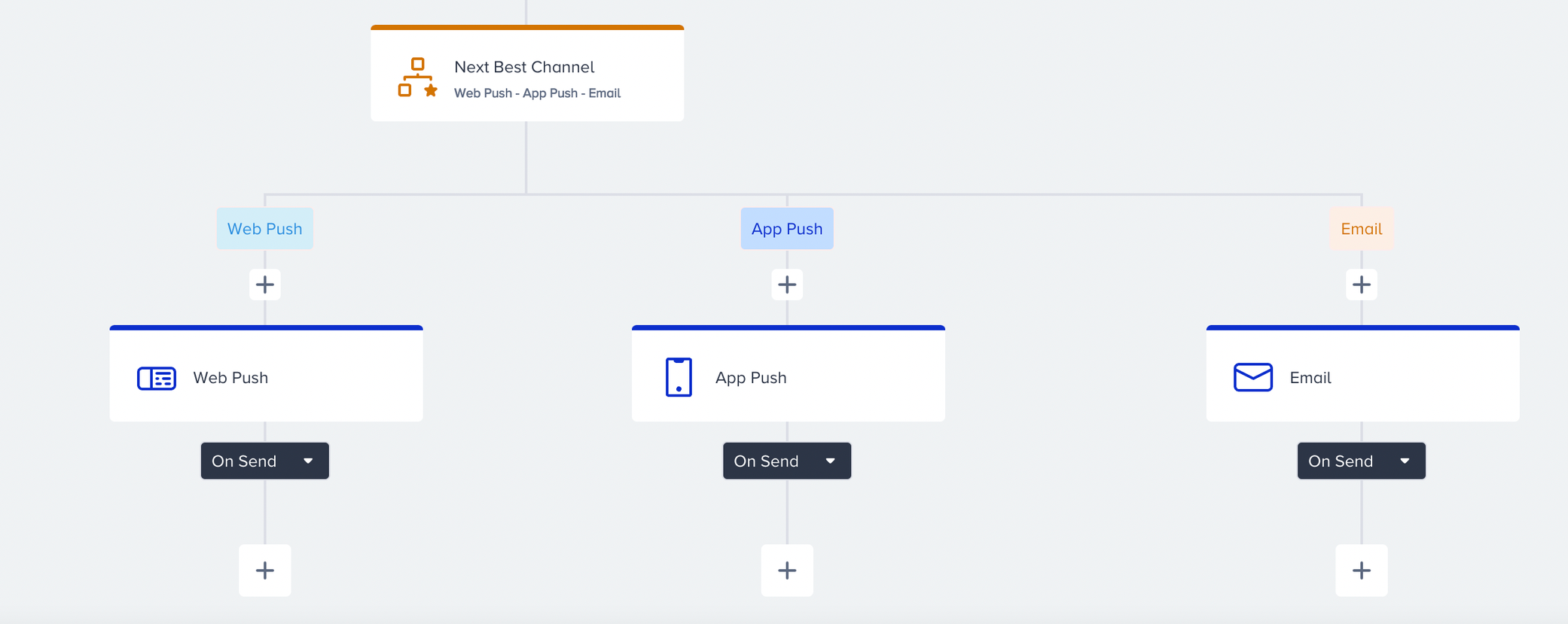
You cannot launch your journey without adding channels for both paths after the Next Best Channel element.
Edit Paths
When you try to change or delete channels in one of the paths for Next Best Channel element, you will see a warning if the elements you are trying to edit are selected as Fallback channel.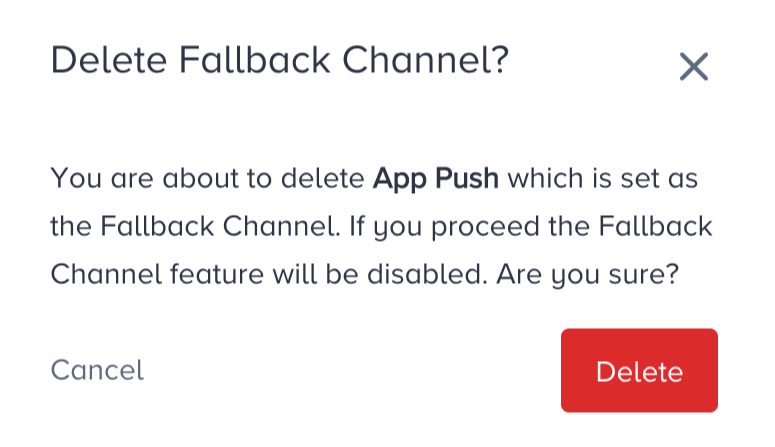
When you try to change the selected fallback channel, you will see another warning screen stating that the same action will be executed.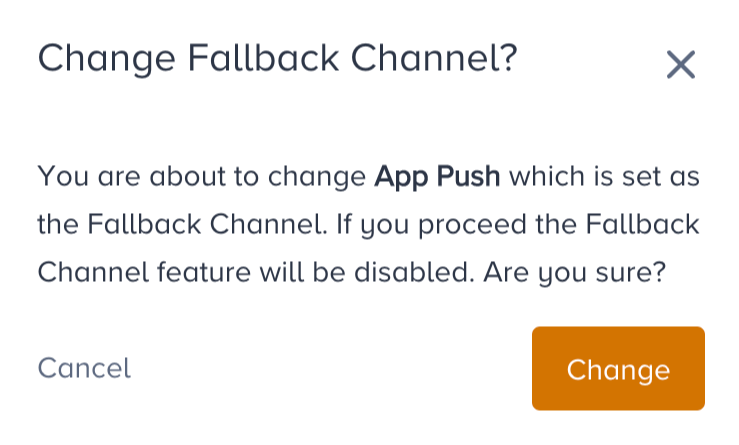
View Live Stats
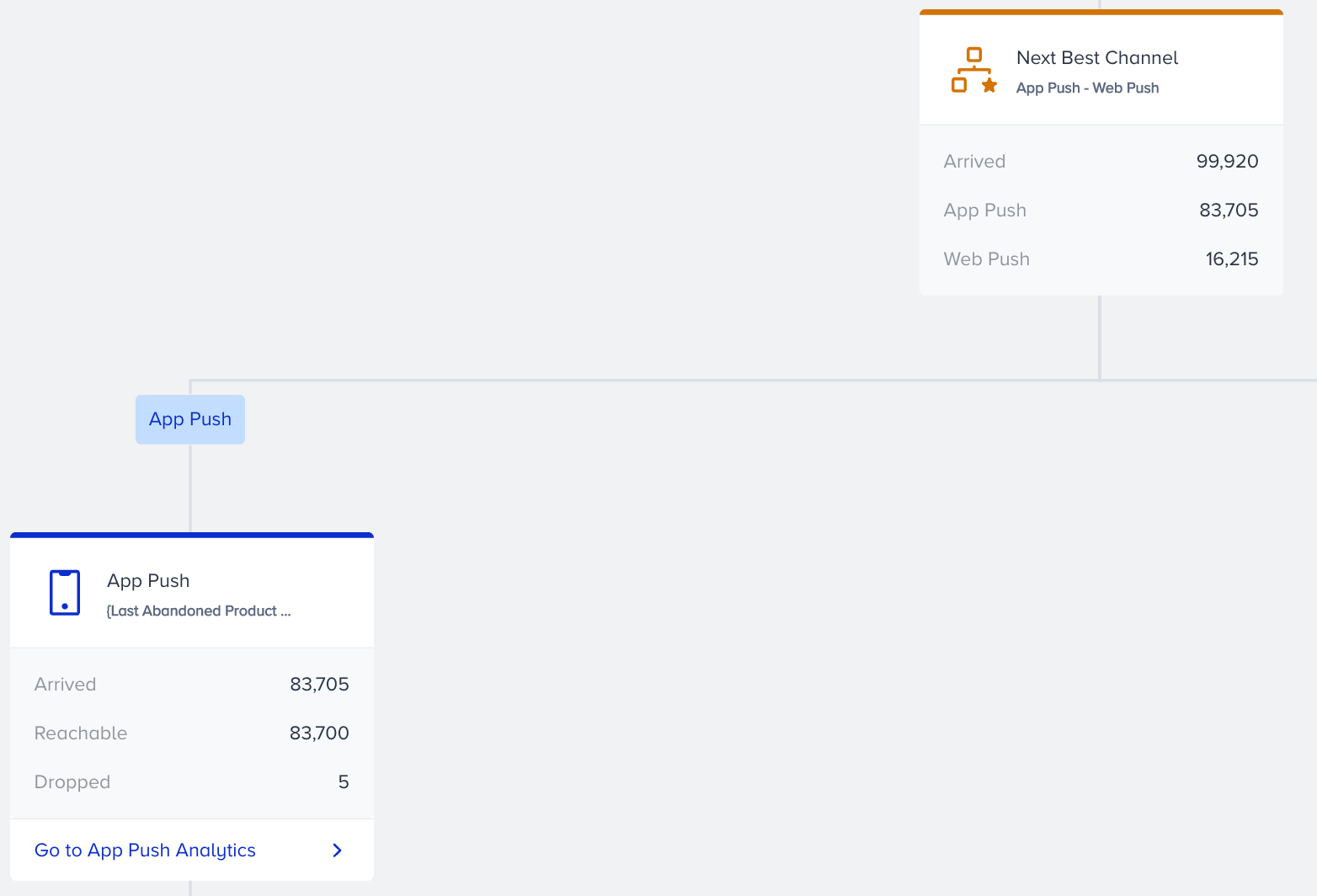
After you launch your journey, live statistics will populate the canvas. On the Next Best Channel element, you will see statistics grouped by selected channels by their names for better readability, and you can analyze how the Next Best Channel directs users to selected channel paths.