Send time optimization enables you to engage your users more effectively and gain their attention when they are most likely to interact with messages, i.e., at the best time to send for each individual user.
You can use send time optimization in the Web Push, App Push, Email, SMS, and WhatsApp channels to decide not just when but where to send.
How does Send Time Optimization work?
Send time optimization considers click activity the most reliable interaction. Only the Architect channels and their click interactions are considered in the calculation.
Actions are grouped by web and mobile, as well as by channel. The system groups the mobile-only channels to create more accurate results.
The following channels are considered for the mobile activity:
App Push
SMS
Whatsapp
The following channels are considered for the web activity:
Email
Web Push
Jake receives SMS and clicks on it between 01.00-02.00. The system writes this interaction both to the SMS channel and the mobile activity for that time bucket. Jake receives an email and clicks on it between 04.00-05.00. The system writes this interaction both to the email channel and the web activity for that time bucket.
The system divides the 24 hours in a day into hourly periods and calculates the best hour for each user based on their most probable click activities. Send Time Optimization calculates the best time for each user to receive messages in different time slots.
Jake receives app push notifications and usually opens them between 01.00-02.00. You create a journey that includes the app push channel with the send time optimization option. Jake will receive your app push between 01.00-02.00 as he usually checks his mobile phone at that time.
Time-optimized messages are sent at the user's best time to contact in a 24-hour range. Users whose best time is not defined yet will receive the message at the time defined in the fallback section.
When send time optimization is enabled, users will wait at the channel step until the best time for the highest conversion potential. This means that users will not proceed to the next element from the channel element until the message is sent at the best time.
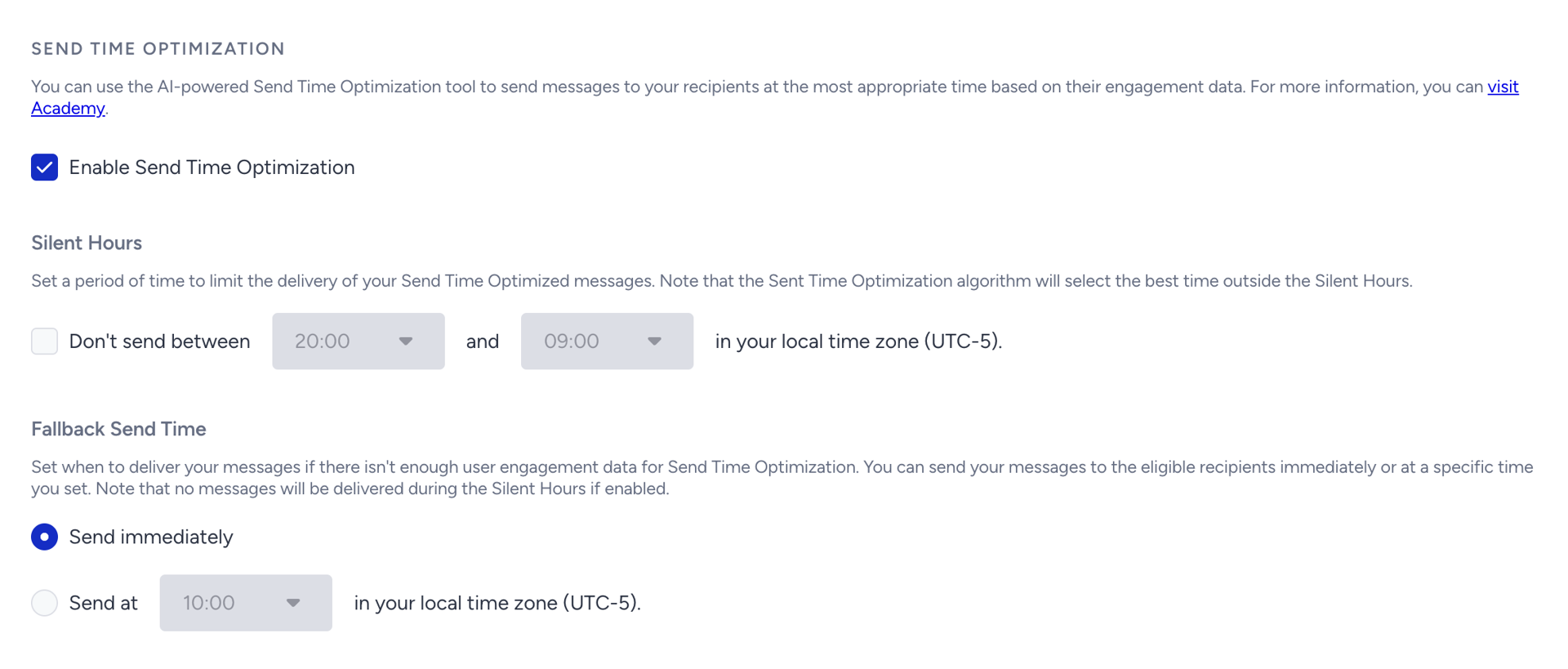
Silent Hours
When you enable the Send Time Optimization, you can also select a Silent Hours range for your users. Although their optimal time falls within the range, your users will not receive any messages during this time. In that case, the system calculates the second-best time for your users and keeps calculating until it finds the best time outside the silent hours range.

Fallback
If there is no engagement data for your users or all of the best times calculated for your users fall within the silent hours range, then the fallback time becomes essential. You can choose one of the following two options:
Send immediately: The message is sent immediately when the user arrives at the element. If any silent hours range is set and the arrival time falls within the silent hours, the message is sent after the silent hours.
Send at: You can set a specific time for your messages to be delivered. If you have set silent hours, then you cannot choose a “send at” time within the silent hours range.

Use send time optimization
This feature applies to Web Push, App Push, Email, SMS, and WhatsApp channels.
It does not function on dry run or test statuses.
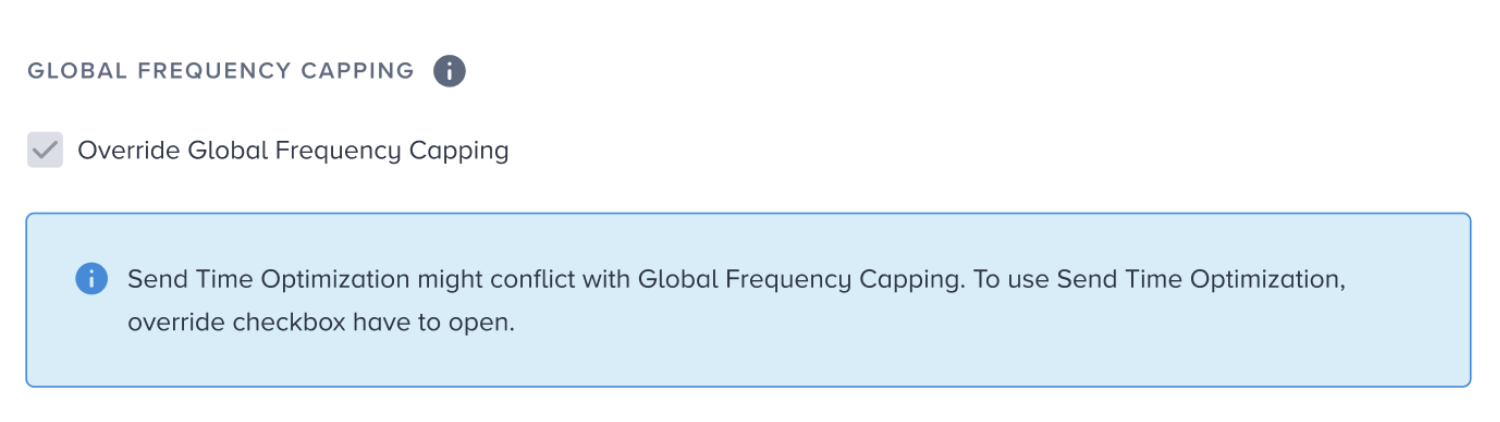
Once you enable send time optimization, it will automatically enable the Override Global Frequency Capping option for the channels.