When creating a custom campaign, rule, or goal, you can call these predefined functions where applicable.
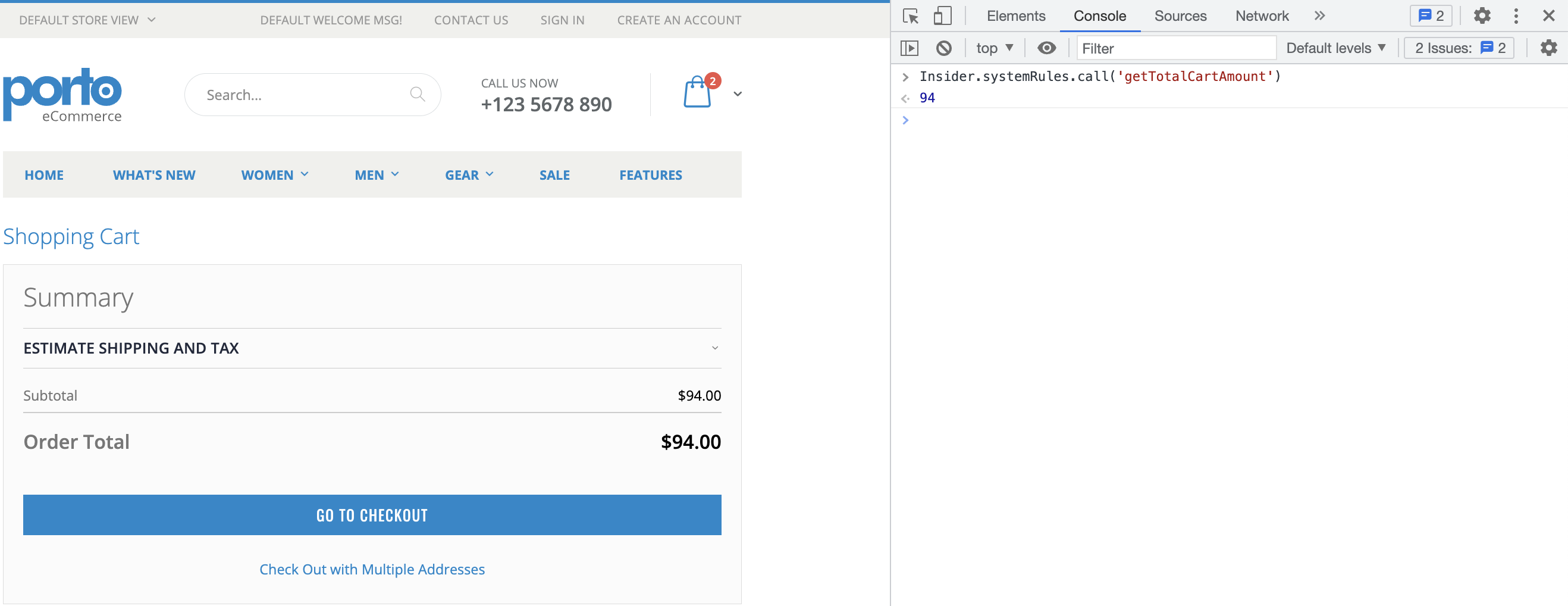
Get the total amount of the cart/basket
The following function returns the total amount of the cart/basket.
Function Call | Returns |
|---|---|
Insider.systemRules.call('getTotalCartAmount') | Float |
Insider.systemRules.call('getTotalCartAmount')For example, the below response returns the total amount of the cart/basket.
Get the language
The following function returns your website's current language.
Function Call | Returns |
|---|---|
Insider.systemRules.call('getLang') | String |
Insider.systemRules.call('getLang')For example, the below response returns the language of your website.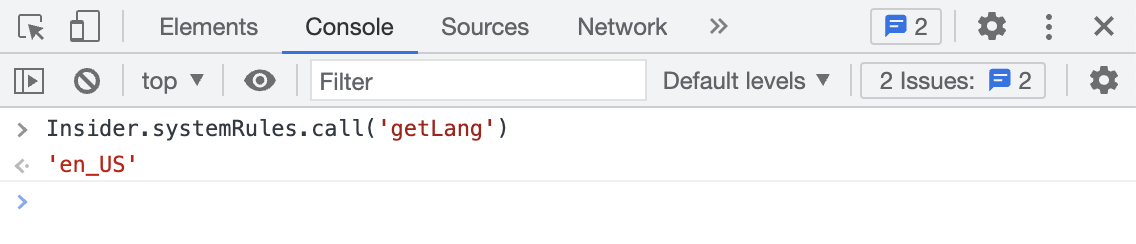
Detect the homepage
The following function detects if the current page is the homepage.
Function Call | Returns |
|---|---|
Insider.systemRules.call('isOnMainPage') | Boolean |
Insider.systemRules.call('isOnMainPage')For example, the response below returns whether the current page is the homepage.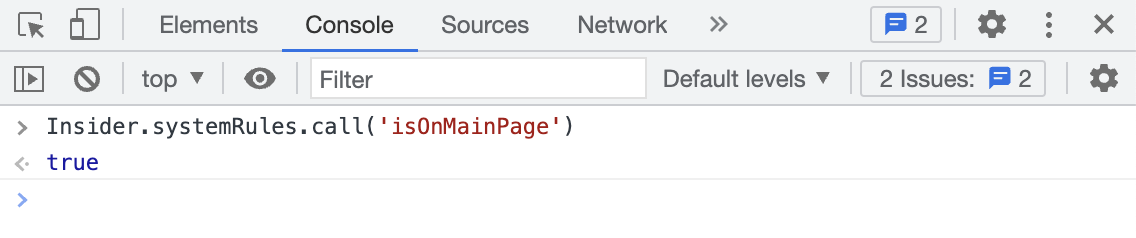
Get the searched keywords
The following function returns the searched keywords.
Function Call | Returns |
|---|---|
Insider.systemRules.call('getSearchKeyWords') | String |
Insider.systemRules.call('getSearchKeyWords')For example, the below response returns the searched keywords on your website.

Get the cart/basket count
The following function returns the number of products in the cart/basket.
Function Call | Returns |
|---|---|
Insider.systemRules.call('getCartCount') | Number |
Insider.systemRules.call('getCartCount')For example, the response below returns the number of products in the cart/basket.

Get the currency
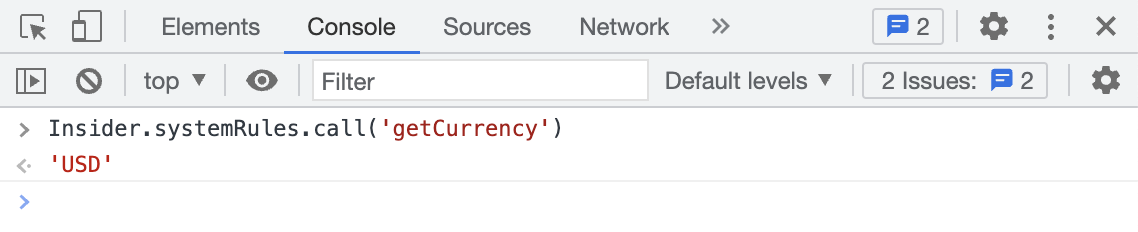
The following function returns the currency of the price(s) on any page of your website.
If you have multiple currencies on your website, the corresponding currency will be displayed when products are displayed in that currency. This function returns the existing currency on the page.
Function Call | Returns |
|---|---|
Insider.systemRules.call('getCurrency') | String |
Insider.systemRules.call('getCurrency')For example, the below response returns the currency of your website's price(s).
Get the login information of the user
The following function returns the information on whether the current user is logged in.
Function Call | Returns |
|---|---|
Insider.systemRules.call('isUserLoggedIn') | Boolean |
Insider.systemRules.call('isUserLoggedIn')For example, the response below returns false because the current user has not logged in to your website. Otherwise, it returns true.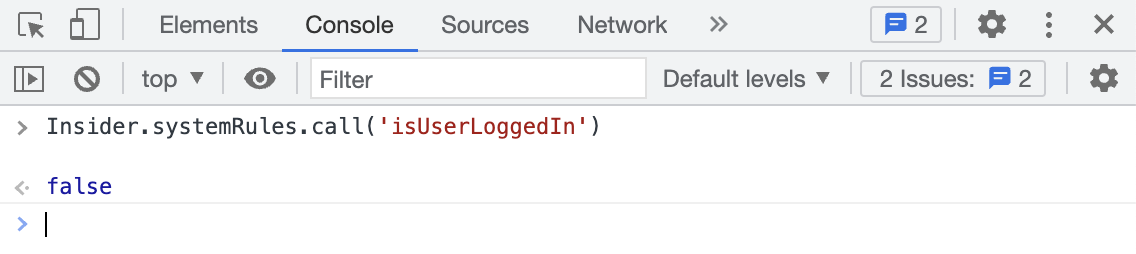
Get the registration information of the user
The following function returns the information on whether the current user registered successfully.
Function Call | Returns |
|---|---|
Insider.systemRules.call('isOnRegSuccessPage') | Boolean |
Insider.systemRules.call('isOnRegSuccessPage')For example, the response below returns false since the current user did not register successfully on your website. Otherwise, it returns true.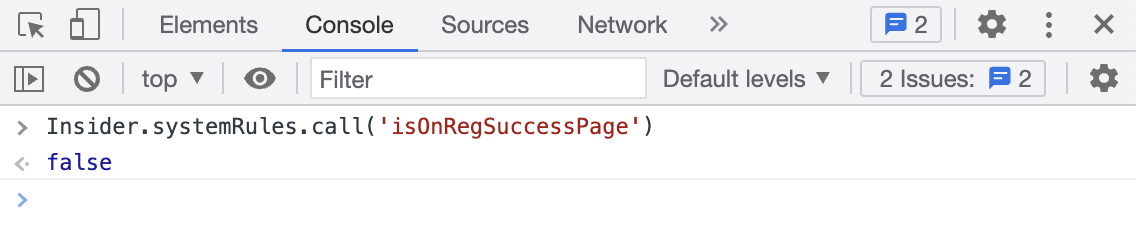
Detect the coupon page
The following function detects whether the current page is the coupon page.
Function Call | Returns |
|---|---|
Insider.systemRules.call('isOnCouponPage') | Boolean |
Insider.systemRules.call('isOnCouponPage')For example, the response below returns false since the current page is not the coupon page. Otherwise, it returns true.
Get the coupon button usage
This function returns the coupon inputs.
Function Call | Returns |
|---|---|
Insider.systemRules.call('useCouponButton') | Object |
Insider.systemRules.call('useCouponButton')For example, the below response returns the coupon button usage details.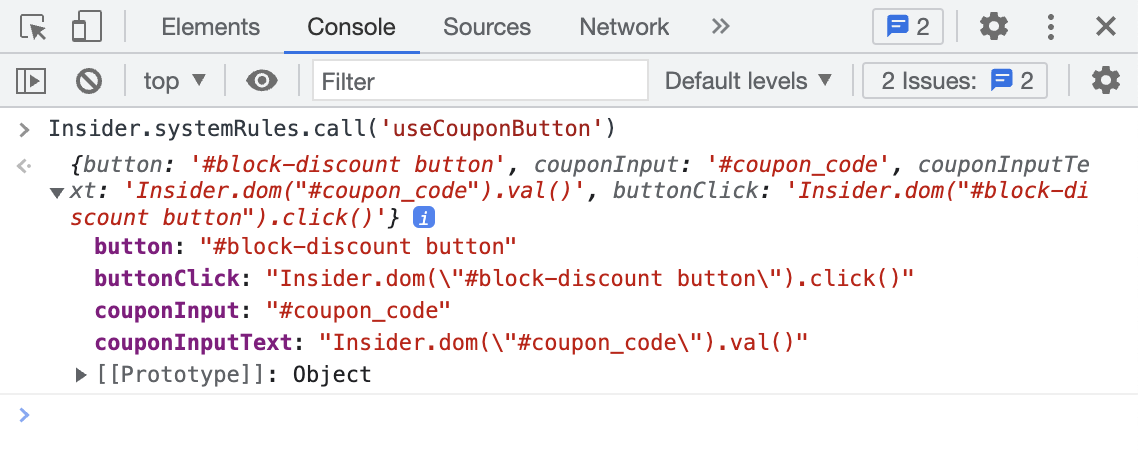
Get the coupon application information
The following function returns the information on whether the coupon is applied.
Function Call | Returns |
|---|---|
Insider.systemRules.call('isCouponCodeApplied') | Boolean |
Insider.systemRules.call('isCouponCodeApplied')For example, the response below returns true since the coupon code has been applied. Otherwise, it returns false.