Insider One Help Center's AI-powered assistant aims to answer quick questions about campaigns, reporting, general inquiries, and basic troubleshooting.
While you can use the pre-defined categories to narrow down the scope of your question, you can also directly submit your questions to the chatbot.
Start a chat
To reach the AI assistant:
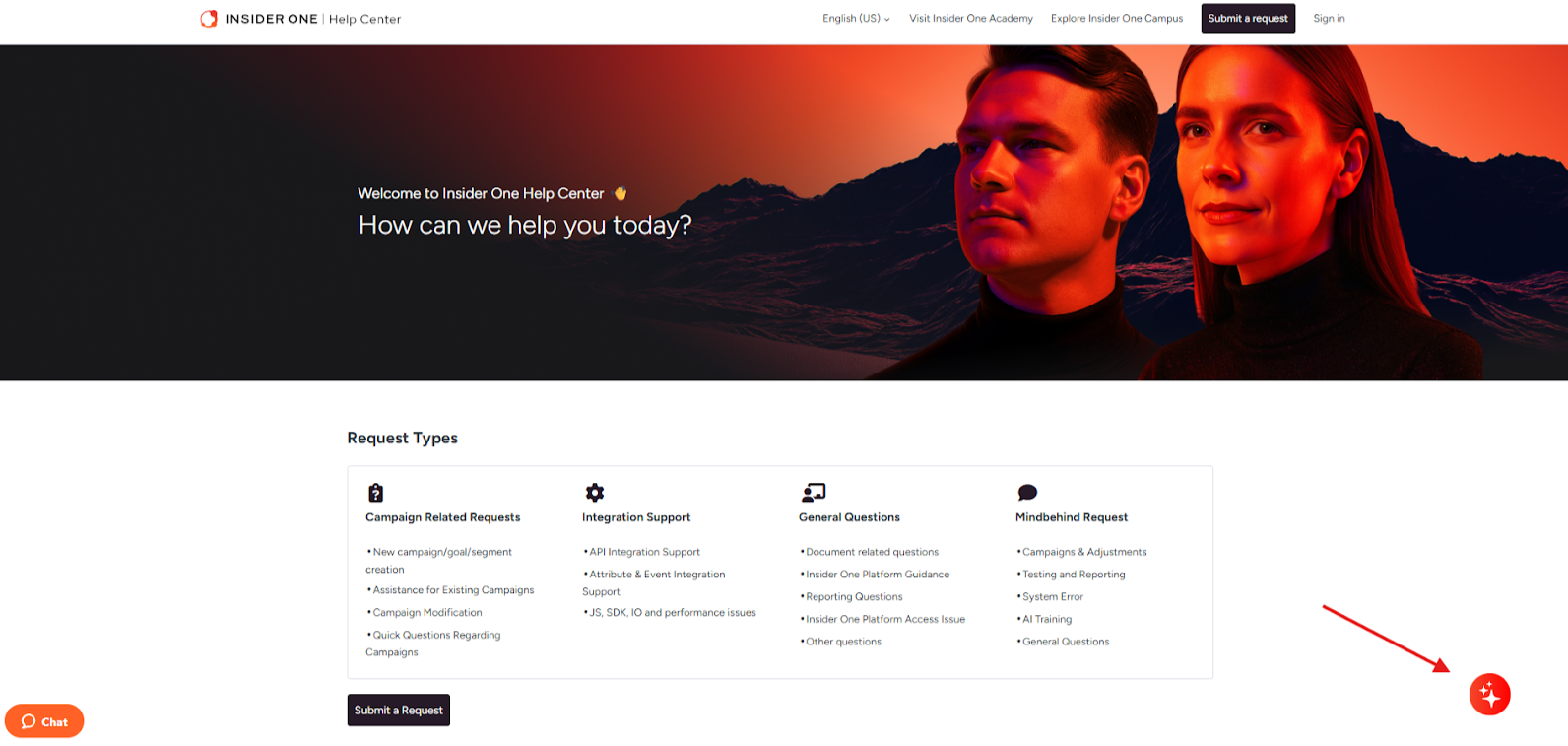
1. Go to the Insider One Help Center and click the assistant widget in the bottom right corner.
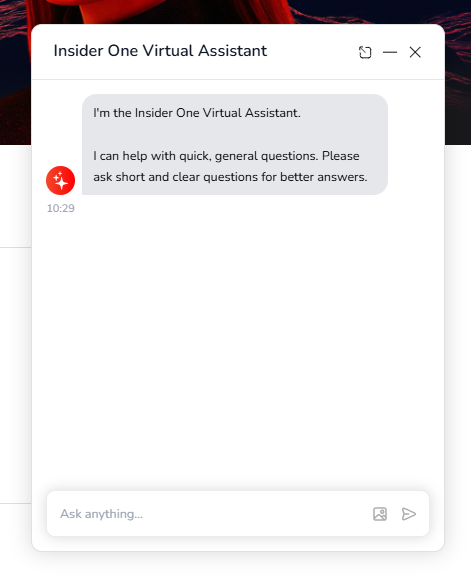
The assistant will prompt a welcoming message.
2. Enter your query and wait for an AI-generated response.
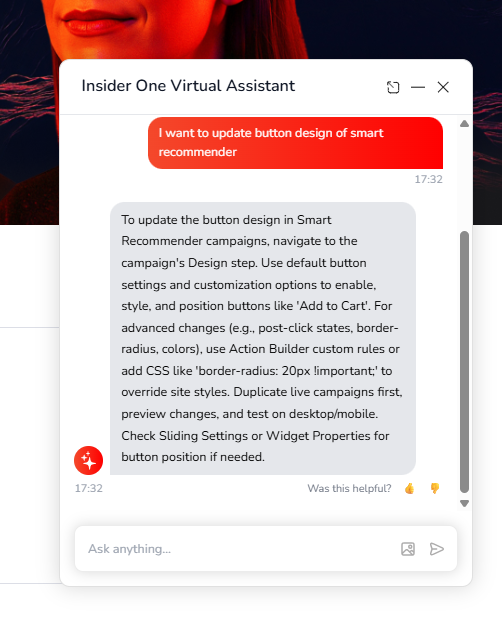
Once you get an answer, you can click the 👍 (Yes) or 👎 (No) options on the "Was this helpful?" question to let the bot know if you could find the answer you are looking for.
Prompt examples
The AI assistant is designed to help you with quick and general questions. That's why it is crucial to submit precise and short queries for better-quality answers. Below are some prompt examples.
I have a social proof campaign, but it is not visible when I test it.
I'm sending a test email, but I'm not receiving it. What could be the reason?
Can we change the email design for dark mode?
I want to create my email designs in HTML. How can I do this?
The Insider tag is not initialized. What could be the reason for that?