Dynamic Sender Address allows you to send emails from an email address that is dynamically created based on the user attributes found in Insider One’s Unified Customer Database. You can use this feature to send personalized emails and increase the engagement of your email campaigns, especially in B2B.
The Dynamic Sender Address feature is released in beta. If you want to participate in the beta testing and get an early access, you need to create a support ticket. This feature is available for promotional bulk emails and Architect emails.
How does the dynamic sender address work?
Dynamic Sender Address works with a unique email address for each user. This email address is used to send out the emails. When a user receives an email from a dynamic sender address, they will see an address relevant to them.
For example, if you send a regional email to recipients based on their {{country}} attribute, your recipients in Spain will receive it from spain@yourdomain.com, and those who are in France will receive it from france@yourdomain.com.
You also need to specify a fallback for the dynamic sender address to send email to the recipients that do not have the {{country}} attribute. Your dynamic sender will look like {{country|worldwide}}@yourdomain.com where “country” is the dynamic content (a user attribute) and “worldwide” is the static fallback value.
Use Dynamic Sender Address
To use Dynamic Sender Address, you will need to:
Create a dynamic sender address in Sender Management
Select a dynamic sender address in your email campaigns
Create a dynamic sender address in Sender Management
Navigate to Components > Domain and Sender Management.
If you do not have any added domains, add the sender domain. Once you have your domain added, you can add your sender addresses under this domain.
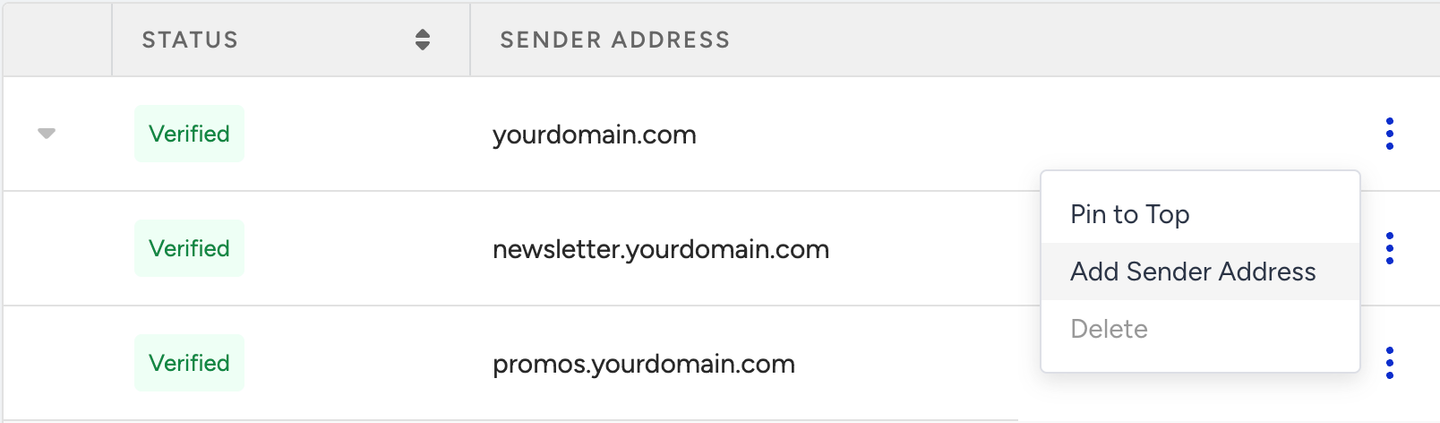
Click the three-dot menu > Add Sender Address.
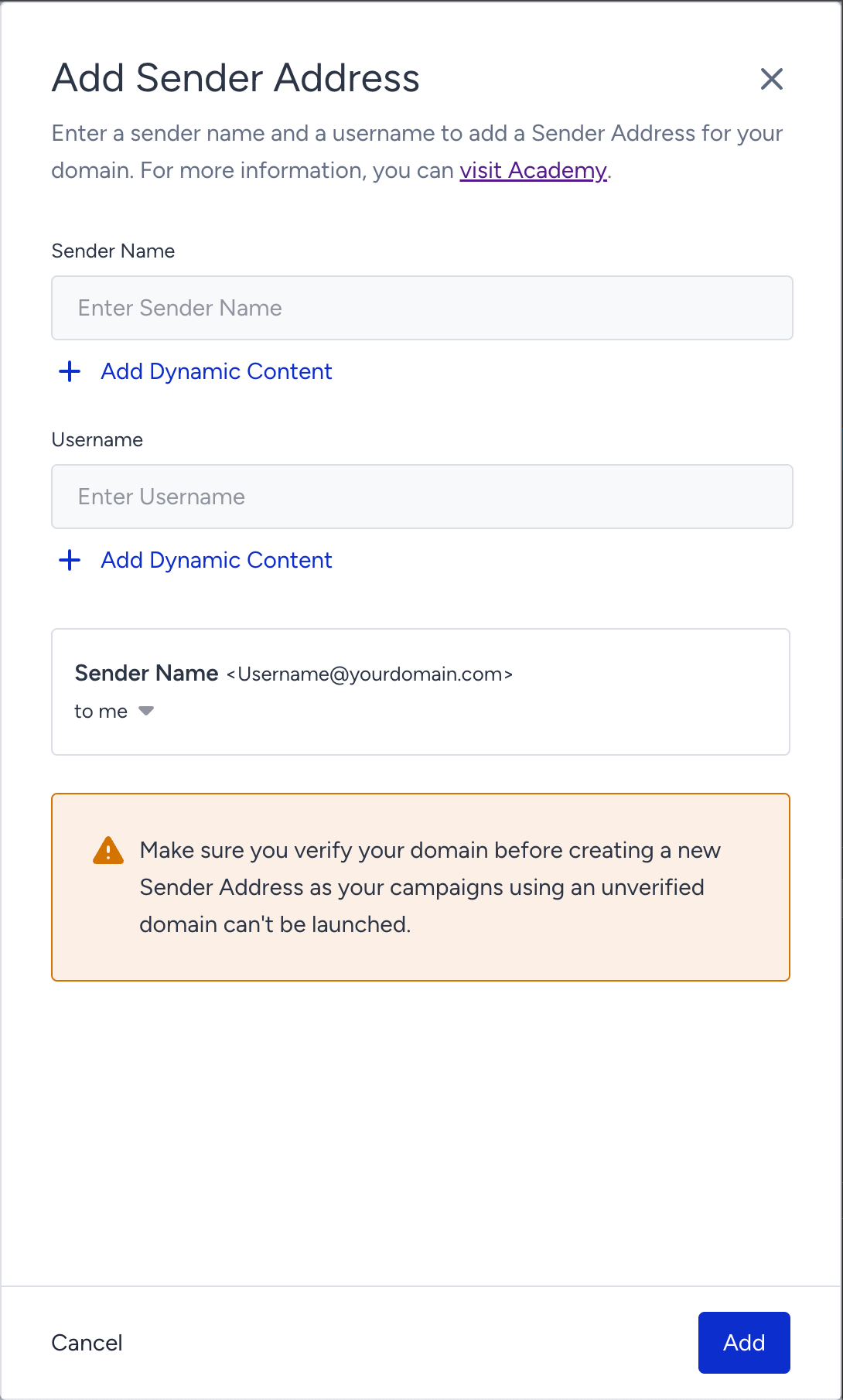
In the side modal, you need to specify the Sender Name and Username.
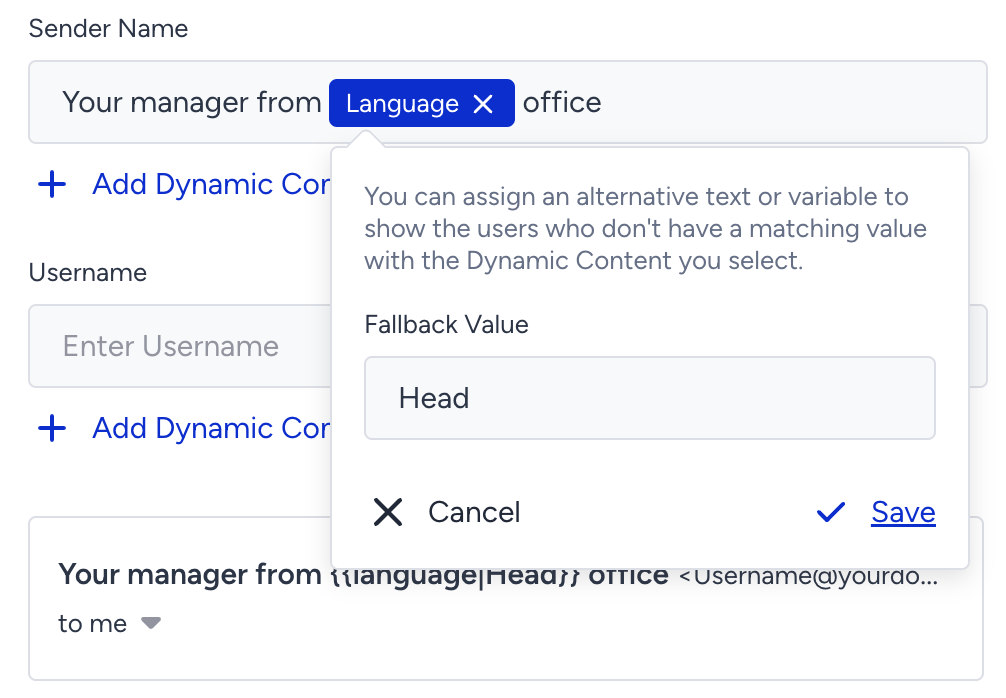
As a sender name, you can add a static text, dynamic content, or a combination of both.
As a username, you can add static text or dynamic content. You cannot combine both of them.
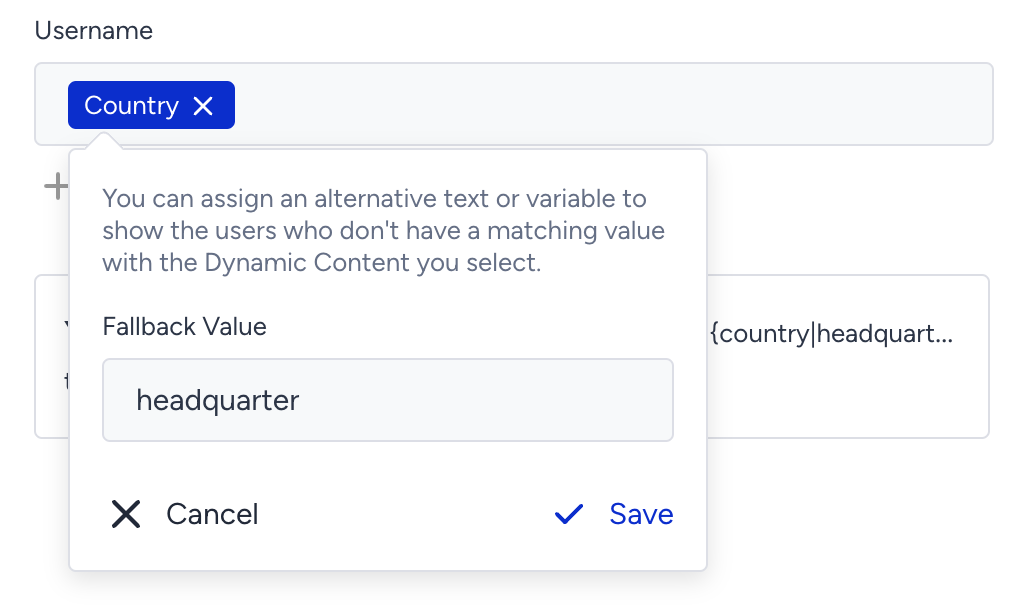
Add fallbacks to all dynamic content elements, as you may get an error when trying to save the dynamic sender without any fallback value.
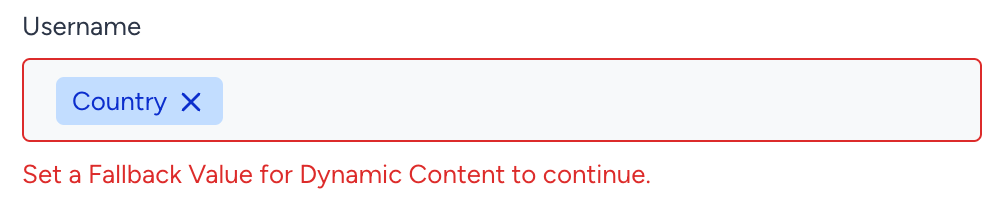
Make sure your sender address consists of only characters allowed in email addresses; otherwise, it won’t be valid to send out emails.

Creating a sender address requires having either an editor or administrator user role. If you don’t have one, you will receive a red toaster notification indicating an authorization issue.
.png)
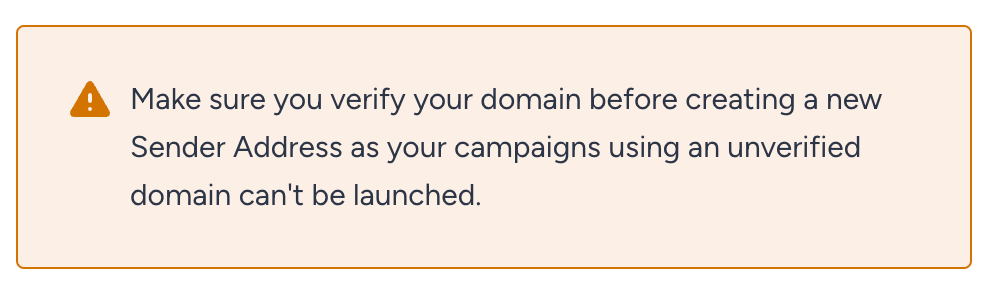
Make sure your sender domain is verified; otherwise, you will not be able to launch a campaign from an unverified sender domain.
Select a dynamic sender address in your email campaigns
On the Design step of your email campaign, select your dynamic sender address in the From or/and Reply-To fields and launch the campaign.
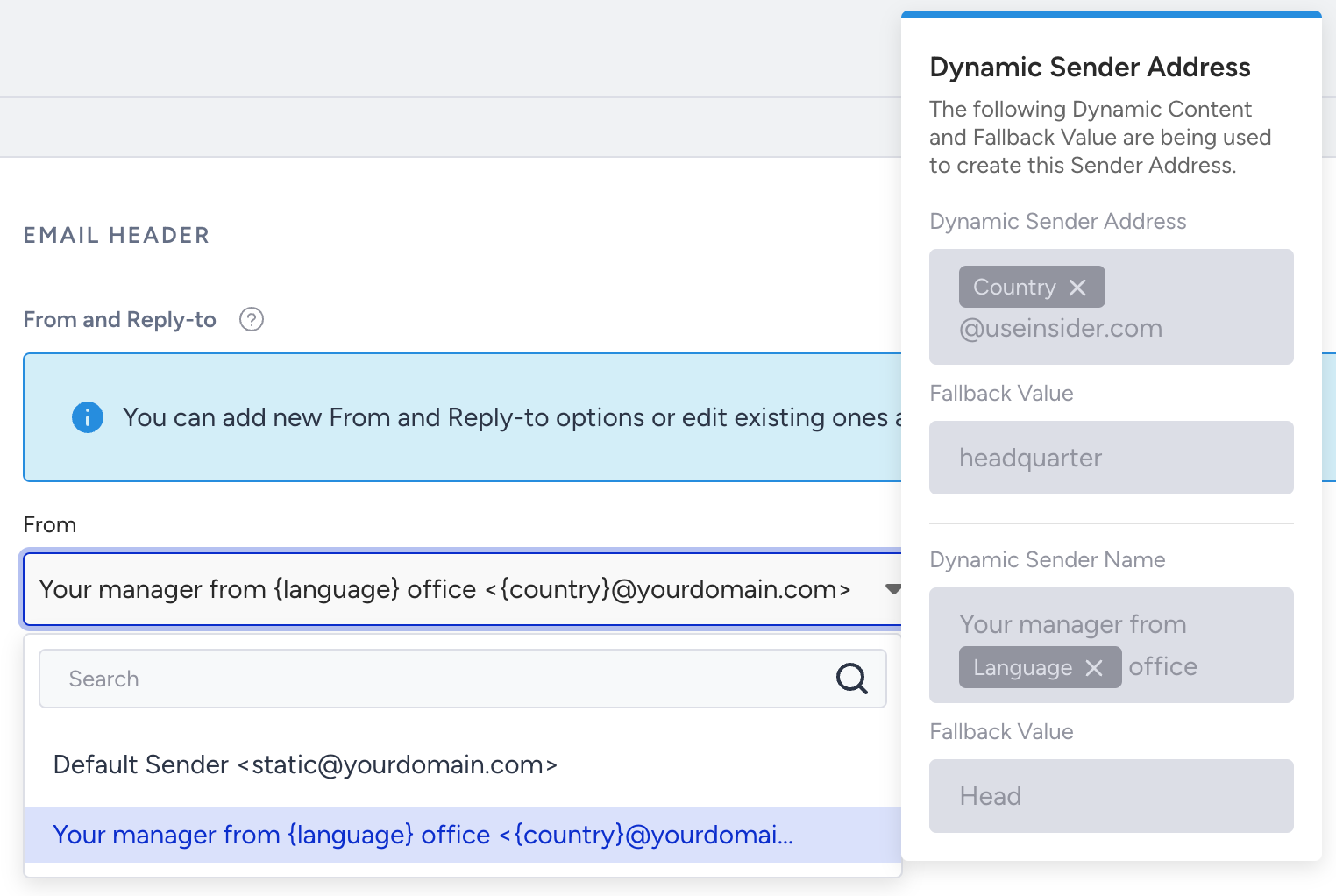
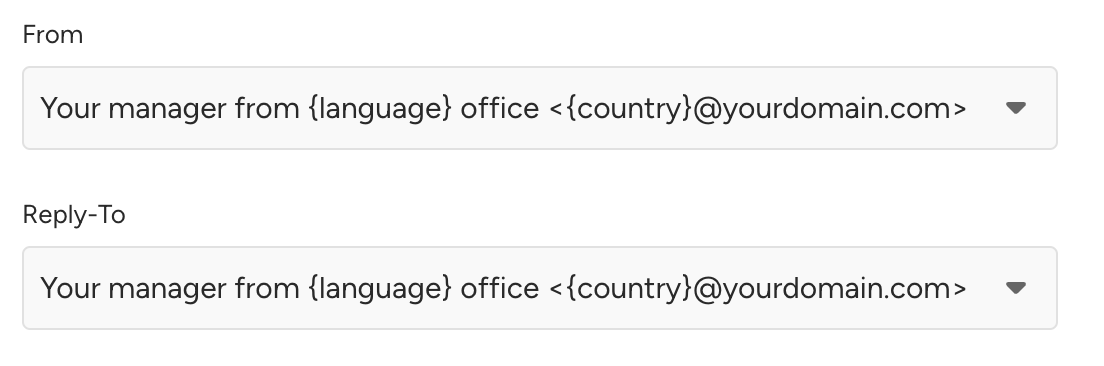
Your recipients will receive the email with a dynamic sender address where the dynamic content is retrieved from Insider One’s database. If no dynamic content is available, the email will be sent with the fallback value in the sender address.
Benefits of using a dynamic sender address
Dynamic Sender Address is a powerful tool you can use to improve the personalization, deliverability, and tracking of your email campaigns, and to reach out to your users more effectively. Below are several benefits of using Dynamic Sender Address:
Increased personalization: Sending emails from a relevant email address increases the likelihood that users will open and read them.
Improved deliverability: Emails sent from dynamic sender addresses are more likely to be delivered to the user's inbox. This is because dynamic sender addresses are less likely to be flagged as spam.
Better engagement: You can use dynamic sender addresses to improve the performance of your email campaigns. You can track the open rates and click-through rates of emails sent from different dynamic sender addresses to learn more about your users and how they interact with your emails.