This guide aims to explain how to activate your account. You can follow the steps below to activate your account:
- You will receive an email from the platform asking for your email verification.
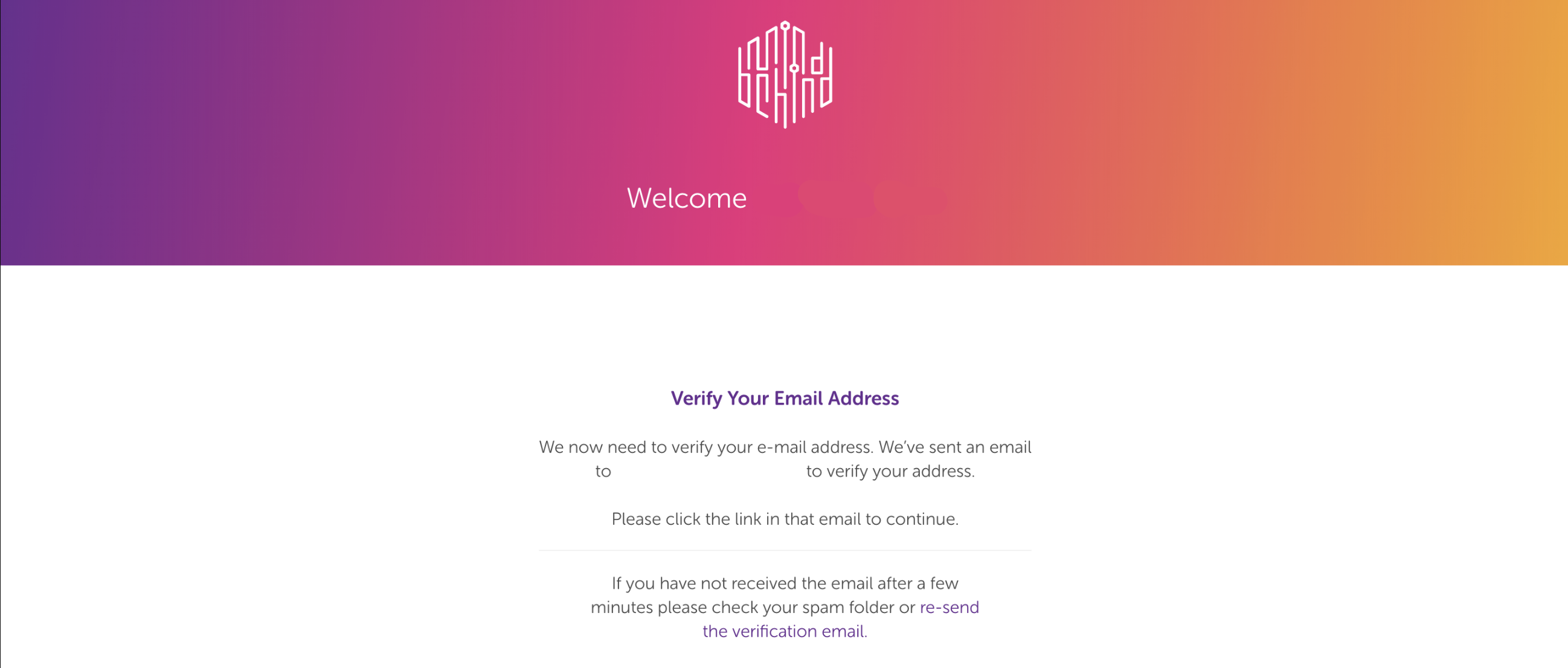
- Click the Verify Your Email Address button and activate your account. The button will take you directly to the MindBehind Platform.
If you have not received the email after a few minutes, check your spam folder or resend the verification email. If you still have not received the email within 10 minutes, do not hesitate to contact the Insider One team.