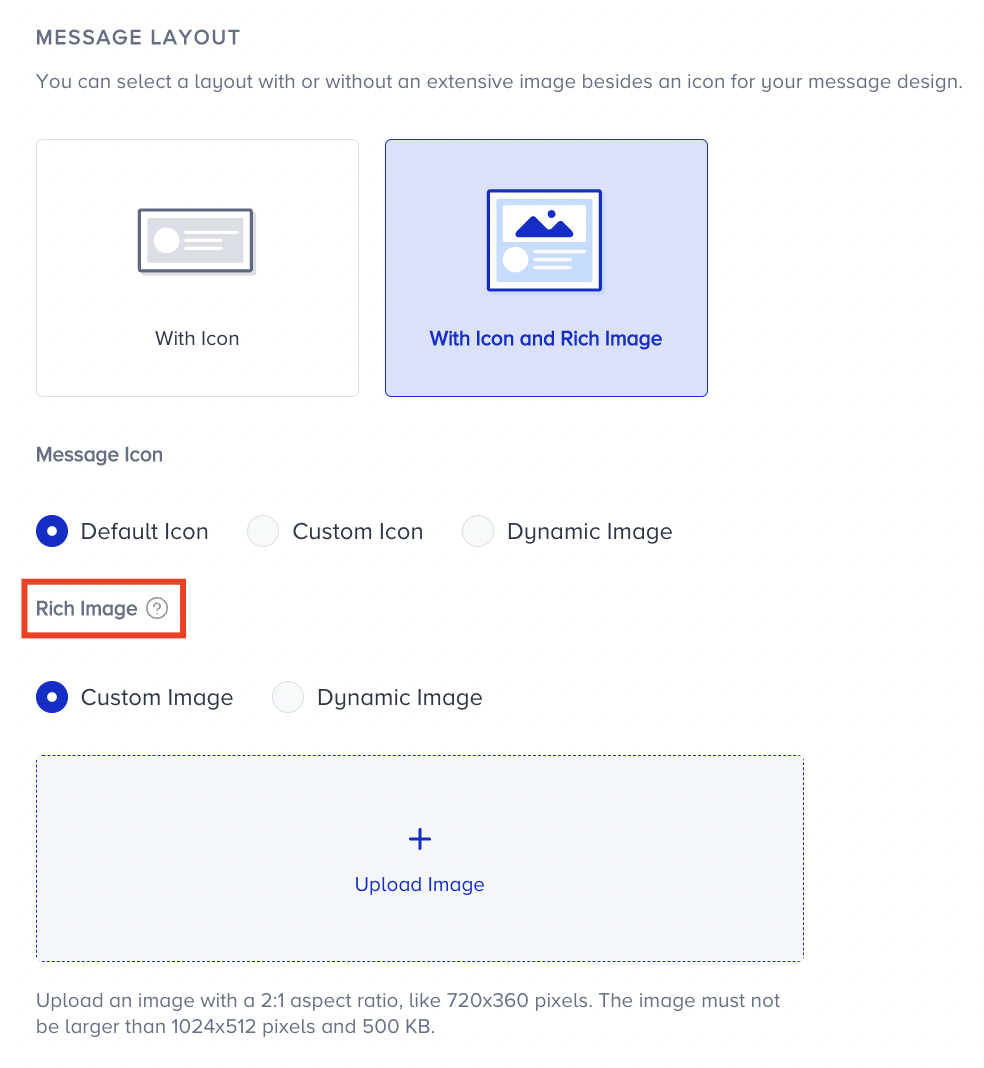
When you select a layout with the rich message option, you can enhance your Web Push notification by adding a large image below the message description. This provides a more engaging visual experience for your users.
You have two options for adding a rich image:
Upload a static image from your device
Provide a dynamic image URL (e.g., product-related visuals)
Dynamic Image with Fallback
If you use a dynamic image URL, it's essential to define a fallback image. This ensures your Web Push notification still displays correctly if the dynamic image value is missing or fails to load.
The image URL must begin with https://. Browsers block non-secure (http) image sources in Web Push notifications.
.png)
Image Requirements
To ensure proper rendering across devices and browsers:
Recommended size is 720 × 360 pixels (2:1 aspect ratio)
Maximum size is 1024 × 512 pixels
File size limit is less than 500 KB
If the dynamic image fails to load, the fallback image will be used automatically.
Firefox on Windows 11 doesn’t support Rich Push.