Navigating a cluttered website can be frustrating, and for many users, it results in missed opportunities. Insider One’s Web Templates are designed to address this challenge by enhancing site navigation and improving the overall user experience. These templates enable you to add shortcuts and targeted links to guide visitors through key sections of your site and drive meaningful engagement.
You can also refer to the video below to learn how to increase engagement more effectively by using Web Templates:
If this video does not load in your region, you can watch it on our YouTube Channel.
Hamburger Menu
The Hamburger Menu template provides shortcuts to specific pages, making it easy for users to navigate your website. It simplifies the user's navigation experience.
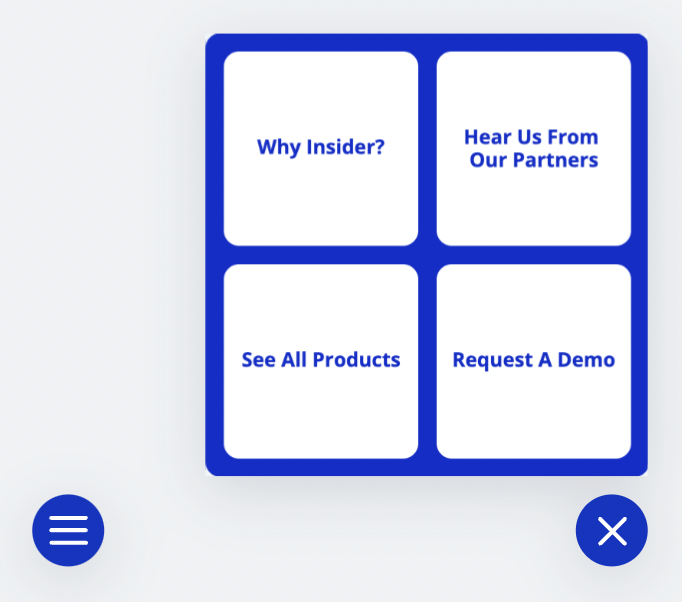
Using the Hamburger Menu in your campaigns helps you provide a better shopping experience with:
Easier and quicker navigation to specific pages.
A streamlined screen layout and all navigation options that become visible only after a click.
A compact screen that grabs users' attention with the content.
Sticky Menu
The Sticky Menu template enables users to access different pages on your website more quickly and conveniently.
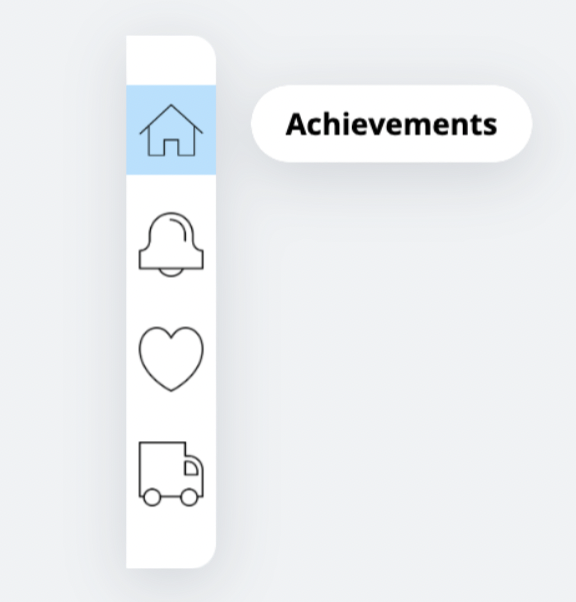
Thanks to the Sticky Menu template in your campaigns, you can:
Ease and fasten the navigation to specific pages.
Grab users' attention with the content by providing a compact screen.
Top Searches
The Top Searches template enables visitors to quickly discover products and categories that may be relevant to them.

The Top Searches template in your campaigns helps you:
Enable the user to find what they are looking for easily and quickly.
Provide product recommendations regarding best sellers, recommendations for you, popular products, trending ones, new releases, etc.
Identify customer segments for targeted marketing based on any criteria.
Back to Top Button
The Back to Top Button template helps your users easily scroll back to the top of the page. It improves and smooths the navigation experience on your website, allowing your users to move easily on long pages. Therefore, it will increase conversion rates accordingly.
You can use the Back to Top Button template to provide users with:
Scrolling back to the beginning with one click.
The navigation menu makes arriving at a new destination quick.
Filtering and sorting features.
Radial Menu
The Radial Menu template is among the most commonly used to trigger a purchase. It is very similar to the Hamburger Menu, but with a new look and effects. With the items you set, you can add shortcuts and target links to encourage your users to complete their purchase and help them navigate your website more easily.
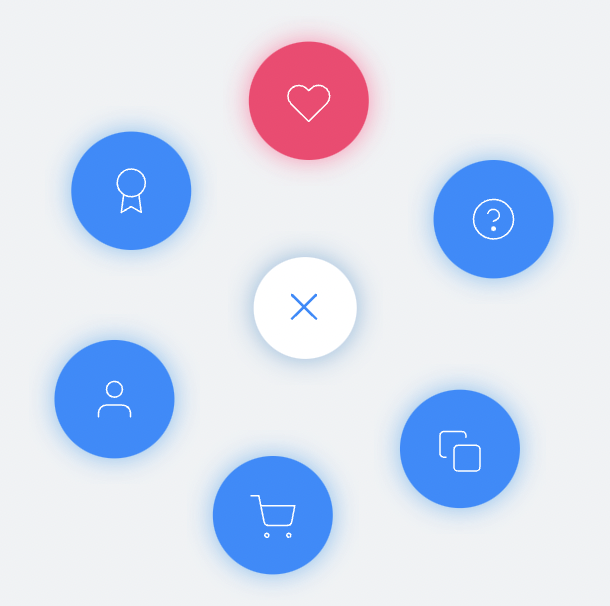
You can use the Radial Menu template in your campaigns to:
Enable exploring some aspects of a dashboard in greater detail.
Direct users to the profile, wishlist, trending products, FAQs, or any other desired content.
Call Us
The Call Us template adds a contact button to your page, making it easy for users to reach out to you.
Thanks to the Call Us template in your campaigns, you can:
Provide users with easy access to call your support team directly from your website by simply clicking a button.
Assign responsibilities as needed for products, delivery, campaigns, pricing, or any issues requiring attention.