Non-Responsive Template activation will be blocked after May 22, 2026
Starting May 22, 2026, you will no longer be able to:
Create new variants using non-responsive Hello Bar and Countdown Bar templates.
Duplicate campaigns using these templates.
Activate test or passive campaigns with them.
Edit the design of campaigns using these templates.
To ensure campaign continuity, we recommend switching to Cross-platform templates as soon as possible.
Migrate to Responsive Templates Before October 1, 2026
We are retiring non-responsive Hello Bar and Countdown Bar templates from the Template Store on October 1, 2026. All active campaigns using these templates will be automatically deactivated on this date.
To avoid disruption, please migrate your campaigns to Cross-platform templates before the deadline.
Whether you're in ecommerce, travel, finance, or any other industry, Web Templates can help you quickly boost and even exceed your conversion goals. With just a few clicks, you can launch a campaign featuring a countdown timer to create a sense of urgency. You might consider offering a voucher to visitors browsing your site to encourage them to make a purchase. You can even remind them of products they’ve recently viewed, making it easier to revisit items that have already caught their interest.
You can also refer to the video below to understand how to increase the conversion rate by using Web Templates:
If this video does not load in your region, you can watch it on our YouTube Channel.
Social Proof
Important Update for New Customers:
Please note that customers who have joined our platform after February, 2024 will not have access to non-responsive Social Proof templates. You can use responsive Social Proof templates instead.
Consumers today are often influenced by what their peers say, do, and purchase, as they tend to consider an action more appropriate when they see others doing it as well. To turn this socio-psychological principle into a purchasing event, Insider One has Social Proof.
When you show users how many others are viewing the same product at the same time, or how many items are in their basket, you can encourage them to make a purchase. If other users like it, they will likely enjoy it too!
The Social Proof template is only compatible with product pages.

Thanks to Social Proof in your campaigns, you can show users how many people have recently viewed or purchased a specific product on the main page, motivating them to make a purchase.
Responsive Layout Banner
The Responsive Layout Banner is the on-page responsive template for creating pop-ups on your website.
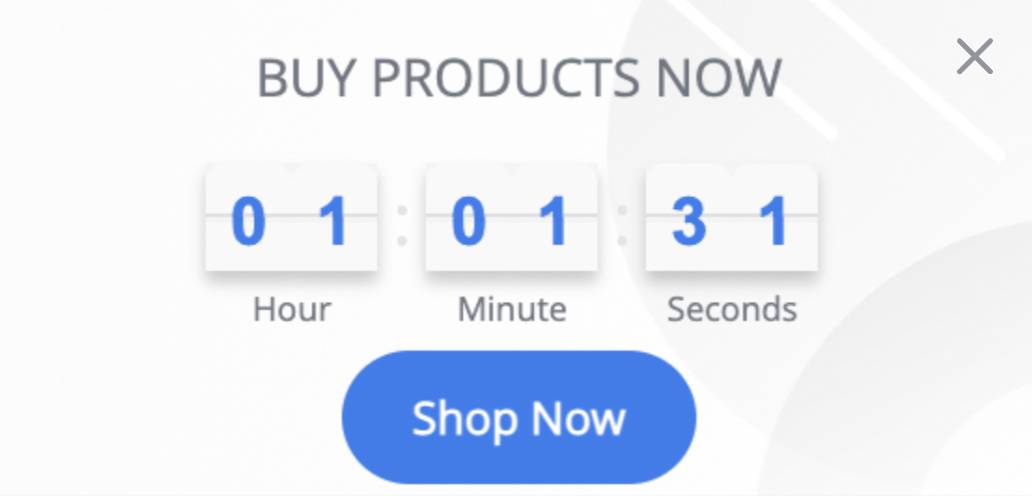
Using the Responsive Layout Banner in your campaigns, you can:
Trigger users to purchase product(s) by showing countdowns for offers or events on the product viewing page, the main page, or the cart page.
Enable visitors to be directed to the cart page by clicking the banner button after the countdown displays.
Offer shoppers the chance to win discounts, free products, or rewards by giving coupon codes.
Countdown Bar
The Countdown Bar template displays the amount of time remaining until upcoming events. You can inform your users that time is running out to encourage them to finalize the purchase.
It is one of the most widely used templates for increasing engagement, average order value, and conversion rates for targeted segments and selected rules. It also aims to reduce cart abandonment rates.
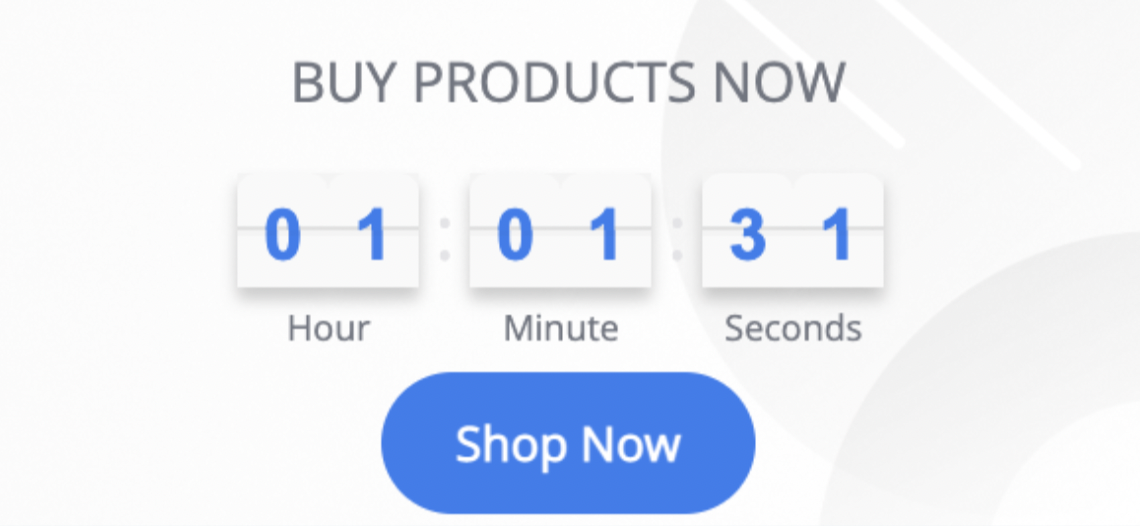
Similar to the Responsive Layout Banner, by using the Countdown Bar in your campaigns, you can:
Trigger users to purchase product(s) by showing countdowns for the offers or events.
Direct visitors to the cart page by clicking the button in the template after the countdown is displayed.
Offer shoppers the chance to win discounts, free products, or rewards by giving coupon codes.
Hello Bar V2
The Hello Bar V2 is an inline template for both mobile and desktop suites. It is one of the most widely used templates for increasing engagement and conversion among targeted segments and selected rules. Together with Hello Bar V2, you can increase conversion rates, average order value (AOV), and page views, while also reducing cart abandonment rates.
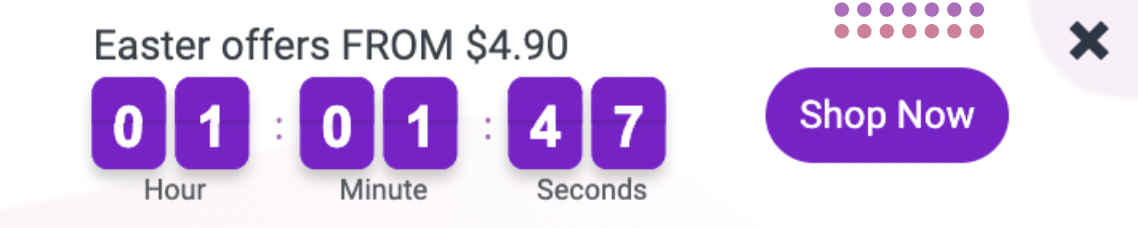
Using Hello Bar V2 in your campaigns, you can:
Trigger users to purchase product(s) by showing countdowns for the offers or events in the Hello Bar on the product viewing page.
Direct visitors to the cart page by clicking the button in the bar after the special discount is displayed.
Offer shoppers the chance to win discounts, free products, or rewards by giving coupon codes.
Offer discounts with a special code visible to all visitors on the home page.
Provide visitors with a coupon code to redeem the X shipping credit amount shown on the home page.
Direct people to the latest content, such as podcast episodes, to build trust.
Offer visitors help with any brand-related questions, with a call-to-action that directs them to schedule a call.
Guide visitors to a product category page easily.
Lead home page visitors to the best-selling products.
Recently Viewed Items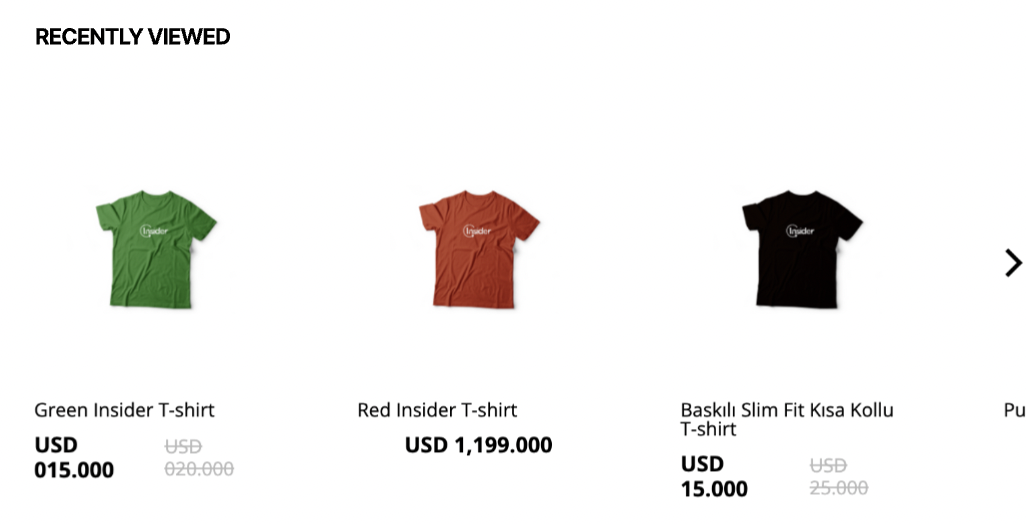
With Recently Viewed Items templates in your campaigns, you can show recently viewed items:
On the product page, help users compare before adding to their shopping cart.
When they are back in stock, it will show to anyone visiting the home page.
Hello Bar
The Hello Bar lets you display multiple promotional messages in a single banner. With different animations to switch between the messages, it makes perfect use of the limited banner area.

The Hello Bar template in your campaigns helps you:
Ensure that visitors are directed to the cart page after the special discount is displayed when they click the button in the bar.
Display seasonal discounts for all orders on the home page, visible to visitors.
Direct users to the latest content, such as podcast episodes, to build trust.
Offer visitors help with any brand-related questions via a call-to-action that directs users to schedule a call.
Guide visitors to a product category page easily.
Lead home page visitors to the best-selling products.
Side Coupon Menu
The Side Coupon Menu is a template that allows you to display coupons and/or announcements in a trigger area and an expanded area. It offers a compact way to promote your content, products, and/or categories to your visitors, along with a modern, easy-to-use approach for implementation on your website.
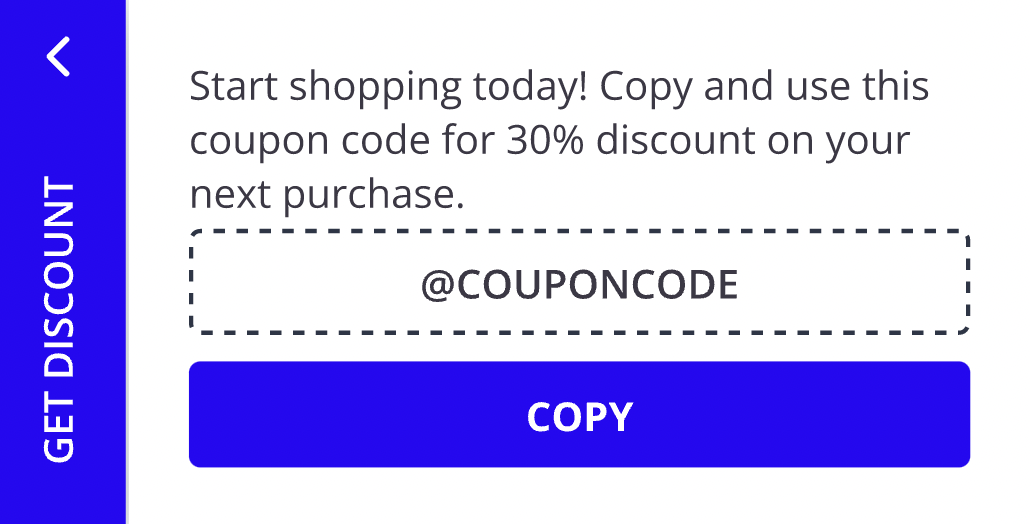
Thanks to the Side Coupon Menu template in your campaigns, you can:
Direct users to the cart page after clicking the button in the side menu, after displaying the special coupon code for the discount.
Offer users the chance to win discounts, free products, or rewards by providing coupon codes during checkout.
Offer a special discount code visible to all visitors on the home page.
Offer visitors a coupon code that provides a specified amount of shipping credit, prominently displayed on the home page.
Slide to Add to Cart
The Slide to Add-to-Cart Template prompts users to add products to their carts. It makes purchasing easier because users don't have to scroll.
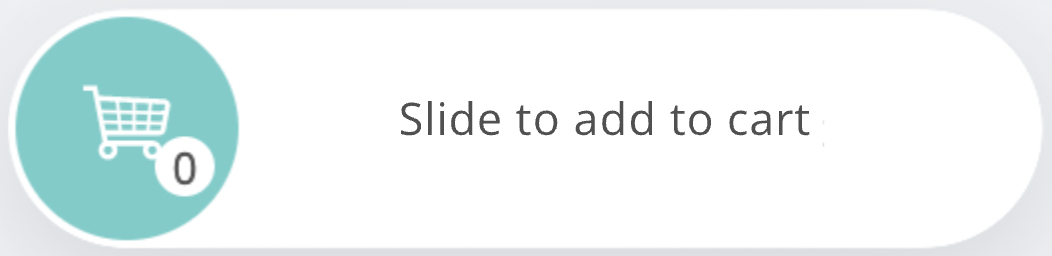
With Slide to Add to Cart templates in your campaign, you can show it on:
The product page to motivate users to buy.
The cart page to push users to buy more before checkout.
WhatsApp Trigger
The WhatsApp Trigger template enables users to contact you through WhatsApp. Clicking this button opens a chat with the predefined WhatsApp number.
You can use the WhatsApp Trigger template in your campaigns:
To users about to leave without completing the purchase.
During the sign-up process, create transparency and trust.
On the delivery status viewing page.
Page Curl Clicked
Page Curl helps you interact with your users using the gamification template. It attracts users' attention and encourages them to click on it. You can also use the call-to-action (CTA) button or direct your users to take advantage of your coupon offer.
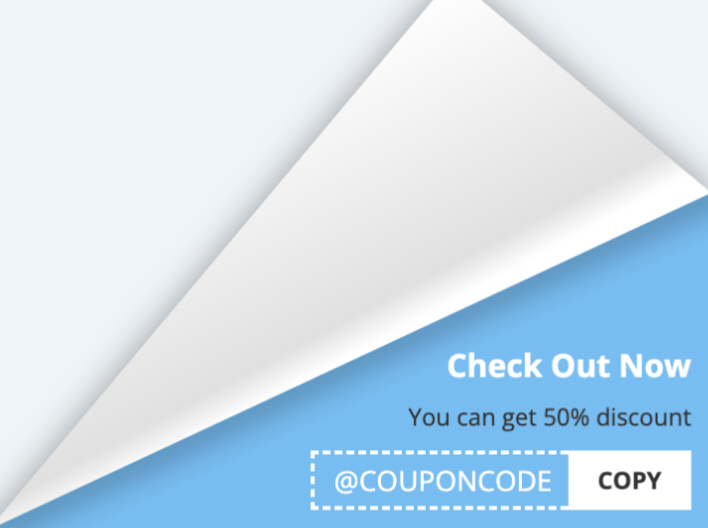
Using the Page Curl Clicked template in your campaigns helps you:
Direct users to the cart page after they click the button, and display the special discount on the product page.
Offer shoppers the chance to win discounts, free products, or rewards by giving coupon codes.
Offer a special discount code visible to all visitors on the home page.
Offer visitors a coupon code that provides a specified amount of shipping credit, prominently displayed on the home page.
Present urgency reminders and promotions on the homepage in an innovative way.
Scratch Coupon
Many popular online stores offer a coupon system and frequently distribute coupons to their users. Scratch Coupon is an excellent way for marketers to create more eye-catching, engaging, and gamified coupon codes.
This game is designed solely for entertainment and promotional purposes. It does not involve any form of betting, monetary deposits, or chance-based gambling elements. Participation is entirely free, and all users who take part receive the designated rewards equally.
Rewards are distributed based on user interaction rather than a random betting mechanism. The chance to earn rewards is determined in accordance with the game rules and does not require any payments or wagers. Participation is entirely voluntary and carries no risk of loss, ensuring an enjoyable and engaging experience for all users.
Please note that regulations may vary by country or state. We recommend reviewing the applicable laws in your region before launching a campaign.
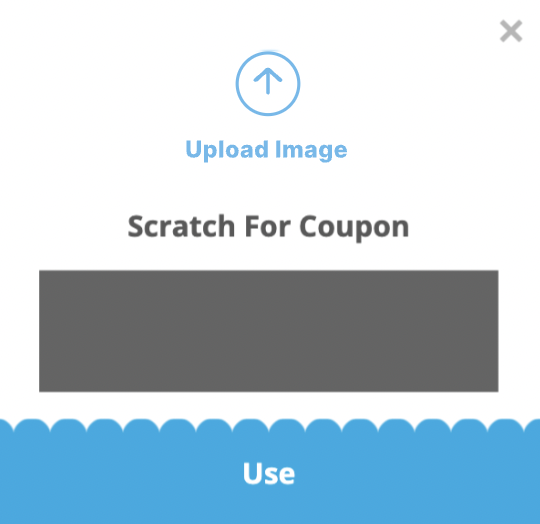
Thanks to Scratch Coupon in your campaigns, you can:
Direct users to the cart page after they click the button on the scratch coupon and see the special coupon code for the discount.
Offer shoppers the chance to win discounts, free products, or rewards by providing coupon codes during checkout with a gamified approach.
Offer a special discount code that is visible to anyone visiting the homepage.
Provide visitors with a coupon code to redeem a specified shipping credit amount, which is clearly visible on the home page.