The Lead Generation segment targets users who have submitted one or more lead generation forms within a defined period. This segment connects directly to Web and Mobile App Lead Collection campaigns created in Web Templates or Mobile App Suite.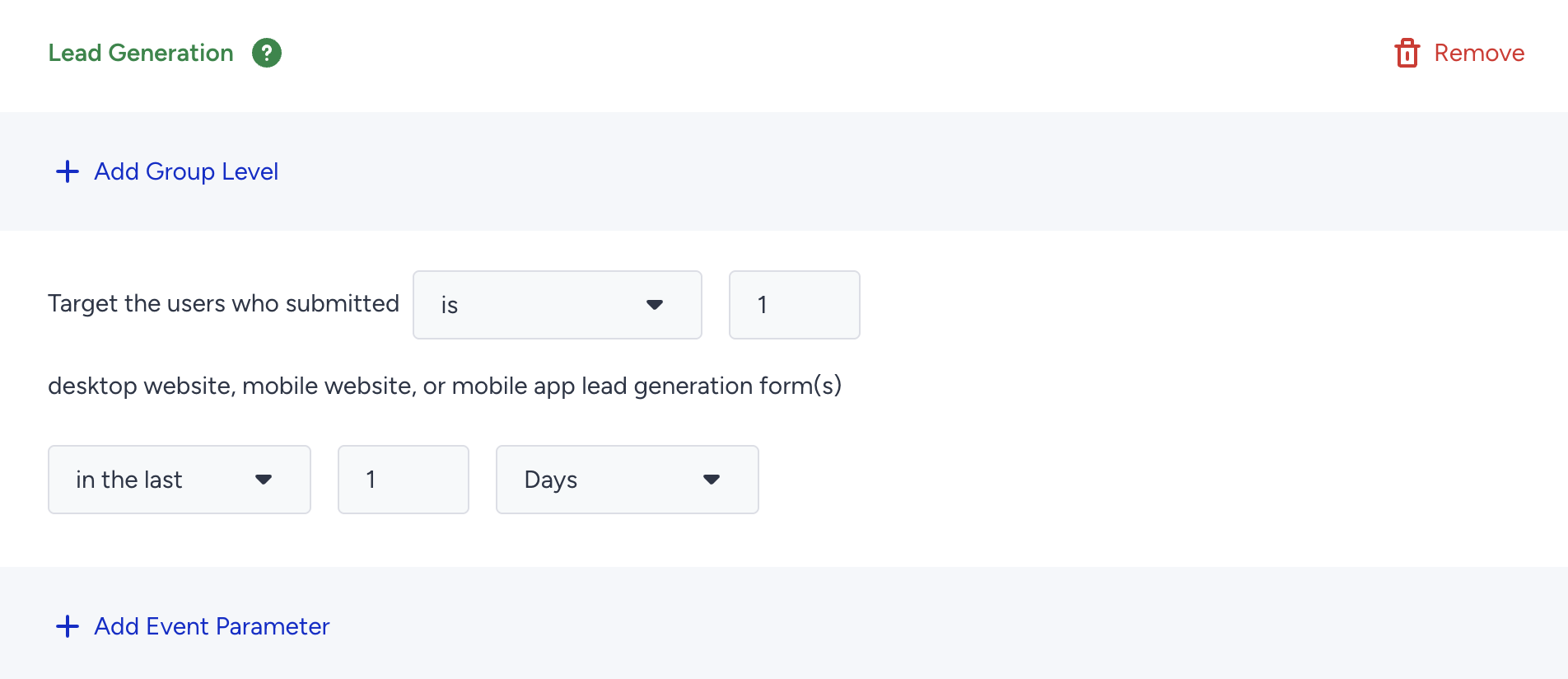
Requirements
To use the Lead Generation segment, make sure you:
Define the Lead Collected event and confirm that the system processes it.
Have at least one Lead Collection campaign that has gathered leads.
Advanced Filtering
You can refine the Lead Generation segment by selecting event parameters:
Choose the platform (Web or Mobile App).
Select the specific Lead Collection campaign and variant you want to track.
Example: Filter users who submitted a form in Campaign A, Variant B.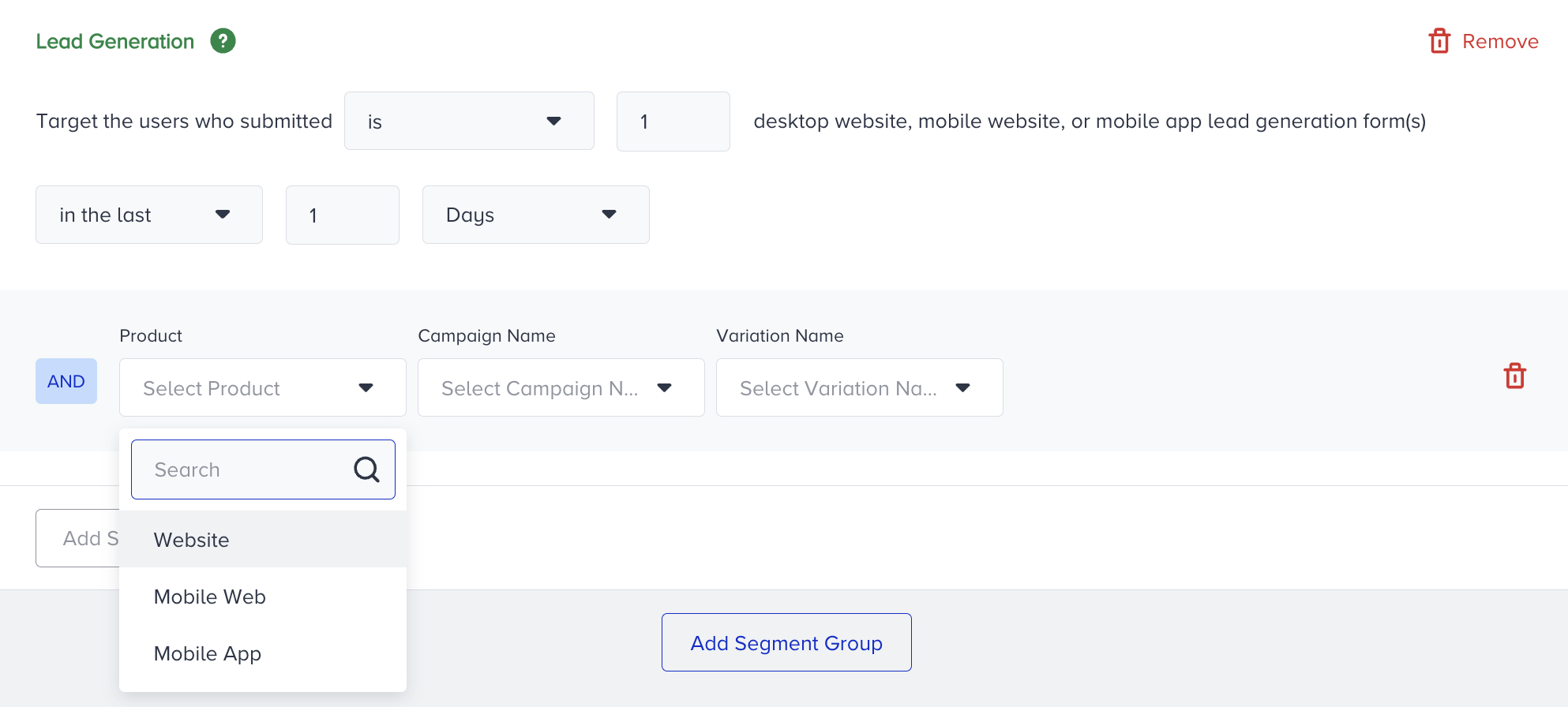
The Lead Generation campaign must be active for it to appear in the Campaign Name dropdown in event parameters; inactive campaigns will not be available for filtering.