Onsite Experiment provides an easy way to test and optimize your website without requiring advanced development knowledge. It enables teams to carry out personalization, optimization, and experimentation directly, reducing the dependency on technical resources and making decision-makers the primary drivers of experiments.
While the Onsite Experiment removes barriers for non-technical teams, it also includes HTML, CSS, and JavaScript editors for advanced customization. This means you can run simple tests quickly while still having the flexibility to make deeper code-level adjustments if needed. Onsite Experiment works across both Desktop and Mobile Web Suites, enabling a consistent multi-device experience.
Key Features
A/B Testing: Run experiments to compare versions and identify the most effective options.
No-Code Experimentation: Update CTAs, text, images, or entire layouts without editing your site’s codebase.
Advanced Editing: Use built-in HTML, CSS, and JS editors for complex changes when required.
Action Builder with CSS Selectors: Select elements on your site using CSS selectors and apply targeted modifications. Basic HTML/CSS knowledge can help ensure changes behave as expected.
Cross-Device Support: Design and test experiments that work seamlessly on both desktop and mobile.
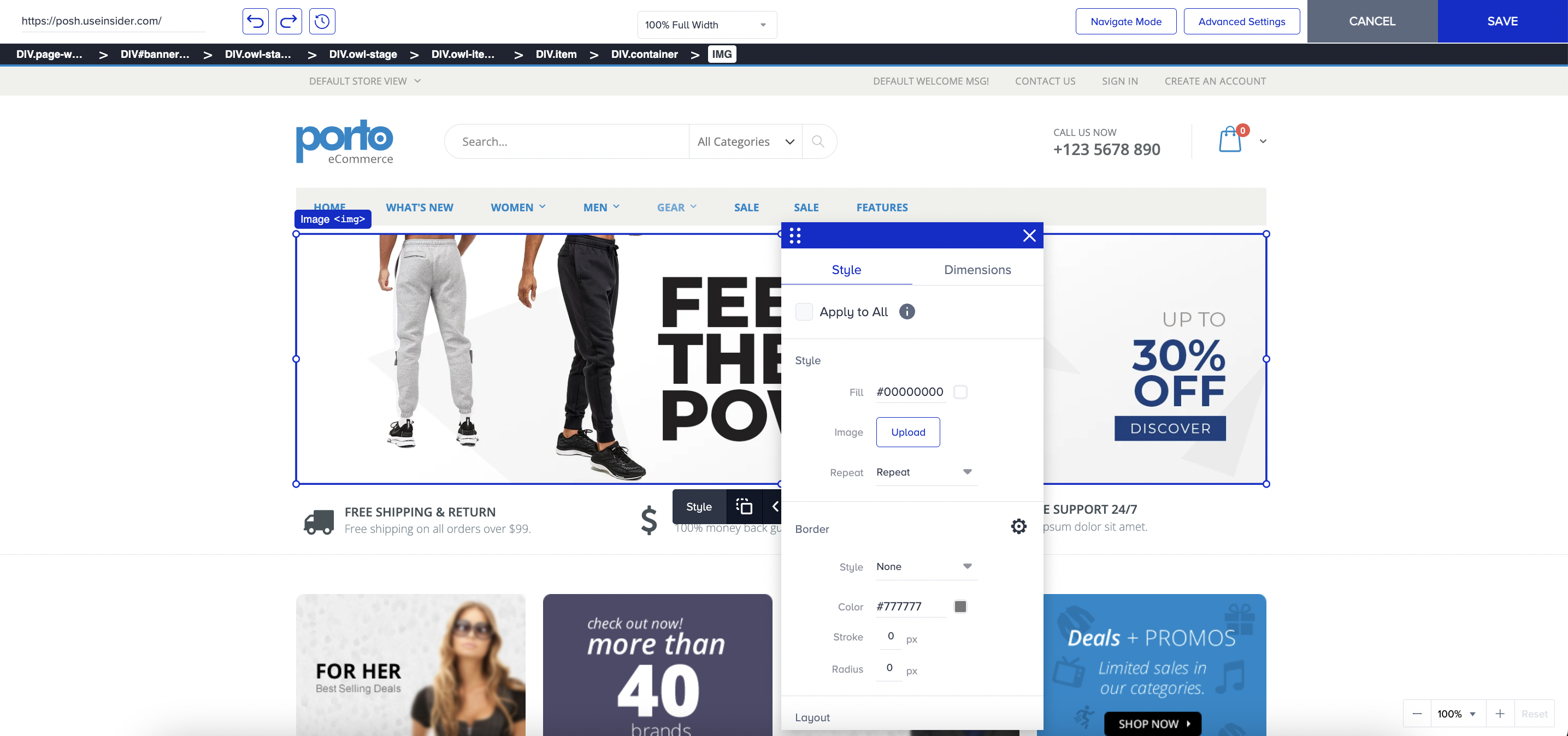
What you can do with Onsite Experiment
Adjust CTAs, text, images, or layouts to refine user journeys.
Test new design or content ideas quickly.
Personalize the onsite experience for different audiences.
Run A/B tests to measure which variant performs better and supports your business goals.