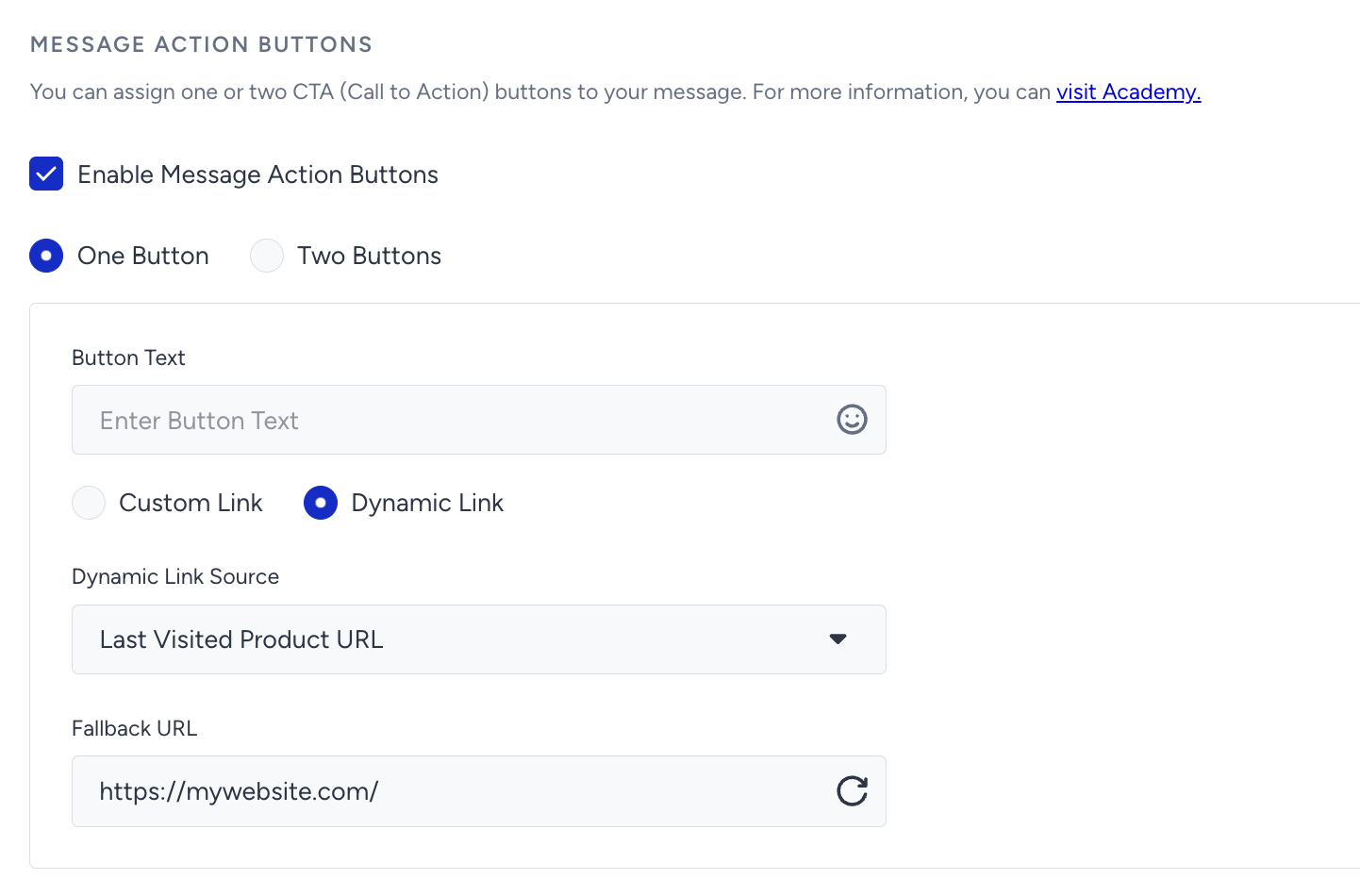
You can enhance user engagement by adding up to two optional Call-to-Action (CTA) buttons to your Web Push notification. These buttons allow users to take immediate action, making your messages more interactive and actionable.
Key Use Cases
You can use action buttons to:
Drive users to different product or category pages
Prompt them to download a report
Conduct mini surveys or polls (e.g., Yes / No)
When a user clicks the notification body or either action button, the Web Push notification will automatically disappear.
Configure Button Actions
Each CTA button can include:
A custom static URL
A dynamic link URL (default or custom)
If you're using a dynamic link, you can define a Fallback URL to ensure the Web Push notification works even if the dynamic source is empty.
Fallback URL Behavior
The Fallback URL field will auto-populate with the value defined in your Web Push Settings.
If you leave the field blank, the system will still apply the default fallback value to avoid broken experiences.
Always test your links and fallback values to ensure the Web Push notification behaves as expected across devices and browsers.