WhatsApp Subscriber Analytics allows you to see details about your subscribers. You can track the number of subscribers to see growth, so that you can create more effective campaigns to grow your subscriber base.
1. To reach the dashboard, navigate to Reports > WhatsApp Subscriber Analytics. 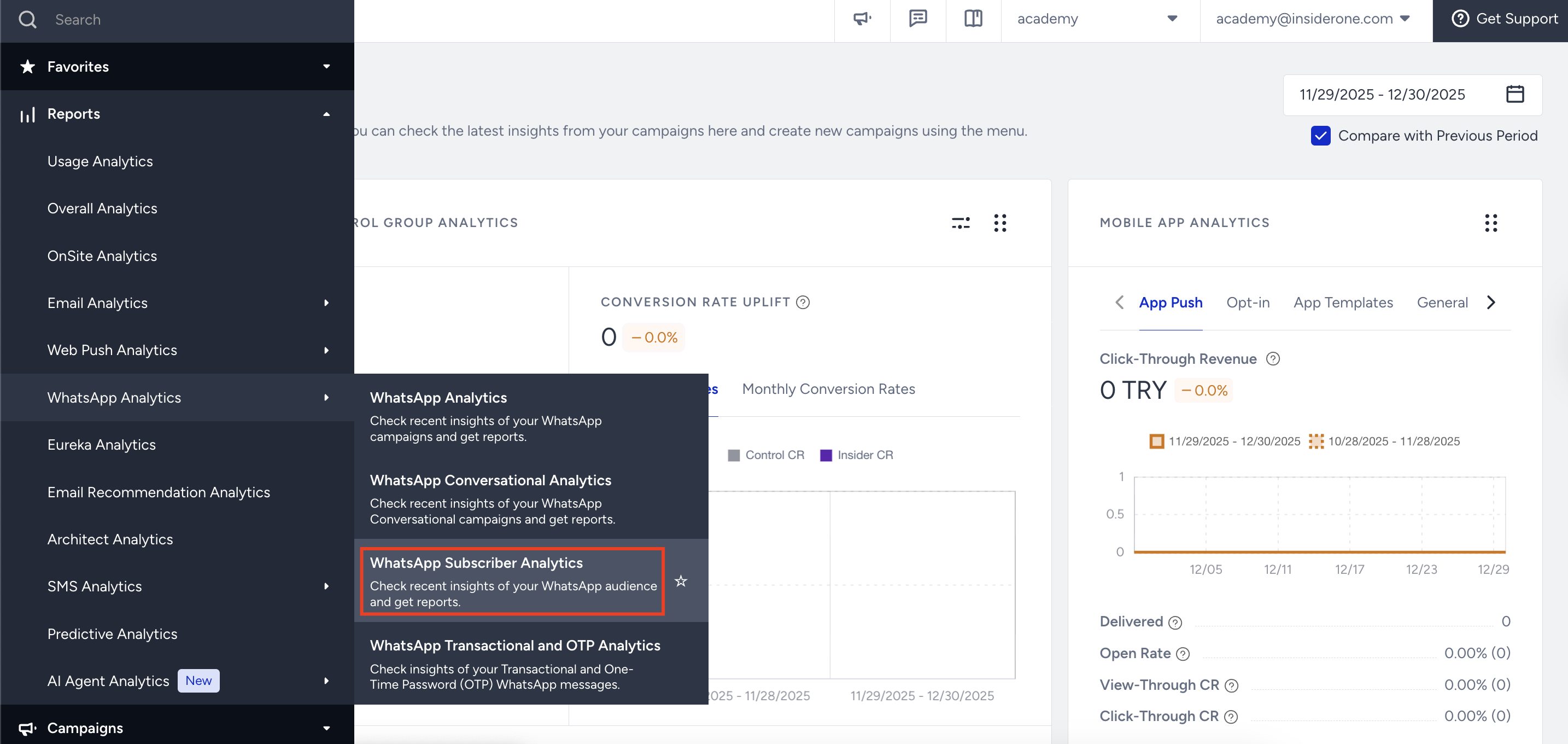
2. You can select a time range using the date picker in the top-right corner of the page to filter the performance metrics. 
3. Narrowing down your results, you can see the following metrics:
Subscribers: The total number of your WhatsApp message recipients in the selected period of time.
Subscribers Growth: The percentage of increase (or decrease) in your Subscribers in the selected period of time.
Unsubscribers: The total number of recipients who have unsubscribed from your WhatsApp messages up to the selected date.
Unsubscribers Growth: The percentage of increase (or decrease) in your Unsubscribers in the selected period of time.
Metrics are calculated based on daily snapshots received from UCD. Subscriber and Unsubscriber counts reflect the cumulative state as of the last day of the selected period, while growth values represent the percentage change between the first and last day of that period.
The charts section displays net growth details for both your subscribers and unsubscribers on a line chart, based on your selected time range.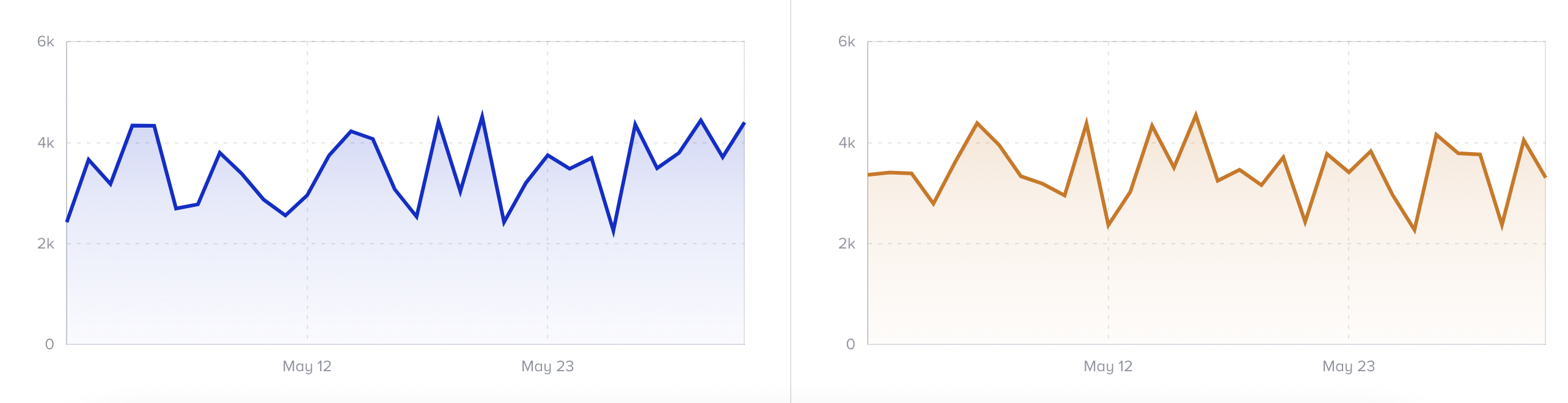
If a user blocks your WhatsApp Business phone number, they do not count as an unsubscriber.