Insider Object is a JavaScript object integration that is similar to the data layers on tag managers and analytics tools. Through the sub-objects of the Insider object, you can share any information related to users, their visited products, behavior, purchase history, your website pages, etc.
(1).png)
The Insider object is not an integration that Insider implements to pass data to our customers. It is an advanced integration that our customers should implement to pass data to Insider for various reasons, such as:
- Sharing consent information
- Unifying offline and online data
- Conversion tracking
- Website mapping
- Targeting rules
Sharing consent information
The Insider object enables you to pass users' consent (opt-in) information so they can receive messages from your brand across various channels. This way, you can send messages via Insider’s Architect, Email, SMS, and WhatsApp products.
If you want to send any messages to your users via Call an API in Architect, you should share the users' consent information as well.
Unifying offline and online data
If you want to unify your user data, you can pass your online data to Insider via the Insider object to back up the offline data that you upsert or ingest to Insider.
Conversion tracking
Insider object helps you track conversions on your website. You can add the “Confirmation” page type to your purchase confirmation page for all payment types to keep track of transactions.
Website mapping
Insider object makes it less error-prone when it comes to mapping out your website, as the mapping will be based on the information that you directly share in the Insider object. For instance, a product page will be mapped as a product page based on the information you share in the product object, not on the page elements.
Targeting rules
You can use the information that you share in the Insider object to create targeting rules for your campaigns. For example, you can target a female user who has sports products in her basket and has never made any purchase before when this user is on any product or category page, and displays coupon codes or countdowns when she tries to leave your website.
Integrate Insider Object
You can integrate the Insider Object with the integration wizard we designed for you.
Go to your panel and navigate to Components > Integrations > Website Integration Wizard.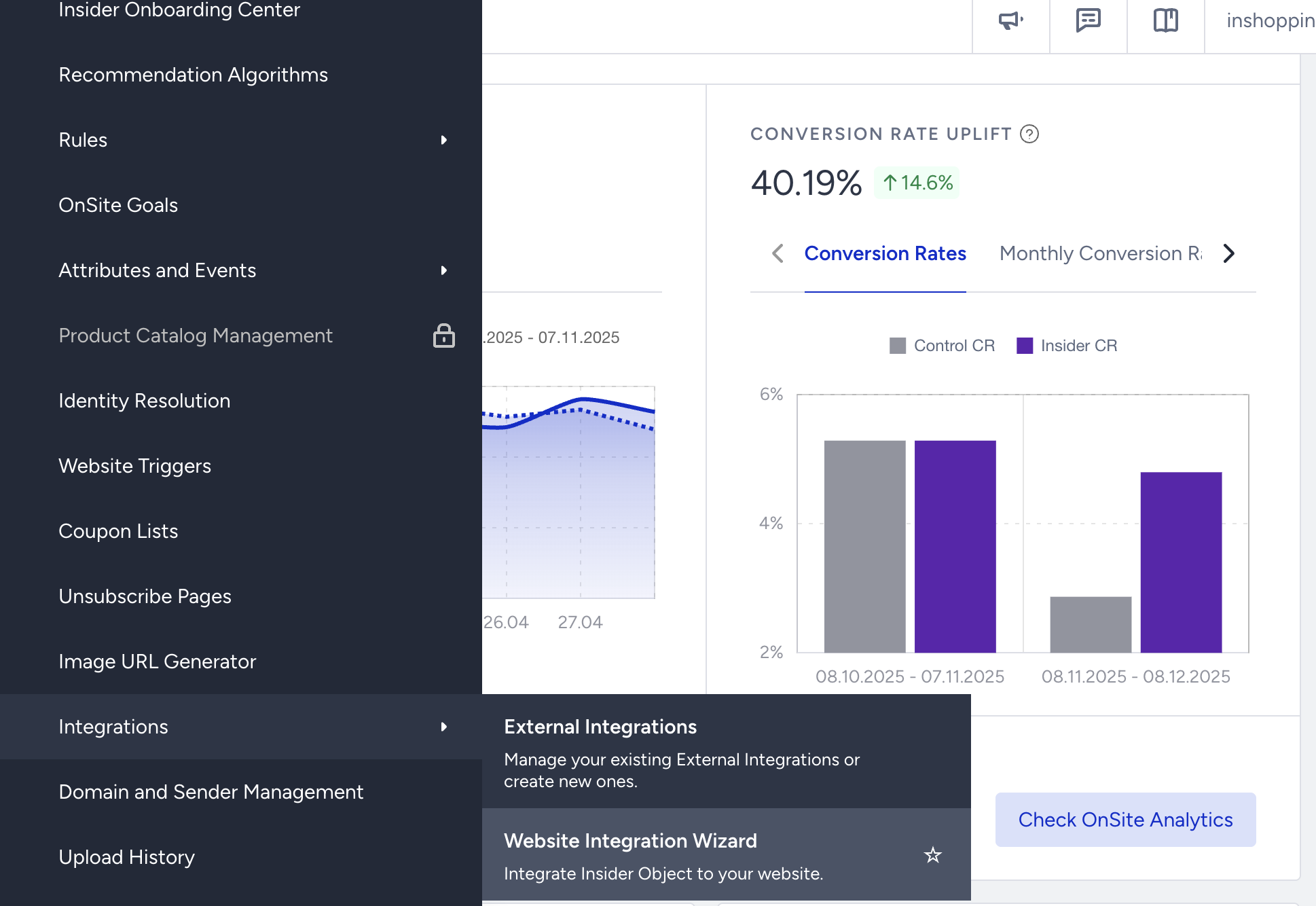
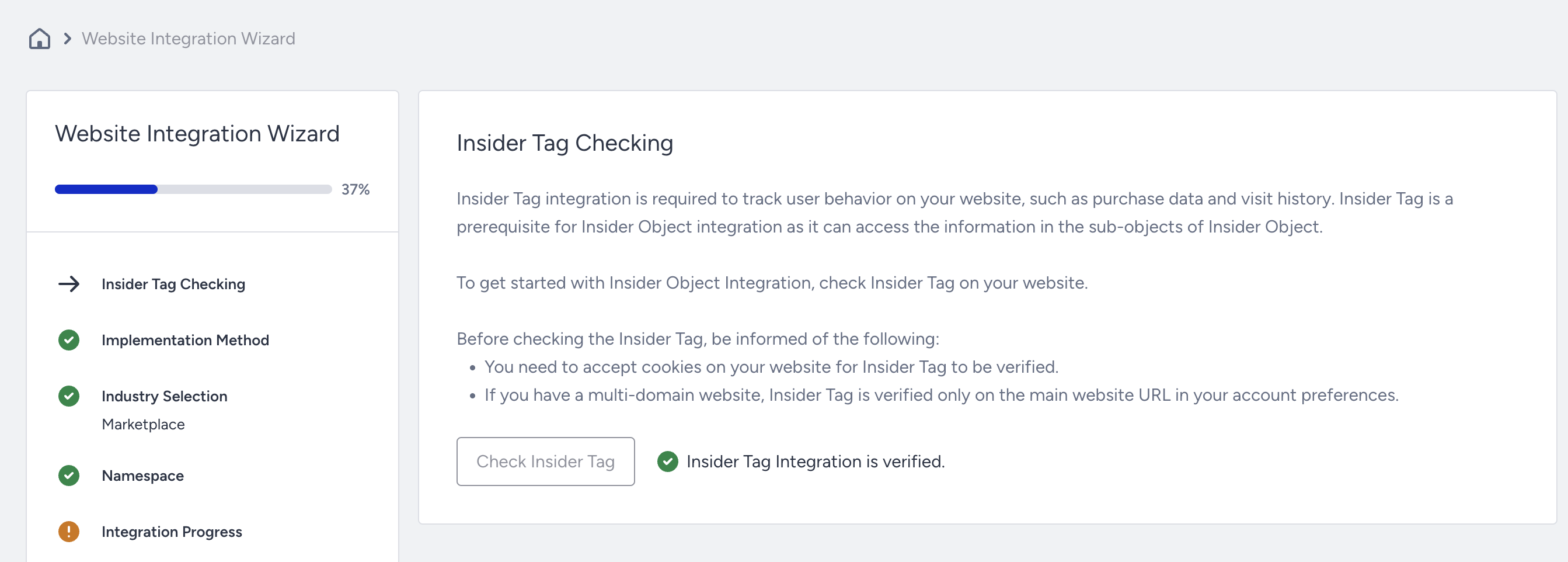
With this wizard, you can verify the Insider tag on your website, keep track of your integration progress, and test your integration.