The Purchasing Behavior segment targets users based on their historical purchase patterns, including frequency, spend amount, and order value, using data tracked over time.
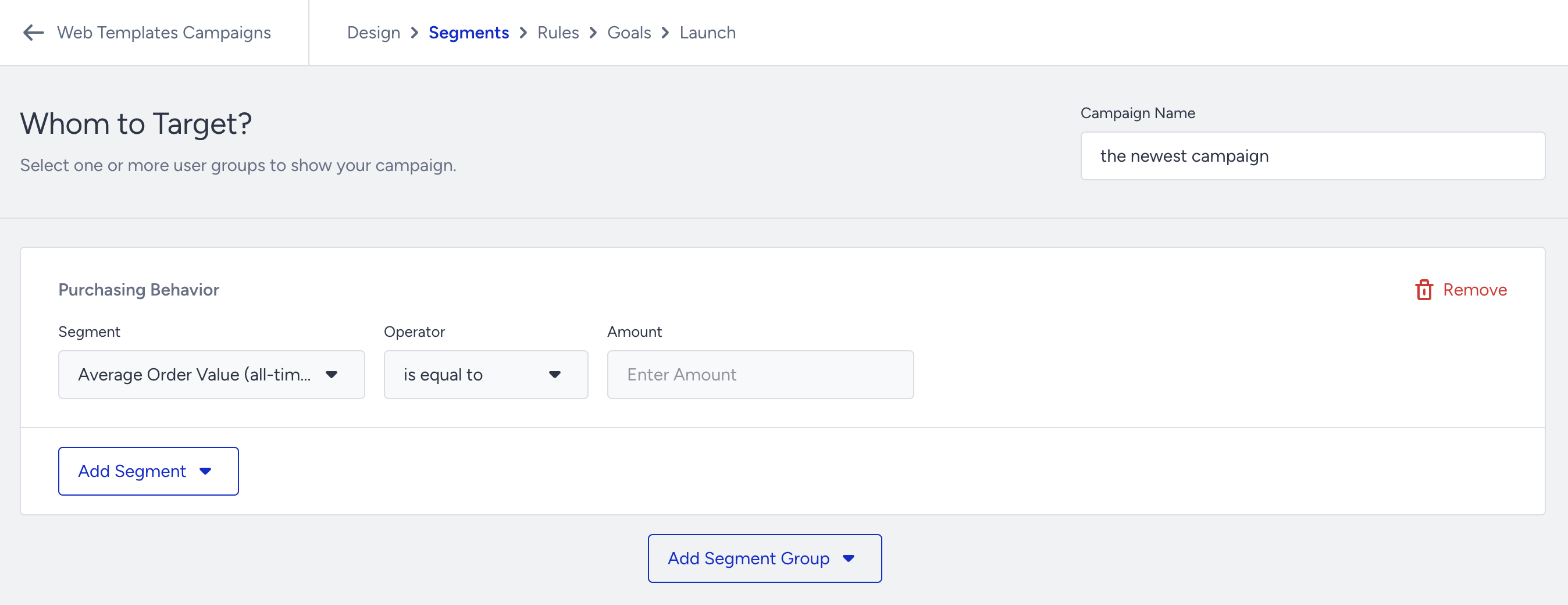
Segmentation options
You can filter users into 12 predefined sub-segments for advanced targeting:
Average Order Value (all-time): This is based on a customer's lifetime average spend measured in the currency set in the InOne panel (e.g., Average Order Value (all-time) - is greater than - 1000).
Average Order Value (last x day(s)): This is based on the average order value of a customer within the given previous x days (e.g., Average Order Value (last x day(s) - is greater than - 30 - 1000).
Average Order Value (during a time period): This is based on the average order value of a customer within the given time period (e.g., Average Order Value (during a time period) - is greater than - 01.01.2024-01.01.2025 - 100).
Total Spend (all-time): This is based on a customer's lifetime total spend measured in the currency set in the panel (e.g., Total Spend (all-time) - is greater than - 1000).
Total Spend (last x day(s)): This is based on the total spend of a customer within the given previous x days (e.g., Total Spend(last x day(s) - is greater than - 30- 1000).
Total Spend (during a time period): This is based on a customer's total spend within the given time period (e.g., Total Spend (during a time period) is greater than - 01.01.2024-01.01.2025 - 100).
Purchase Count (all-time): This is based on a customer's lifetime purchase count (e.g., Purchase Count(all-time) - is greater than - 1000).
Purchase Count (last x day(s)): This is based on a customer's total purchase count within the given last x days (e.g., Purchase Count (last x day(s) - is equal to - 30 - 0).
Purchase Count(during a time period): This is based on the total purchase count of a customer within the given time period (e.g., Purchase Count (during a time period) - is equal to - 01.01.2024-01.01.2025 -0).
Last Purchase Date (last x day(s)): This is based on the previous purchase date of a customer within a given last x days (e.g., Last Purchase Date (last x day(s)) - not in - 30).
Last Purchase Date (during a time period): This is based on the last purchase date of a customer within a given time period (e.g., Last Purchase Date (during a time period) - in - 01.01.2024-01.01.2025).
Last Purchase Amount: This is based on the customer's previous purchase amount measured in the currency set in the InOne panel (e.g., Last Purchase Amount - is between - 100 and 1000).
Use Cases
Re-engagement Campaigns
Target users who have made no purchases in the last 30 days using a Side Coupon Menu to drive return visits.
Cross-Selling & Upselling
Show complementary products to purchasers using Smart Recommender campaigns.
Recently Viewed Product Follow-Up
Target by total spend and purchase date to show Recently Viewed Items and drive engagement.
Loyalty Program Progress
Target users based on purchase count to encourage them to achieve premium status through Hello Bar campaigns.
Average Order Value Optimization
Target users with low AOV using Progress Bar or Cart Reminder campaigns to increase order size.