The On-Site Campaign History segment targets users based on their past interactions with OnSite personalizations, such as views, clicks, and closes.
Example: Variation History - is - My Variation - saw but not clicked
This segment helps you refine targeting by reacting to user engagement or non-engagement with previous OnSite experiences.
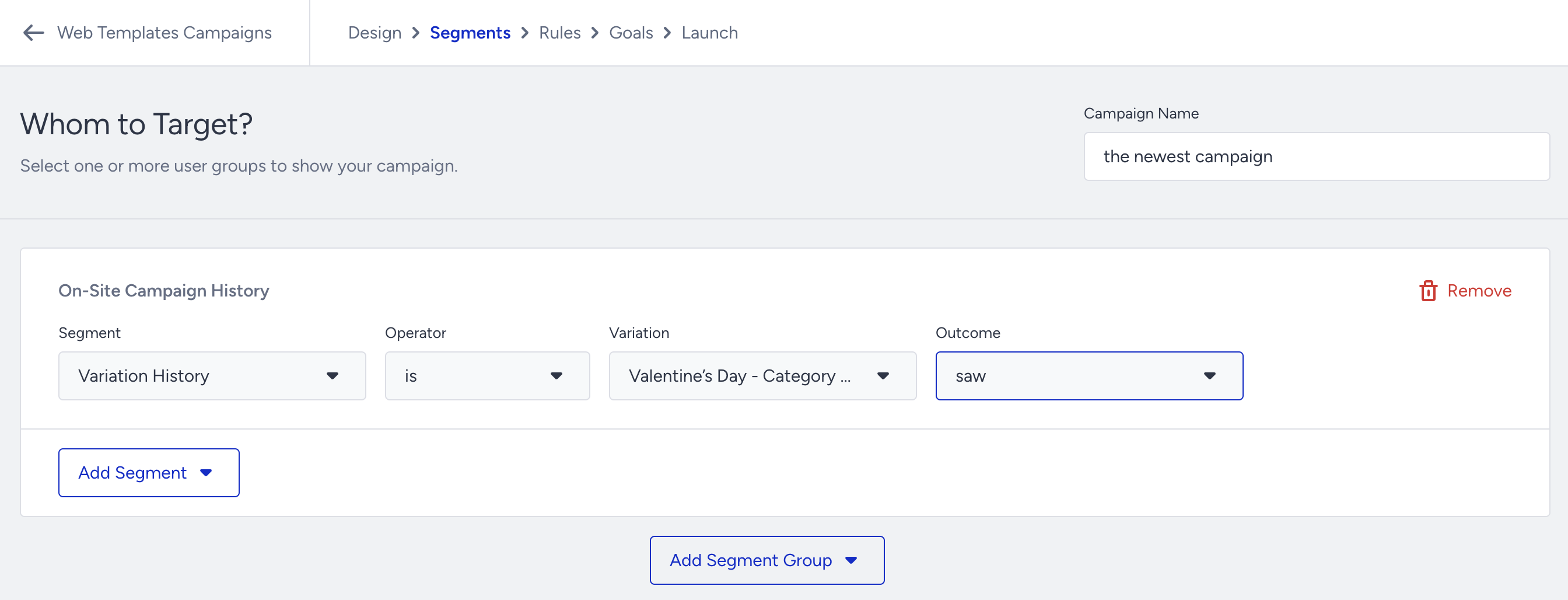
How the On-Site Campaign History works
The Variation dropdown initially shows a limited number of variants
Search by variant name to access hidden variants in the dropdown
You can segment based on:
Seen
Clicked
Closed
Did not interact (opposite conditions)
Example: Use the OnSite segment to target users who opted in and offer them a special discount coupon.
Use cases
Re-engagement with Social Proof
Target users who saw but did not click a Smart Recommender campaign → Show Social Proof to motivate purchase.
Lead Form Completion
Target users who saw but did not submit a Lead Collection form → Offer gamification (e.g., Wheel of Fortune, Pick a Gift).
Missed Campaign Exposure
Identify users who did not see a product page campaign → Create a new campaign on the homepage to capture their attention.
Re-target Campaign Closers
Target users who closed an On-Page campaign → Use Hello Bar or inline templates to notify them again.