You've invested time and effort in attracting customers to your website. They've added items to their cart, but just before completing the purchase, they leave. Cart abandonment is a common challenge across industries.
The good news? You don’t have to let it impact your conversions.
With Insider One’s Web Templates, you can use purpose-built web templates to address cart abandonment directly. Whether you're in retail, travel, or another vertical, these templates are designed to capture user attention at the right moment, reminding them of the items left behind and encouraging them to complete their purchase.
You can also refer to the video below to understand how to decrease cart abandonment by using Web Templates:
If this video does not load in your region, you can watch it on our YouTube Channel.
Cart Reminder
Users sometimes abandon their carts without completing their purchases. The Cart Reminder template reminds them about their carts and encourages them to buy the product(s).
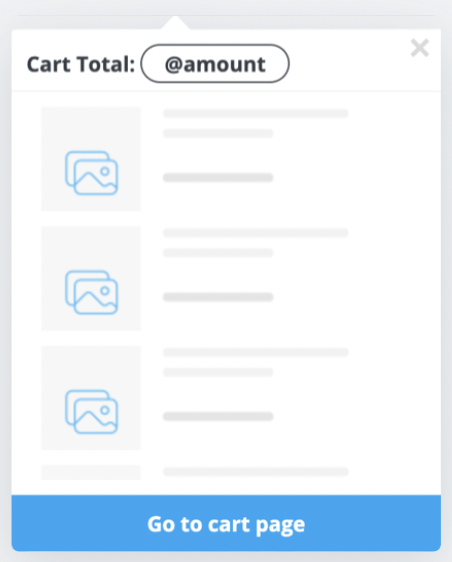
Thanks to the Cart Reminder template in your campaigns, you can:
Remind users about their cart items and guide them to finalize the purchase through the button if they haven't completed checkout in a while.
Offer discounts on the cart page to encourage users to complete their checkout.
Offer special promotions, such as free shipping on the cart page, to encourage users to complete their checkout.
Floating Cart
The Floating Cart is an on-page template that shows customers the total number of items in their cart (cart count) and/or the subtotal of the items in their cart (cart amount). It reminds your users of the basket amount when they add something to their basket. Therefore, it helps you increase cart page visits and purchase completions.
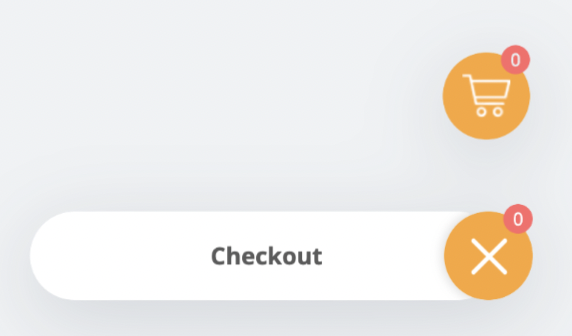
You can use the Floating Cart template in your campaigns on:
The product page to motivate users to complete their purchase.
The main page for users who spend some time but do not complete the purchase, to encourage them to finalize checkout.