SMS Campaign Prioritization prevents SMS campaigns from competing for the same sending capacity. When multiple campaigns are scheduled to send at the same time, prioritization automatically queues them to run one after another in a defined order.
Each campaign uses its assigned throughput without competing with other campaigns, helping it start close to its intended time and providing more accurate estimated delivery and completion times.
SMS Campaign Prioritization is always active and works automatically for all SMS campaigns. You do not need to enable or configure it for individual campaigns.
How does SMS Campaign Prioritization help?
Campaigns are sent sequentially instead of competing for the same sending capacity.
Each campaign uses its assigned throughput, which helps provide more accurate estimated delivery and completion times.
Campaign completion and engagement metrics are less affected when campaigns compete for the same capacity.
How does SMS Campaign Prioritization work?
SMS Campaign Prioritization orders campaigns according to their scheduled start time. Campaigns are queued from the earliest start time to the latest, so the campaign scheduled to start first is sent first.
The scheduled start time automatically determines each campaign's position in the queue, without manual prioritization or ranking.
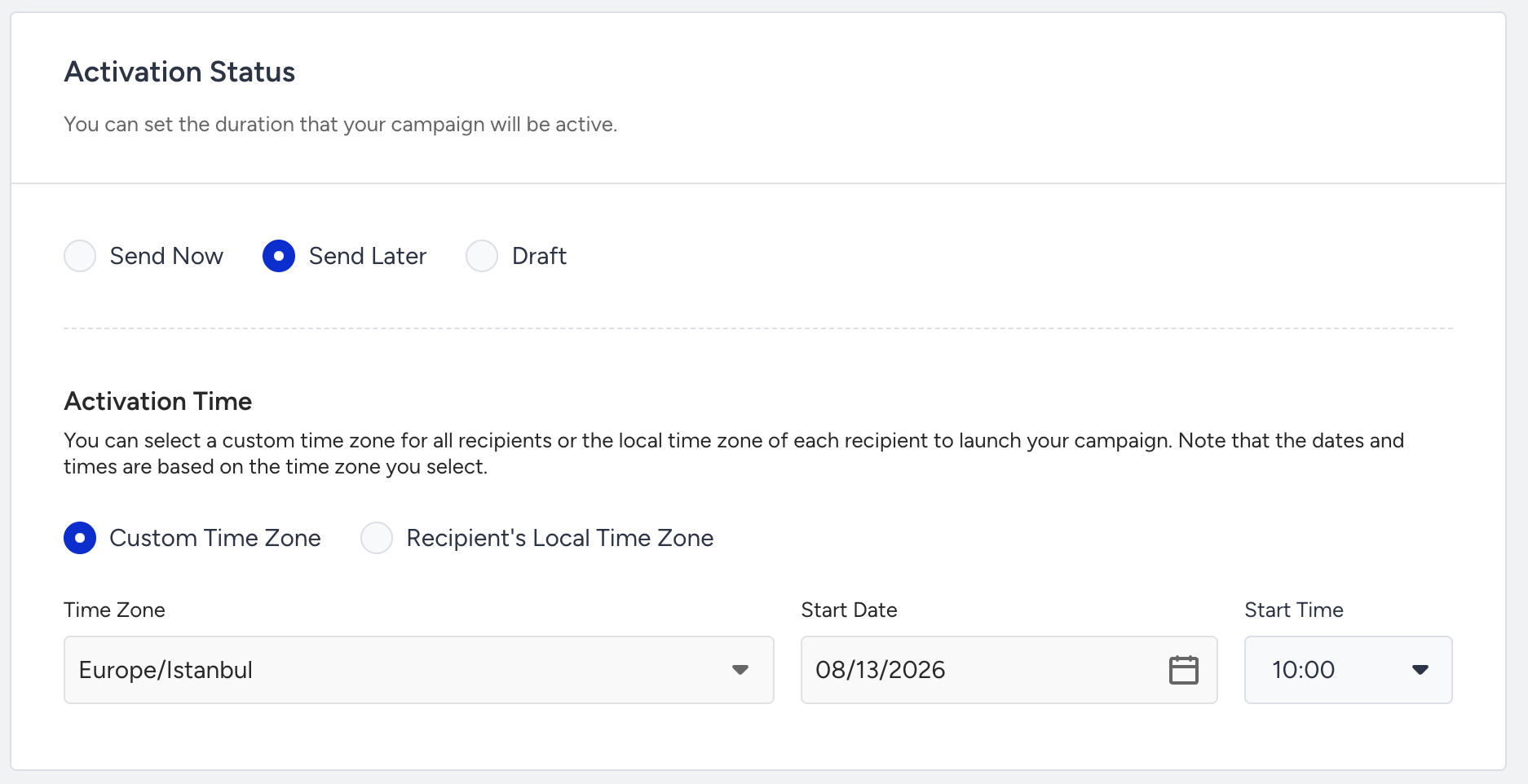
Send Later
When you schedule a campaign with Send Later, it appears in the Scheduled category and is positioned in the queue according to its scheduled start time.
Send Now
When you select Send Now while other campaigns are still running, the new campaign is automatically placed after them in the queue. Its start time is moved to immediately after the campaigns ahead of it are expected to finish, preventing it from competing for the same throughput.
After the campaigns ahead of it are completed, the campaign moves to Running.
Because campaigns are ordered by start time, the scheduled start time determines their position in the queue. An earlier start time places a scheduled campaign ahead of campaigns with later start times.