Messaging Per Second, or Message Parts Per Second (MPS), indicates the rate at which messages or texts are sent or received. Your MPS limit depends on several factors, including the origin country of your messages and the type of phone number (origination number) you use to send the messages. MPS can vary by country and is influenced by the capacity of the carriers to handle messages per second.
MPS can be affected by:
Campaign message parts
Number of campaigns launched at the same time
Origination Number
Type of phone number
The Priority List
Certain types of messages have priority for the SMS queue process:
Automation SMS Campaign and Confirmation SMS
Single SMS Campaign
Architect SMS Campaign
To give an example, assume you have an SMS campaign that sends messages within the same period and consists of 160 messages, including 3 types of SMS:
10 Automation & Confirmation SMS messages
50 Single SMS messages
100 Architect SMS messages
Firstly, the system adds 10 Automation & Confirmation SMS to the queue. Then, it checks the campaigns' creation time, prioritizing 50 Single SMS and 100 Architect SMS based on their creation time.
An SMS campaign created by the Architect side impacts the duration of a single SMS campaign.
In brief:
Automation & Confirmation SMS > Single SMS >= Architect SMS
We recommend that you create an SMS campaign on SMS products because you can see the delivery timeline, and your campaign will be prioritized in the queue.
Examples of MPS duration
Scenario 1
If you have an allocated outbound limit of 50 MPS and send 50 messages in a second, all 50 messages will be dispatched simultaneously.
Scenario 2
If you have an allocated outbound limit of 50 MPS and place 100 messages in a second, the first 50 messages will be dispatched simultaneously, and the remaining 50 messages will be queued and executed during the next available MPS interval.
Scenario 3
Assume that you have an allocated outbound limit of 50 MPS. You want to launch two campaigns with names A and B simultaneously. Your MPS is divided into two campaigns, each with 25 MPS. Campaign A places 200 messages, and Campaign B places 300 messages. Campaign A's delivery time takes 8 seconds, and Campaign B’s delivery time takes 12 seconds. Two campaigns will end in a total of 20 seconds, but if you prioritize your campaign as a sequential campaign, Campaign A's delivery time takes 4 seconds, and Campaign B’s delivery time takes 6 seconds. Thanks to sequential campaigns, your campaigns can end in 10 seconds.
Scenario 4
Assume that you have an allocated outbound limit of 50 MPS. You want to create a campaign, and your campaign message length is two parts (More than 160 characters and less than 320). Your MPS is divided into two parts, and it will be 25 MPS. Your campaign places 200, and this campaign will end in a total of 8 seconds. But if your message part is one, your campaign will end in a total of 4.
The Campaign Prioritization feature is more effective and convenient for your campaign, ensuring it reaches your customers promptly.
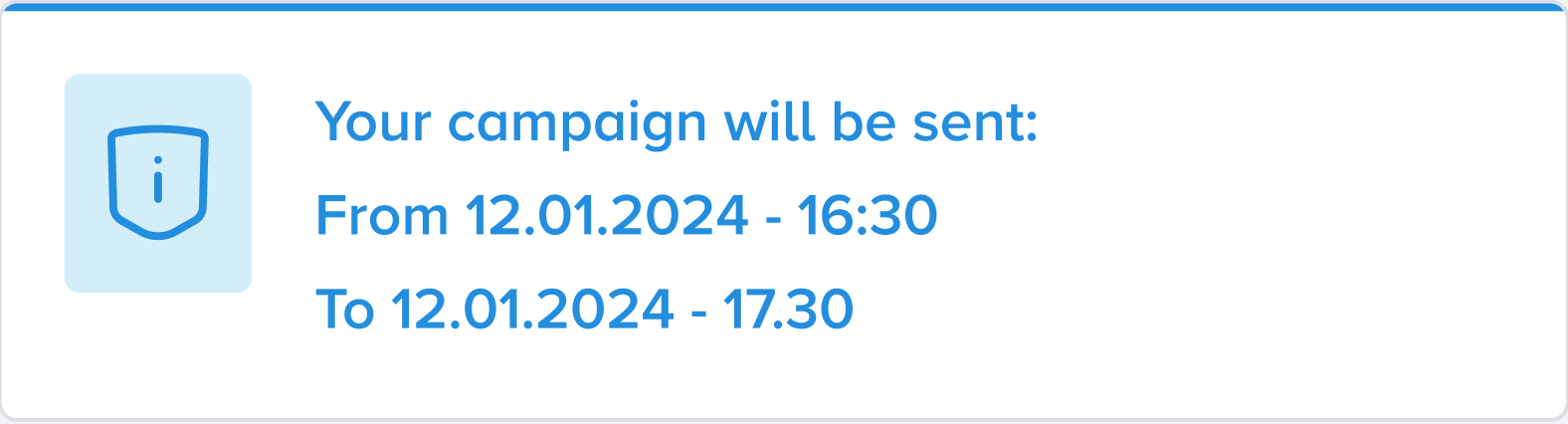
The SMS campaign duration is visible in the Launch step. You can check it and edit your campaign volume/segment, or change your MPS speed preference to decrease or increase it to the targeted time.