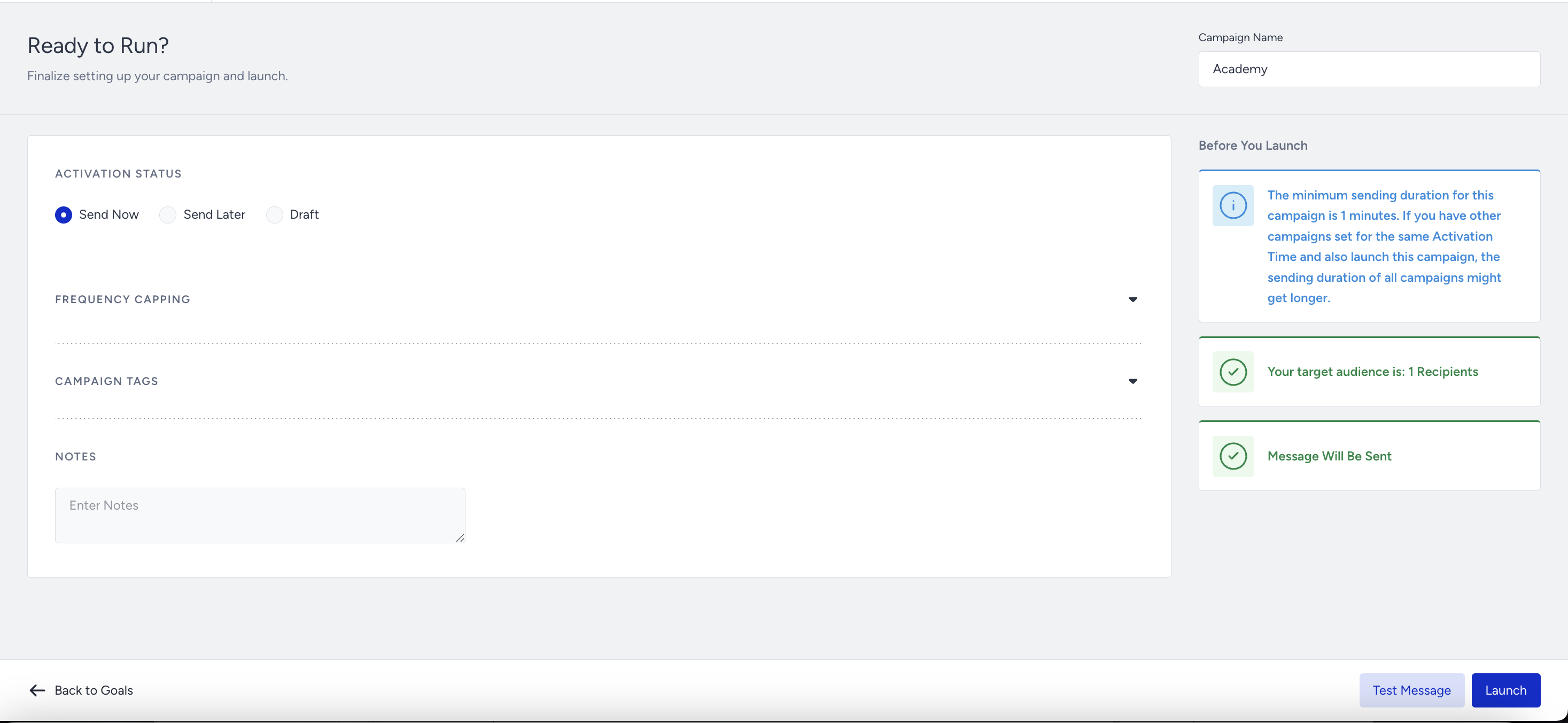
Before you launch your WhatsApp campaign, you can preview its design and how it looks in the Design step of your campaign. You can also review if it has missing configurations in the Launch step of your campaign.
You can see the answers to the following questions in this article:
Preview your WhatsApp campaign
You can preview how your message will appear on your users' end in the Design step of your campaign, provided your campaign type is Single, Purchase Confirmation, Event Reminder, Trigger, or Cart Reminder.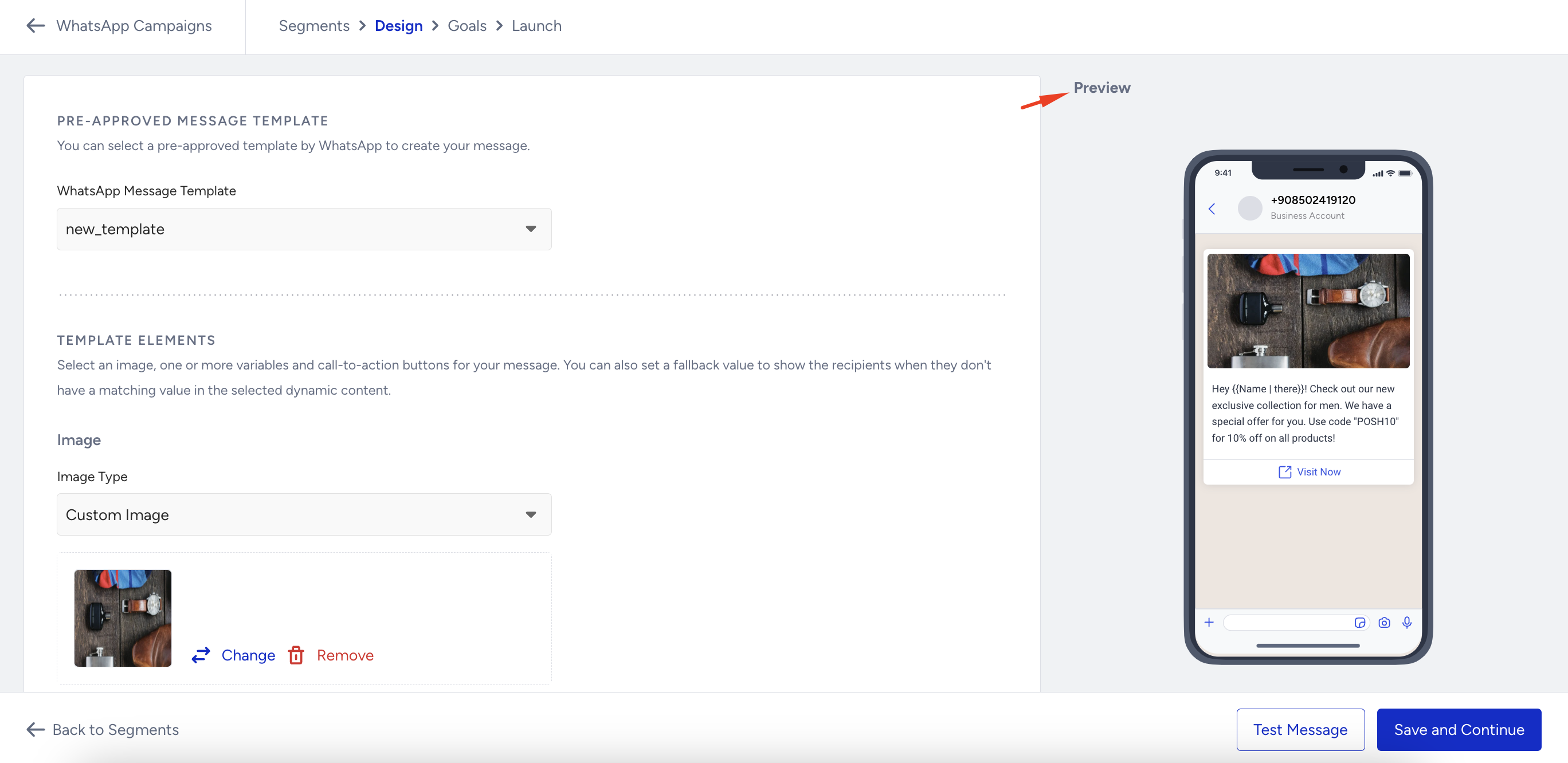
Review your WhatsApp campaign
In the Launch step of your campaign, you can see the general information on whether your campaign is ready to run. Then, you can reconfigure your campaign if needed.