Recommendations help you create the next level personalizations while crafting marketing messages on Architect. You can personalize your product recommendations based on users' historical behavior. With the personalized content, you can cross-sell and upsell relevant products to nudge your users to purchase more. You can also recommend relevant products upon completion of a purchase, browse abandonment, or cart abandonment to re-engage your users.
If this video does not load in your region, you can watch it on our YouTube Channel.
Delivering personalized recommendations with dynamic content across the messaging channels, you can drive better engagement and higher conversions. You can leverage recommendations in the following channels:
Your account should have the User-Based Algorithm enabled to start using recommendations in your journeys. For further information, you can contact the Insider One team.
In Smart Recommender, recommendations are updated once a day for each user. The whole update runs between 00:00 and 06:00 am UTC.
You can easily insert the recommended product attributes (e.g., name, category, image, URL, etc.) into your content. These recommendations are user-based. The recommended content will be generated before you send your message.
In a test message with recommendations, the attributes will appear without any real data, as they are user-based recommendations, and the user who is testing the message is unknown to the system.
Use Cases
You can leverage the "Recommendation" dynamic content in various use cases. Some are as follows:
Cross-selling: Cross-sell more products to the users based on user behavior after the user makes a purchase.
Upselling: Upsell products to increase the average order value after the user makes a purchase.
Post-purchase: Recommend relevant products to users after their purchase to drive them to a second purchase.
Recommended products with cart abandonment: Recommend special products to the users in addition to their cart items.
Recommended products with browse abandonment: Recommend products to users relevant to the ones they have visited before to increase engagement and conversion potential.
Win-back: Recommend inactive users products that are relevant to them to make them return.
The elements of the channels that you can customize with recommendations are as follows:
Web Push
You can personalize your message with:
Message title and description
Message link
Action button links
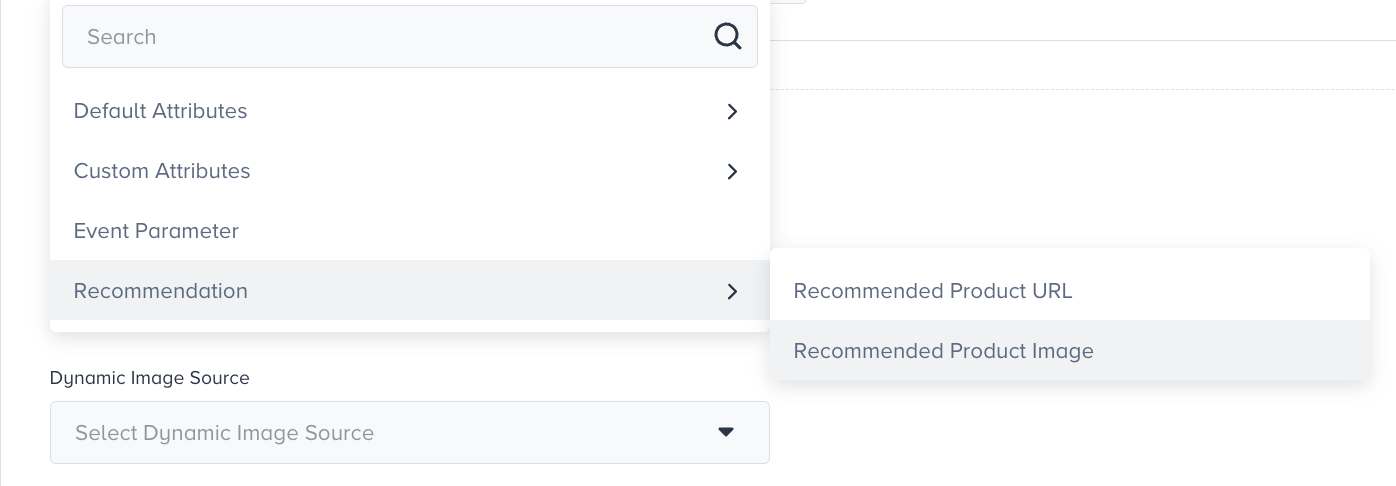
Rich push image

App Push
You can personalize your message with:
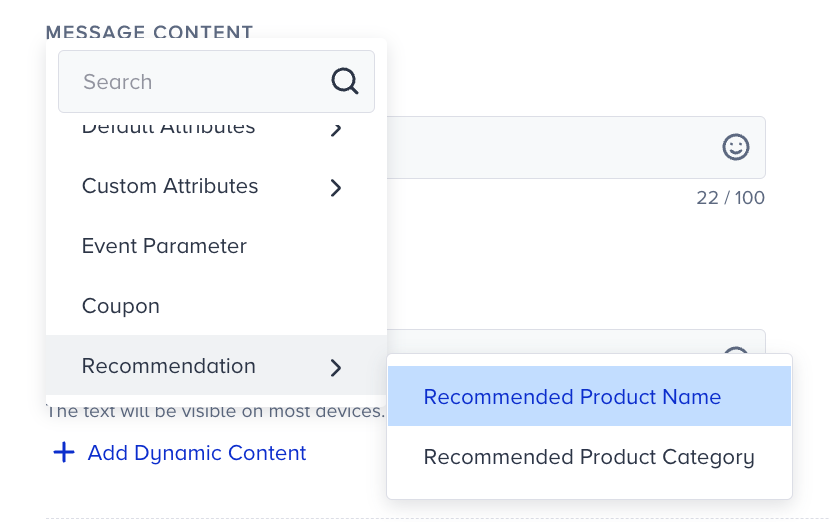
Message and description
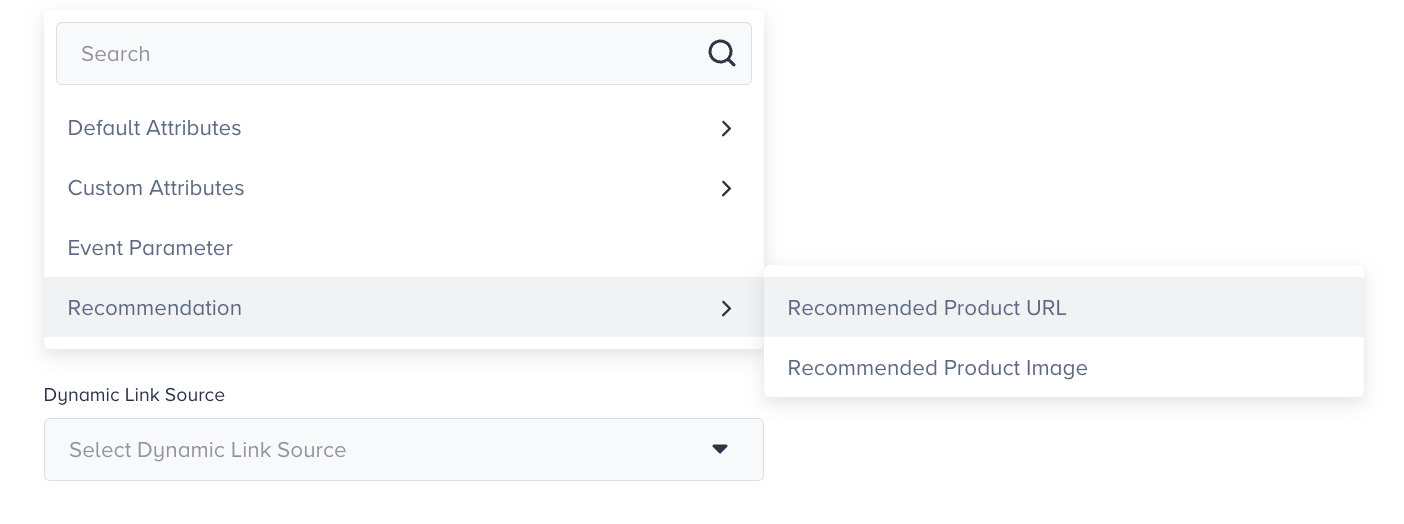
Deep link
Message image
In Smart Recommender, the recommendations for the web and Mobile platforms are independent of each other since the databases are separate. Hence, if a user receives a website push, they will receive recommendation content based on their behavior on the website, and if a user receives an app push, they will receive recommendation content based on their behavior on the mobile app.
You can personalize your message with:
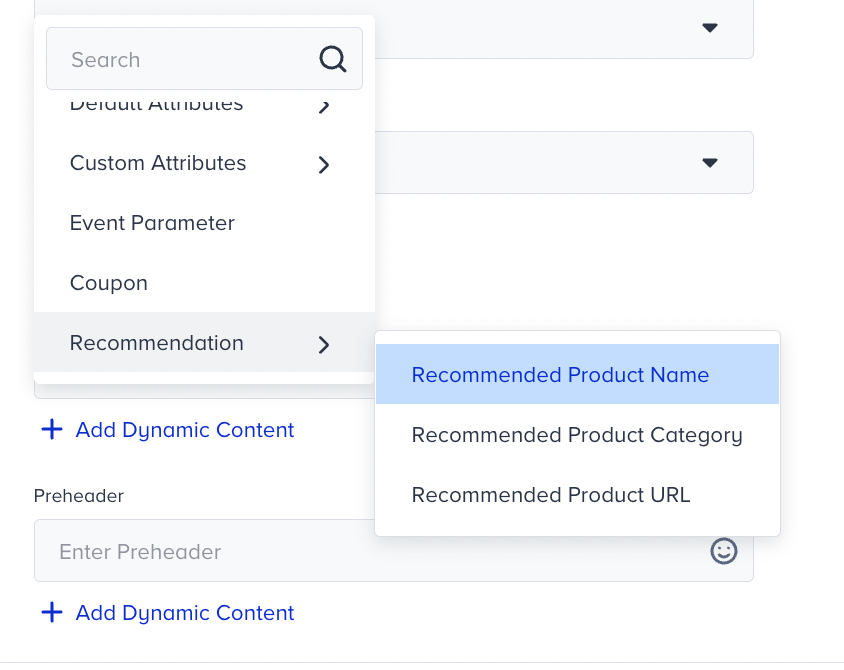
Subject
Preheader
For recommendations in the content, refer to Using recommendation modules in emails. To use the recommendation module, the Smart Recommender algorithms should be enabled for your account. You can contact the Insider One team for further details.
You can use the Email recommendation in Drag&Drop editor.
SMS
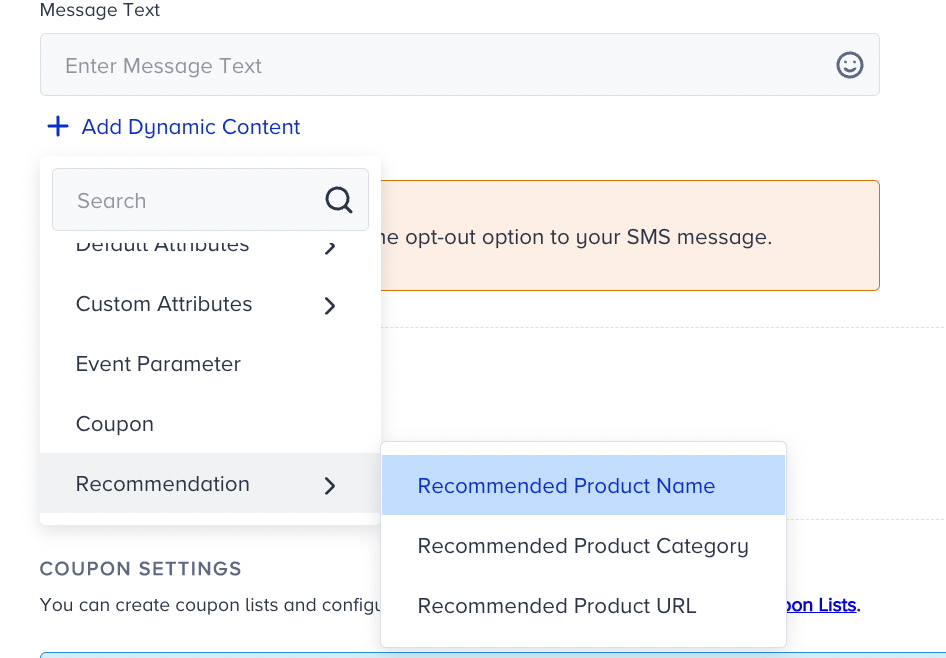
You can personalize your message with the recommended product name, category, and URL.
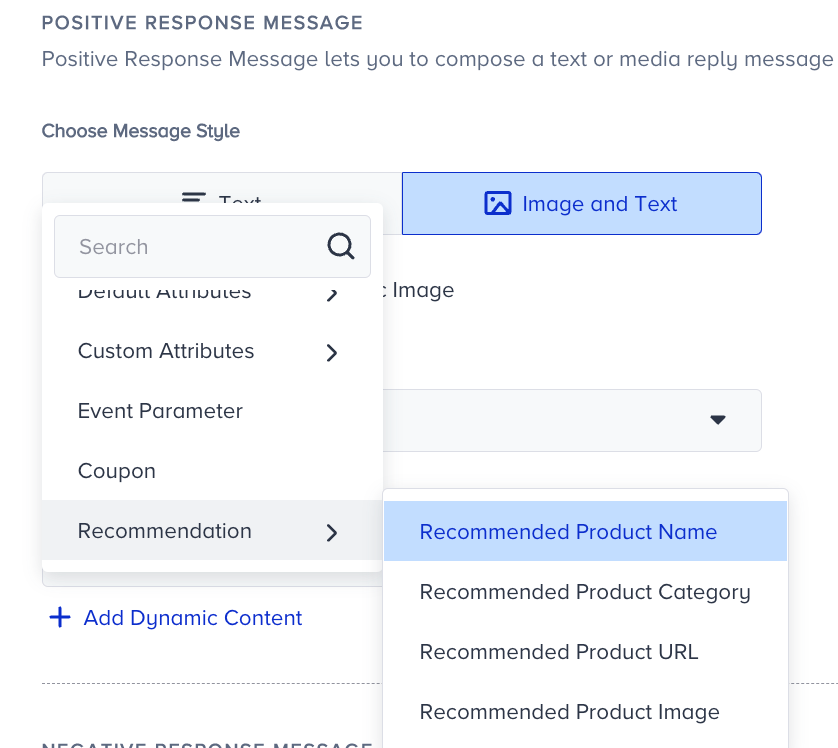
You can personalize your message with:
Message image
Positive response message
Negative response message
Other response message
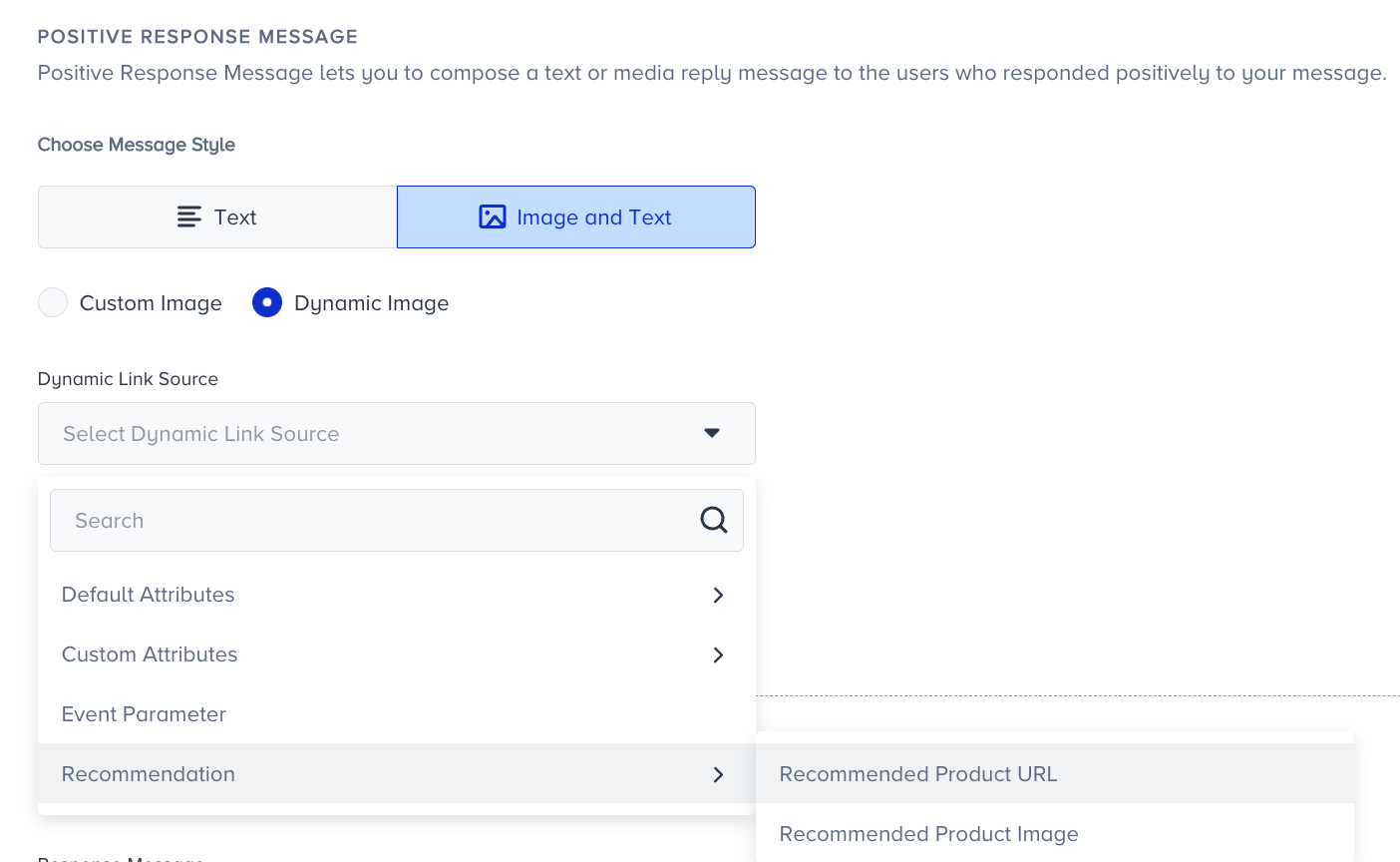
Recommendation is unavailable in the first message sent, as it is a pre-approved message template.