Make sure you build your WhatsApp subscriber base before launching any campaigns. You cannot send WhatsApp messages without user consent. According to WhatsApp policies, brands must obtain explicit opt-in permission before initiating messages. This opt-in must clearly confirm that:
• The user agrees to receive messages from your brand on WhatsApp
• Your business name is explicitly stated
Refer to WhatsApp Subscriber Collection and WhatsApp Opt-in Integration for further information.
You can create five different types of messages using WhatsApp.
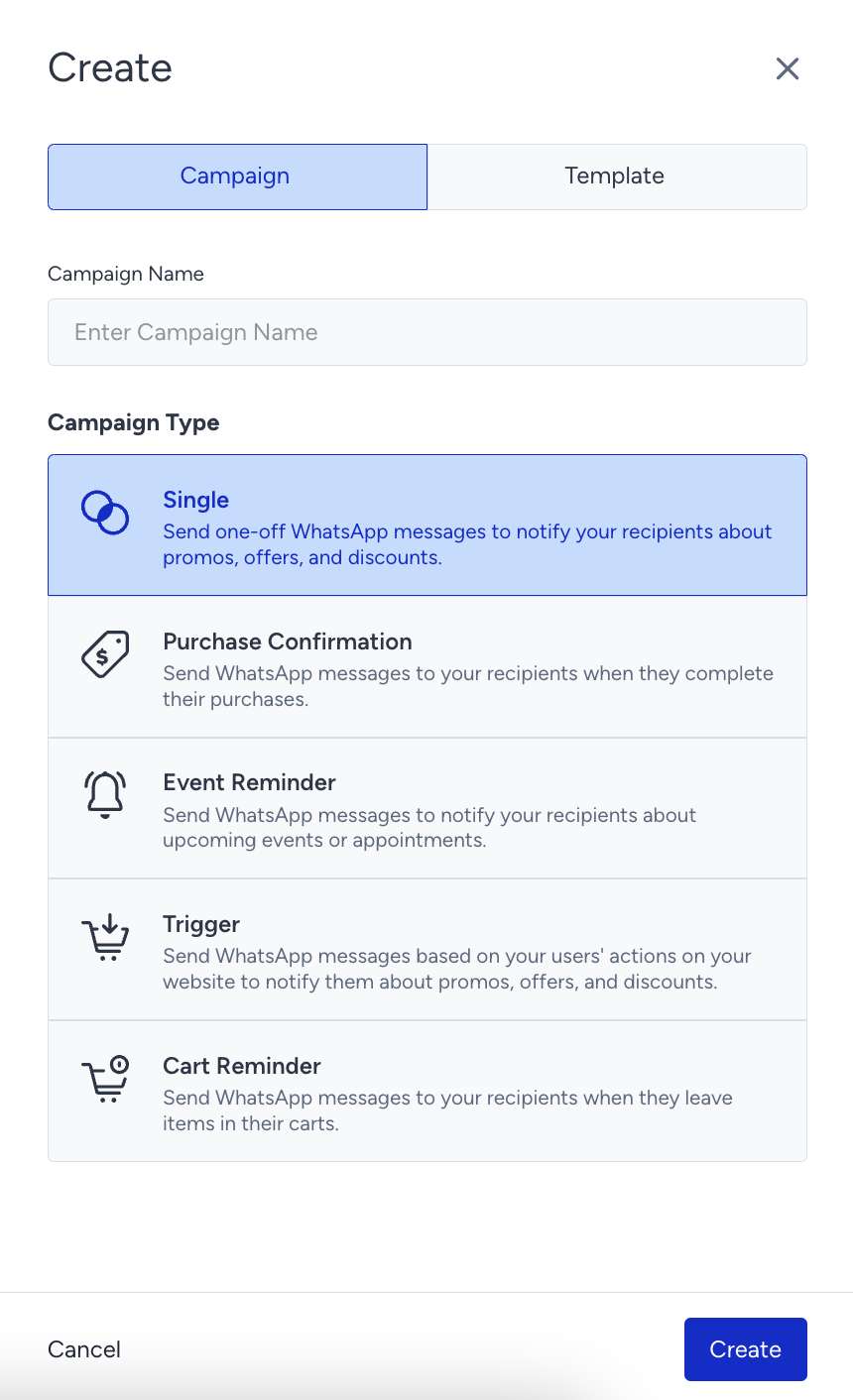
Single Message
The Single message helps you send one-off messages to notify your users about promotions, offers, and discounts. You can also segment your users based on their engagement to receive more clicks and earn more revenue.
Purchase Confirmation Message
The Purchase Confirmation message enables you to send a message to your users after completing a purchase. You can provide a purchase ID and URL in your message template. Adding a URL can also help you drive traffic back to your website.
Event Reminder Message
The Event Reminder message helps you send a reminder message to your users before an event/appointment starts.
Trigger Message
The Trigger message enables you to send messages to your users based on their behavior and actions.
Cart Reminder Message
The Cart Reminder message helps you engage your cart abandoners with an interactive flow.