The Integration Hub is the section where you can seamlessly explore and integrate connectors for integrations. It enables you to effortlessly navigate through a catalog of integrations, select desired platforms, and initiate the integration process. From source integrations, where data originates, to destination integrations, where data is directed, the Integration Hub provides a space for a smooth integration experience.
To reach the Integration Hub page, navigate to Components > Integrations > External Integrations.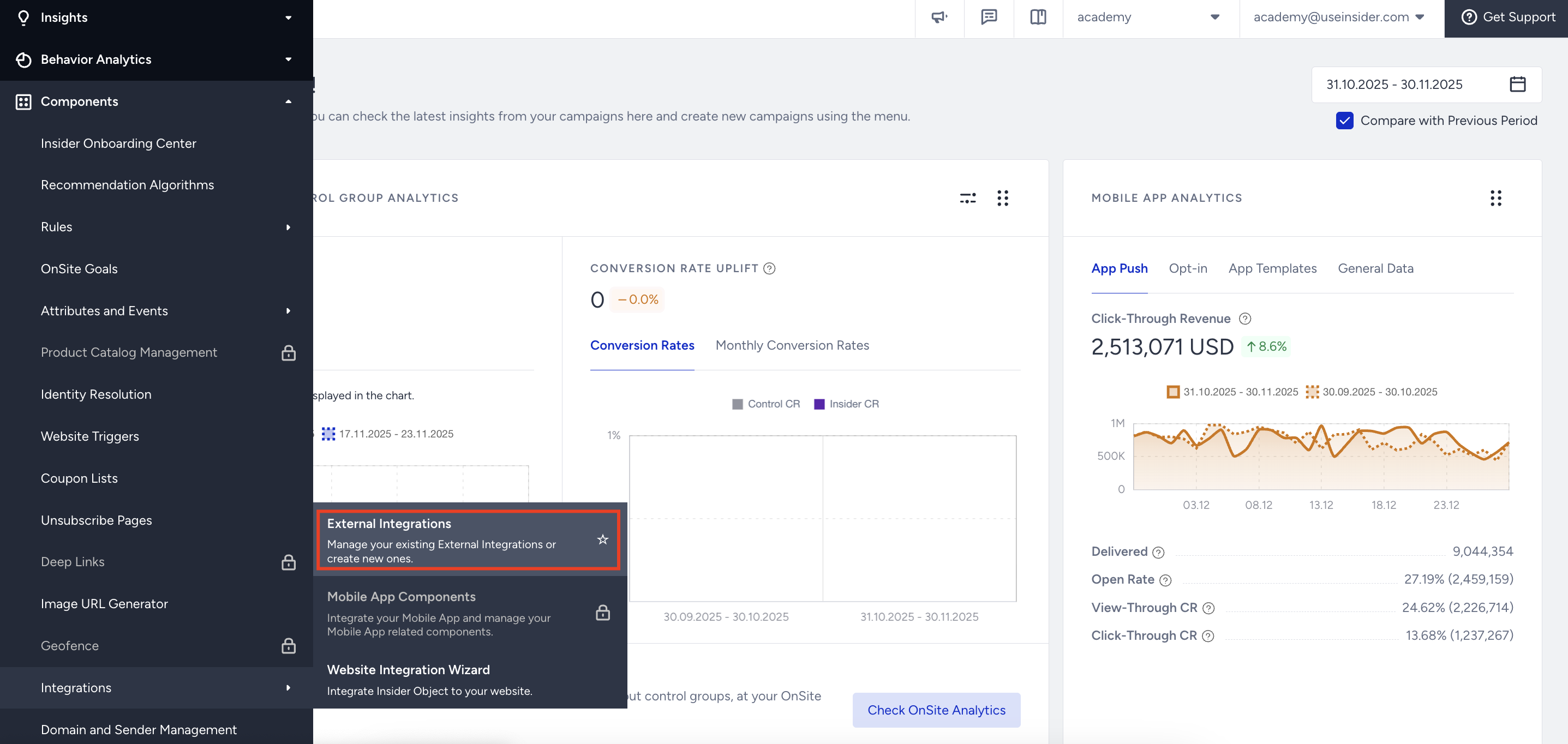
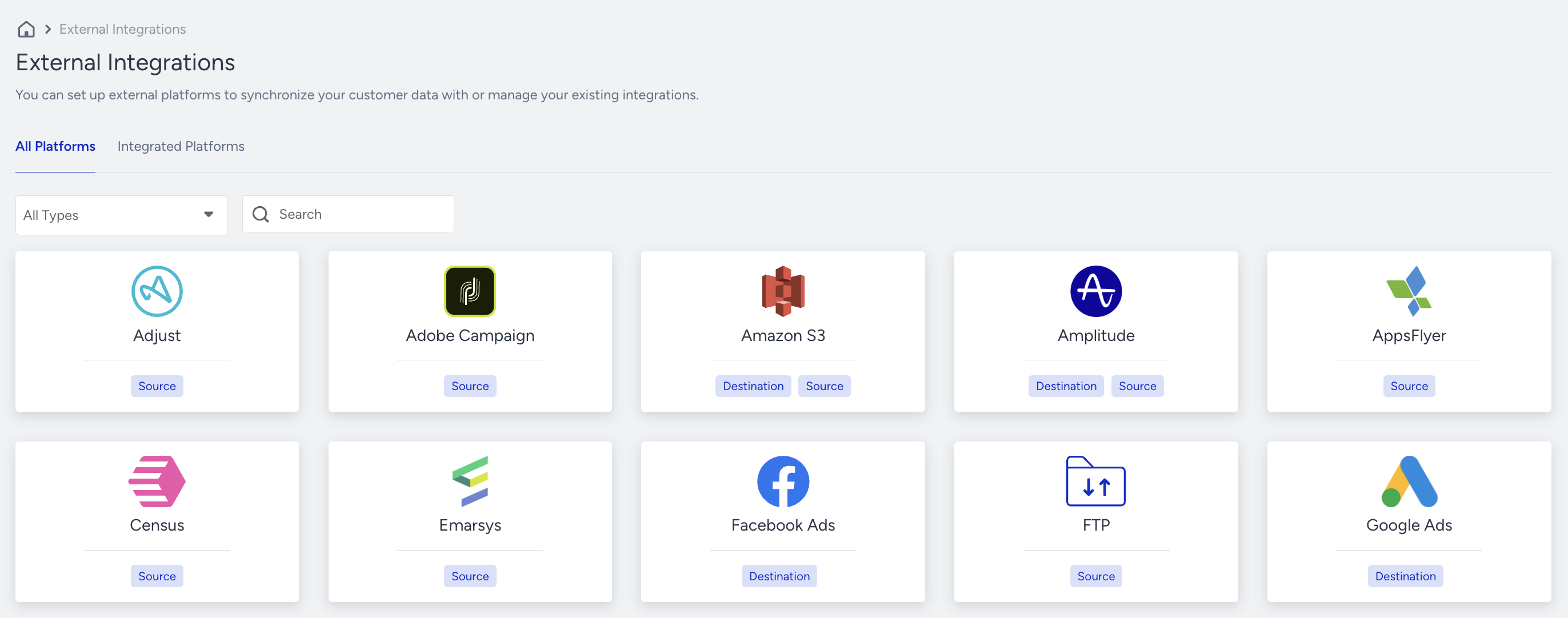
On the External Integrations page, you can see a list of available tools, along with information indicating whether they can be integrated as a source, a destination, or both. Once you've selected your desired third-party tool, you can specify how the data will flow. The available integration types are as a source or a destination:
- Integrating a platform as a source enables you to pull data from your external platforms into Insider One, maximizing the impact of your campaigns and strategies.
- Integrating a platform as a destination allows you to push data from Insider One to leverage its rich capabilities in your external tools and platforms.
In addition, you can explore and set up integrations with various third-party tools.
You can also view the configured integrations under the Integrated Platforms tab.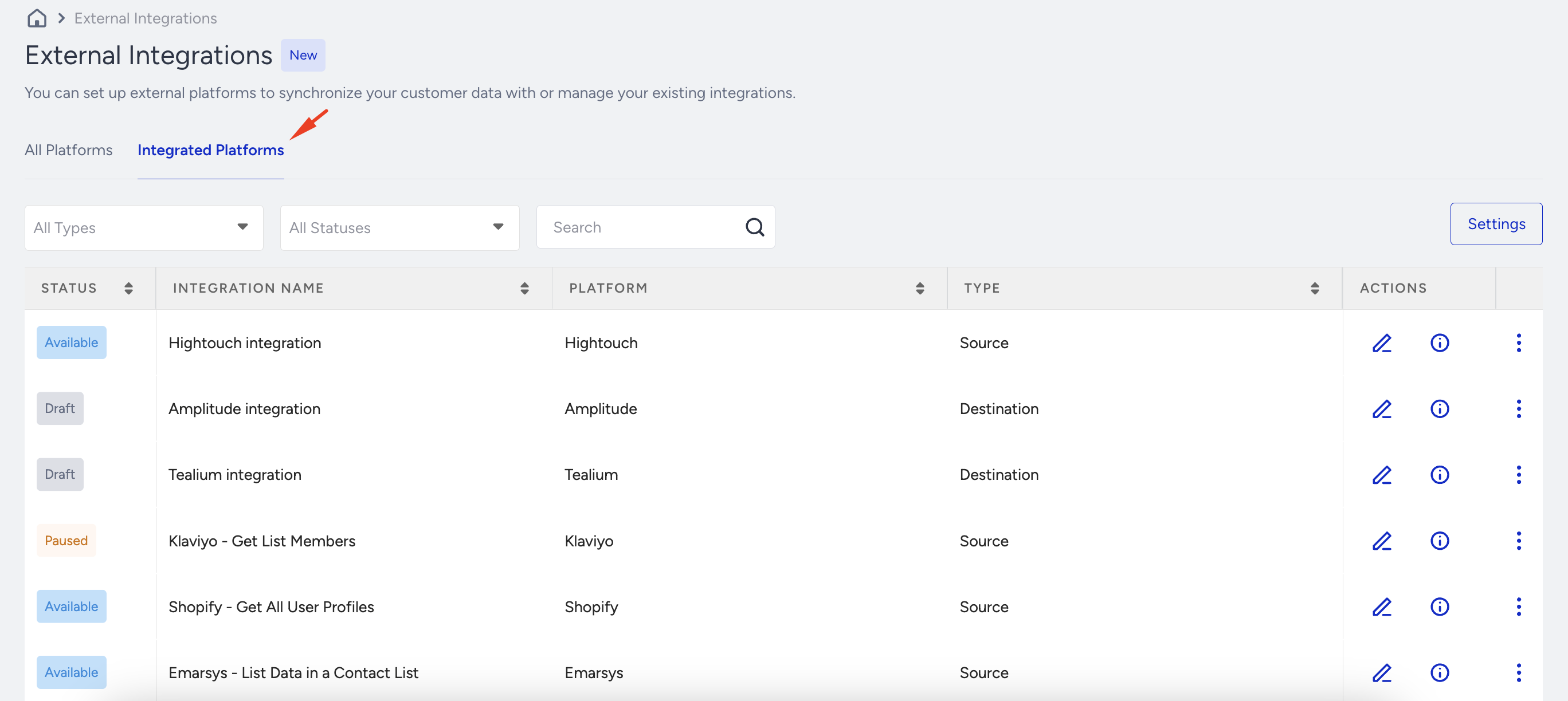
To edit an integration, click the Edit button located against it. If you want to delete an integration, click the 3 dots and select the Delete option.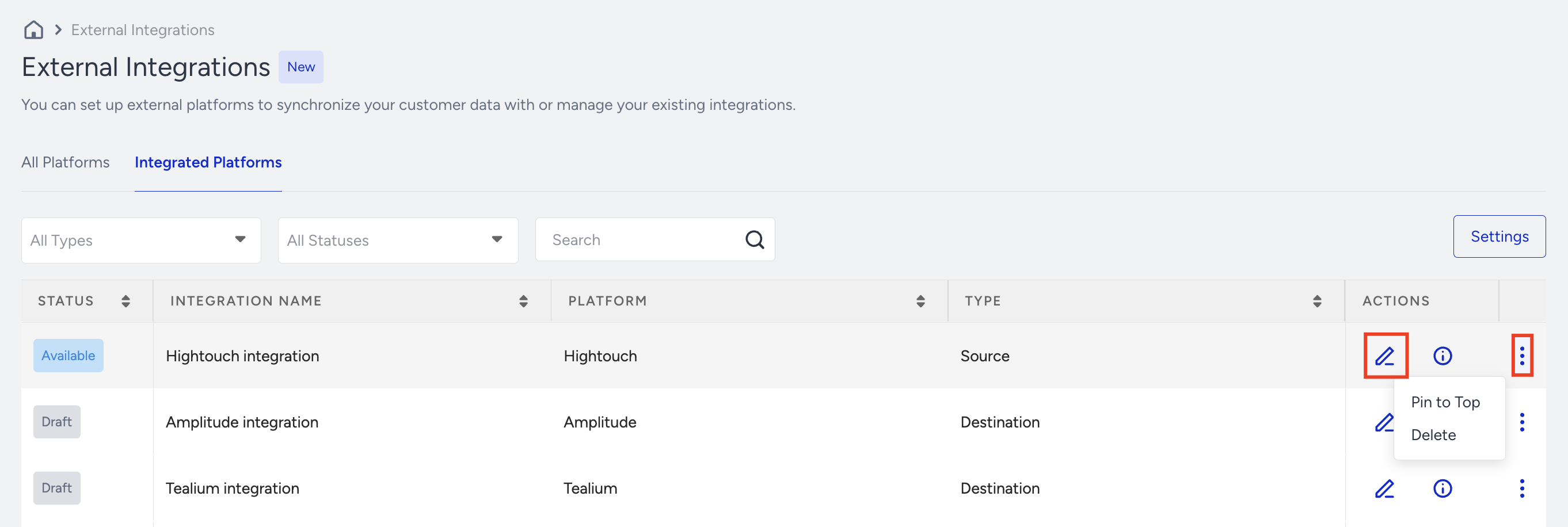
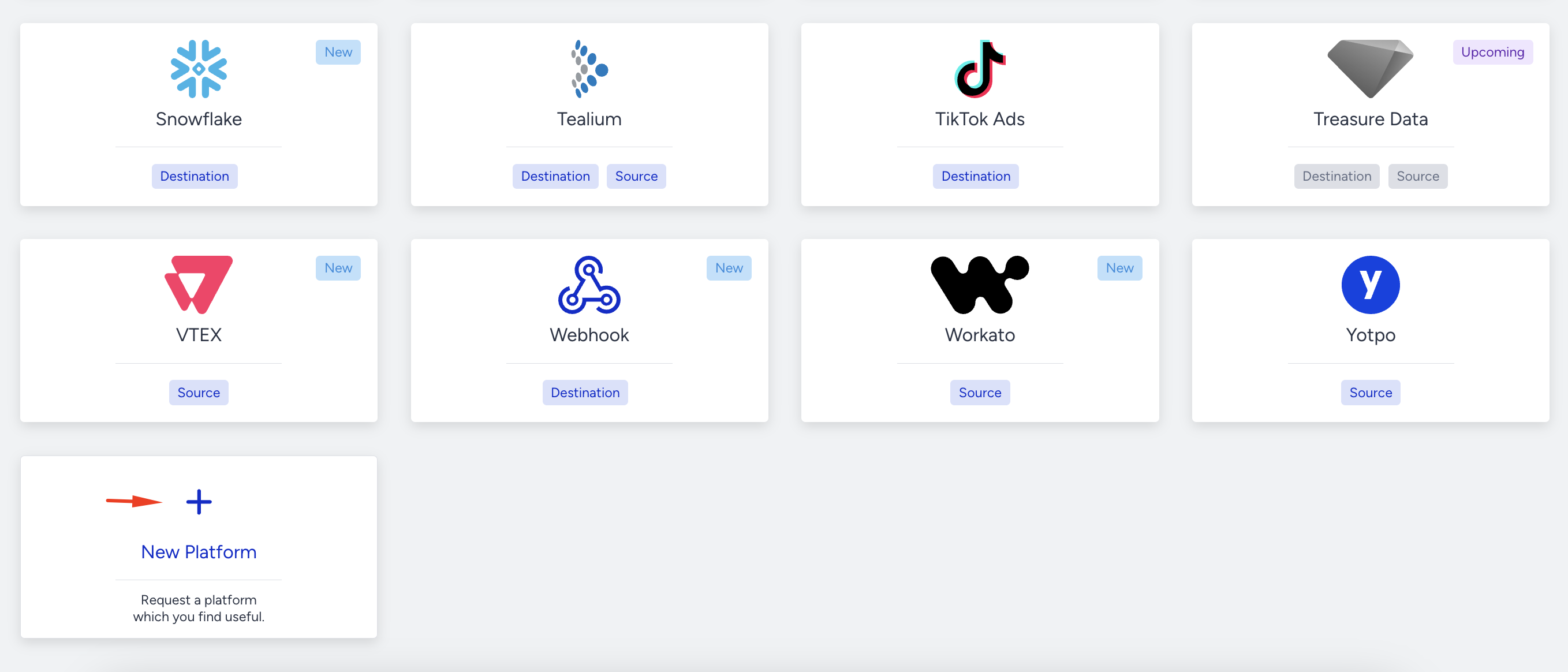
If you want to request a platform, click the + (Plus) button at the end of the page. Enter the name and use case, and click the Submit button.