The Website Integration Wizard walks you through each step of the integration process. Using this wizard, you can:
Verify the Insider Tag on your website before starting the integration.
Select one of the available integration methods.
See the data keys and their sample values based on your industry selection.
Get code samples that you can edit to adjust to your brand’s needs.
Keep track of your integration progress.
Test your integration.
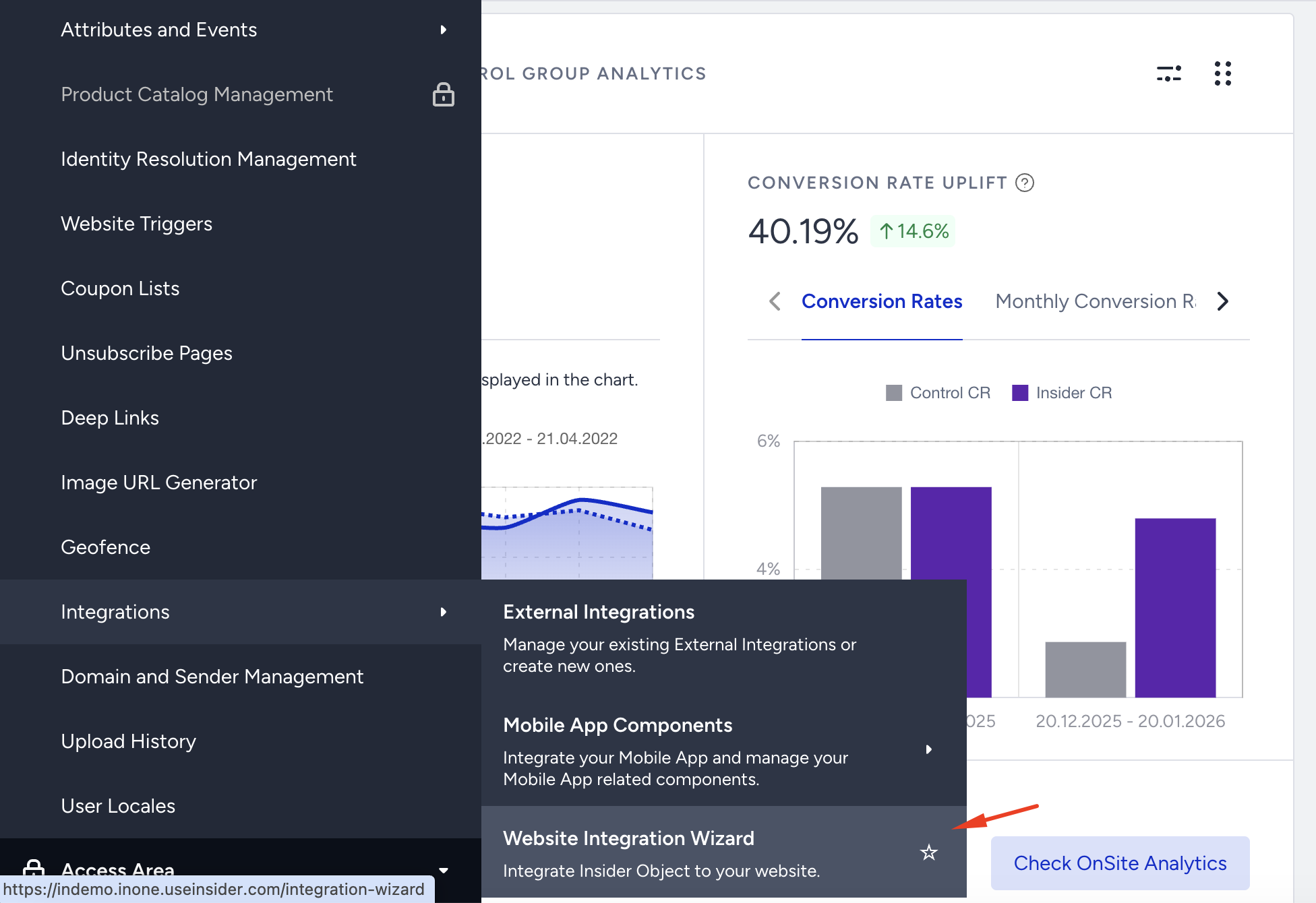
To start with your integration, go to Components > Integrations > Website Integration Wizard.