Insider One is transitioning to a new SMS setup experience, so the setup available in your panel can differ. If you do not see Country Settings in the SMS setup navigation, you are using the previous SMS setup wizard and can follow the guides in this section. If Country Settings is available, you are using the new SMS setup wizard. Refer to New SMS Channel Setup instead.
SMS, short for 'Short Messaging Service,' is a service used to send text messages to users. With SMS, you can reach your users anywhere in the world, at any time, even when they are offline.
To start using the SMS product, you need to configure the settings on the Insider Onboarding Center page.
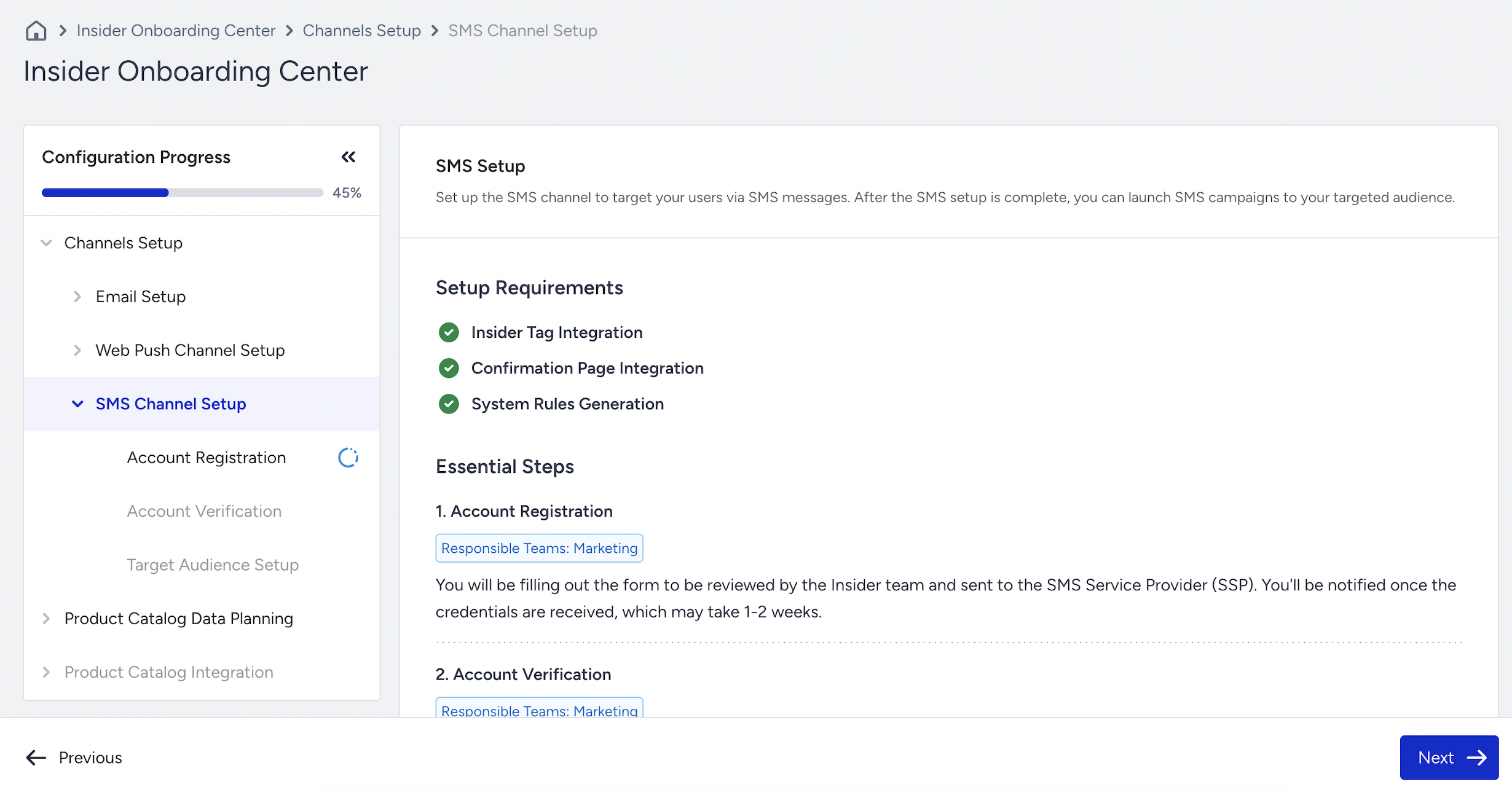
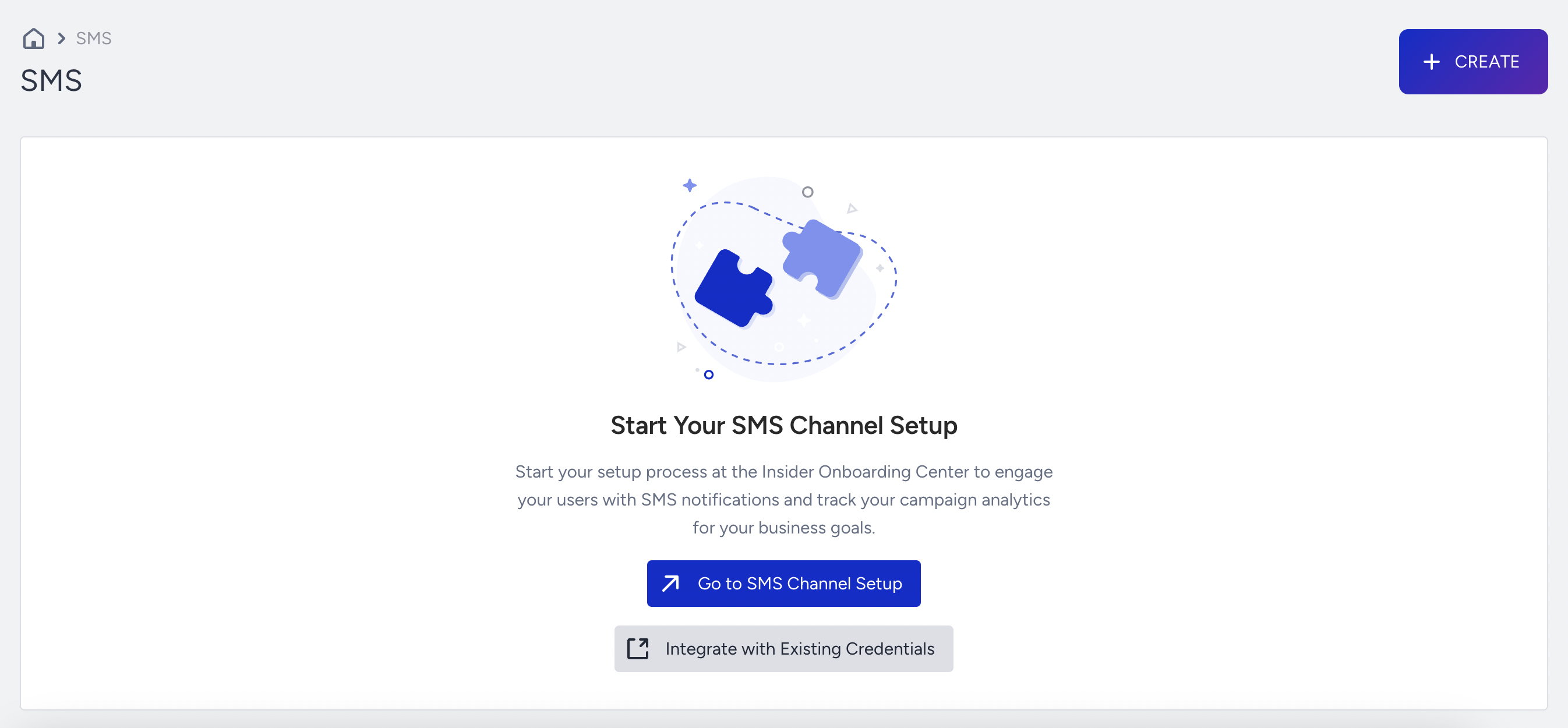
When you visit the SMS listing page before you complete the settings in the Insider Onboarding Center, you see the redirection to the SMS Channel Page. To proceed, click the Go to SMS Channel Setup button to access the Insider Onboarding Center, or alternatively, navigate to Components > Insider Onboarding Center.
You also see that the Create button is enabled. While your configuration step is in progress, you can still create SMS campaigns and save them in Draft status. When you complete the integration, you can launch your campaigns.