Suggested readings: Events and Attributes, Using Standard Segments
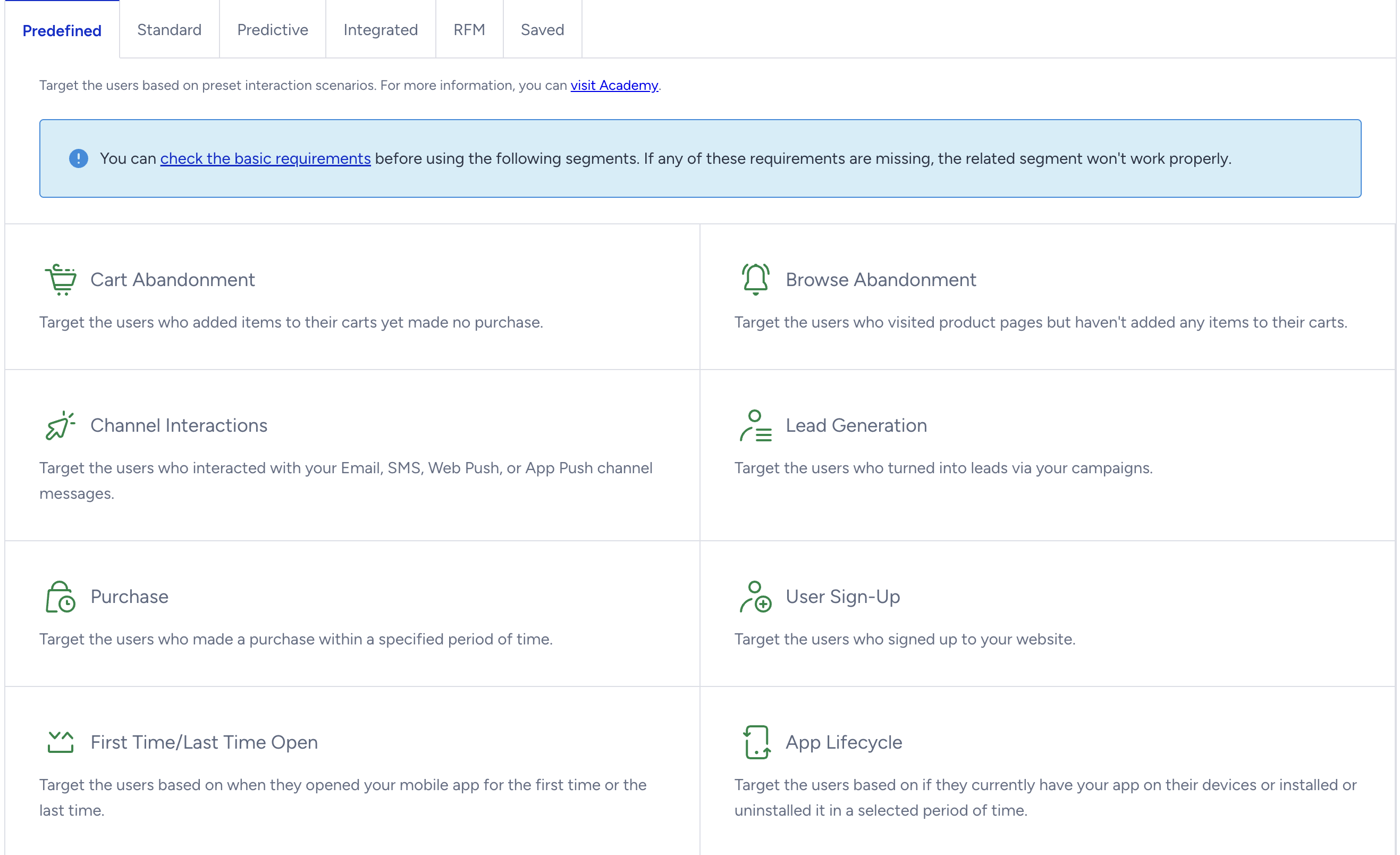
Predefined segments let you easily target your users using the available segments. Architect has the following predefined segments available:
- Cart Abandonment
- Browse Abandonment
- Channel Interactions
- Lead Generation
- Purchase
- User Sign-Up
- First/Last Time Open
- App Lifecycle
- Call an API Status
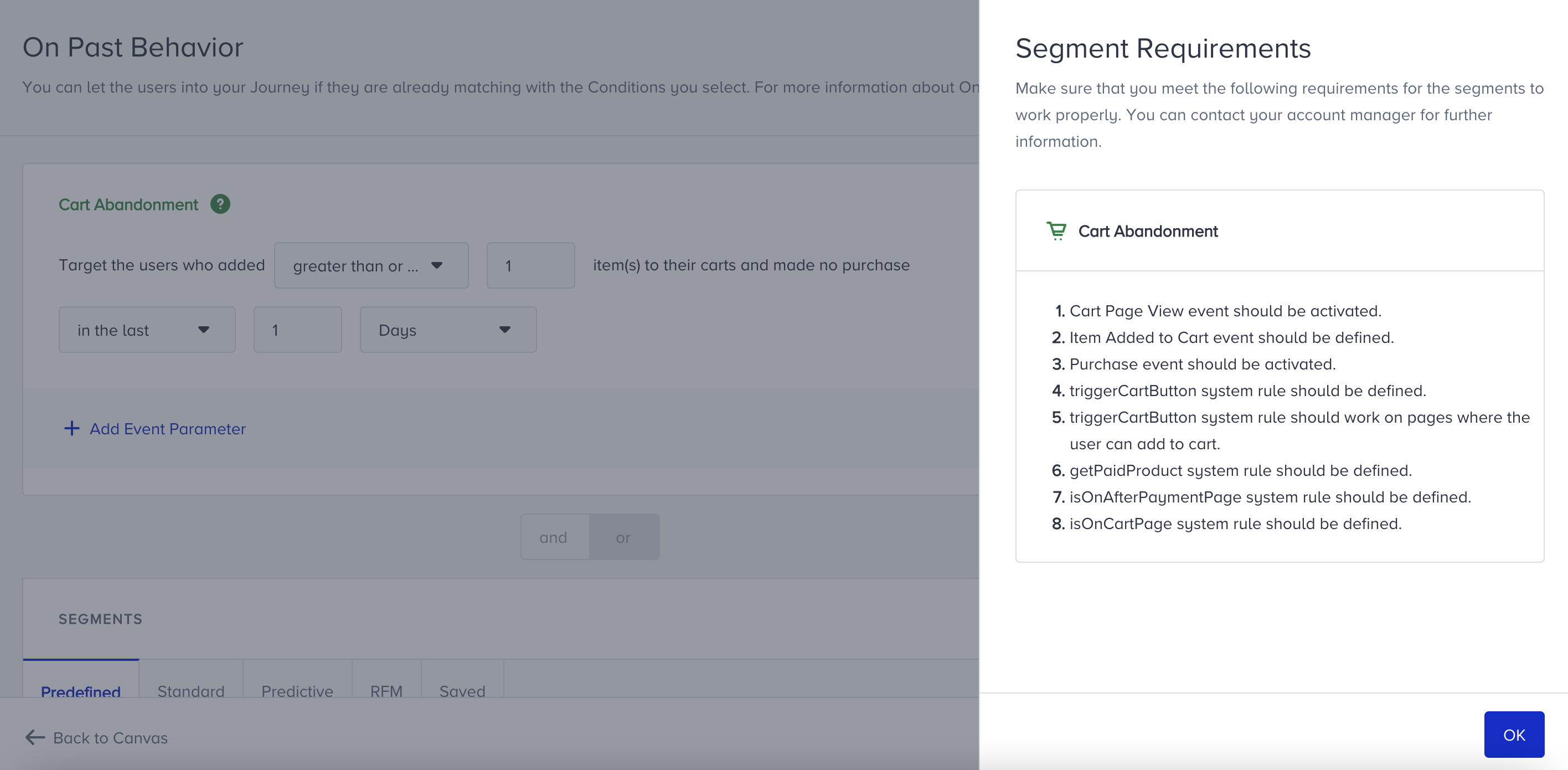
Cart Abandonment
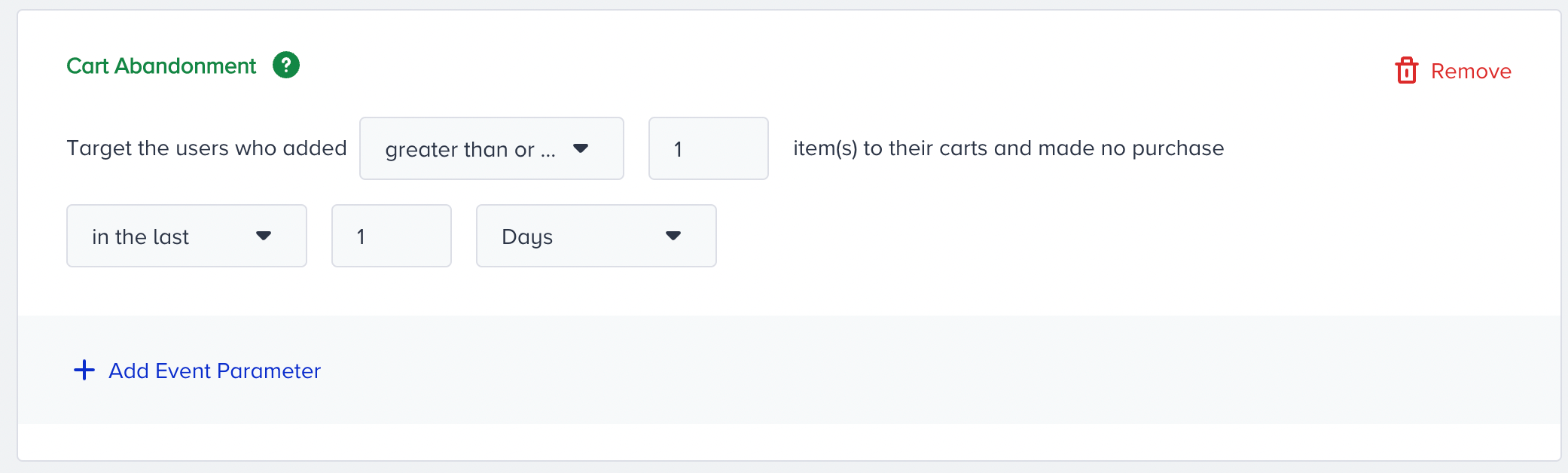
This segment targets users who added items to their cart but did not make a purchase in a specific period. The Cart Abandonment segment is based on Item Added to Cart and Purchase events. You can also select event parameters for more filtering options, such as taxonomy (category). For example, you can target users who added an item from the 'Shoes' category to their cart. For this segment, the event parameters apply only to the Item Added to Cart event.
Browse Abandonment
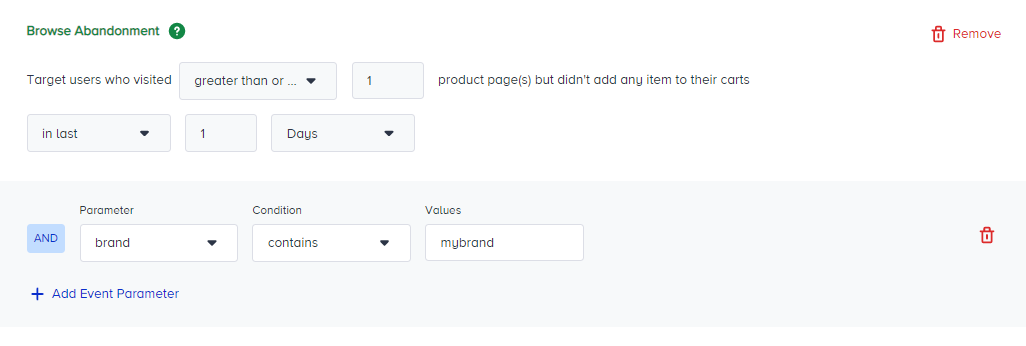
This segment targets users who visited product page(s) in a specific period and did not add any item to their cart. The Browse Abandonment segment is based on Product Detail Page View and Item Added to Cart events. You can also select event parameters to filter more, such as name. For example, you can target users who visited the cool shirt page.
Channel Interactions
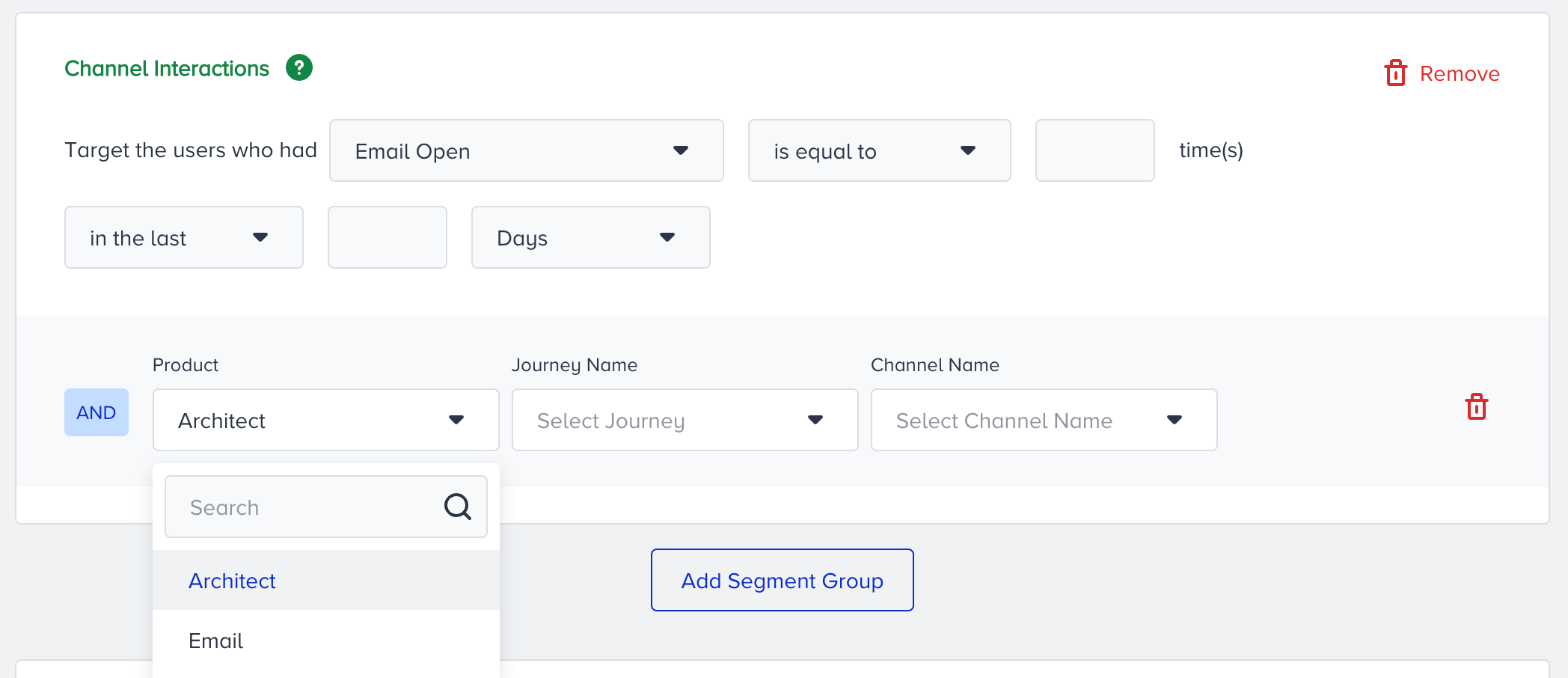
This segment targets users who had an interaction a specific number of times on a specific channel in a certain period. Channel interactions are user actions on channels through which users saw a campaign or a journey. You can also select the following event parameters for more filtering options:
- Web Push and On-Site actions' event parameters are considered only if there is a channel in a specific journey. You can select which journey and channel element name you want to track the activity—E.g. Target users who click X web push campaign in a Y journey.
- App Push, SMS, Email, WhatsApp, and In-App interactions' event parameters include both Architect Email and Email products. You can select the product first, then choose the journey and campaign you want to use, or choose the campaign and variant you want. For example, you can target users who click a URL in an email in a specific journey or users who open a variant of an email campaign. E.g., Target users who click the Email from Y journeys' Z email channel or Target users who open X variation of the Y Email campaign.
Lead Generation
This segment targets users who submitted a lead generation form(s) in a specific period.
Lead Generation is connected to the web and mobile app lead collection campaigns created in desktop/mobile web templates or mobile app suite. It is based on the Lead Collected event.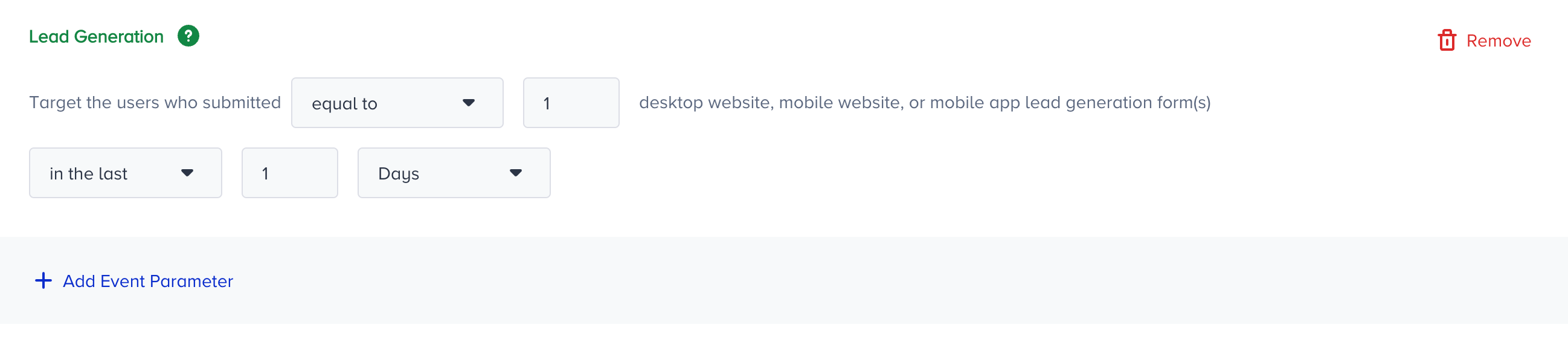
You can also select event parameters for more filtering options. For example, you can choose which lead collection campaign and variant to track the "submit" activity. First, select the platform, and then the respective campaigns will be listed in the campaign dropdown.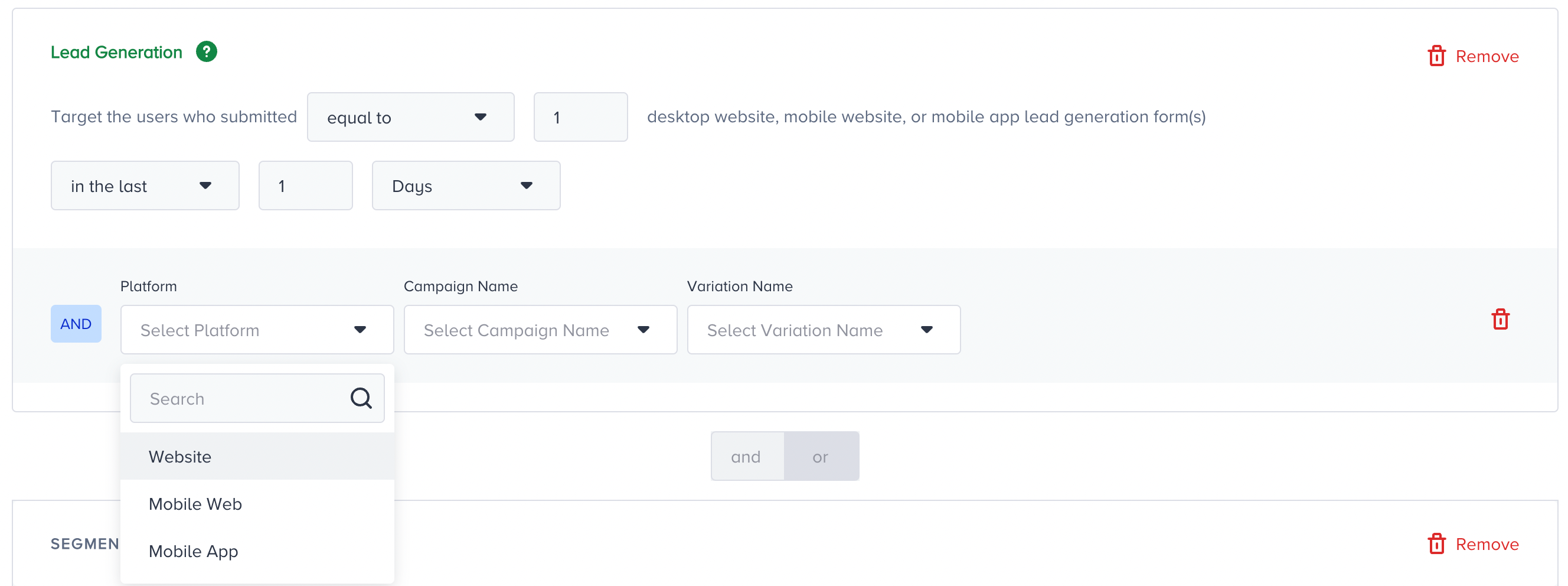
Purchase
This segment targets users who purchased a specific number of items within a given period. You can also select event parameters to get more filtering options, such as color. For example, you can target users who bought blue sunglasses.
User Sign-Up
This segment targets users who signed up for the website or did not sign up during a specific period. The User Sign-Up segment is based on the Sign-Up event.
First/Last Time Open
This segment targets users who opened the mobile app for the first time or last time in a specific period.
.png)
App Lifecycle
This segment targets users who installed the mobile app during a specific period or have the mobile app on their phone, or vice versa.
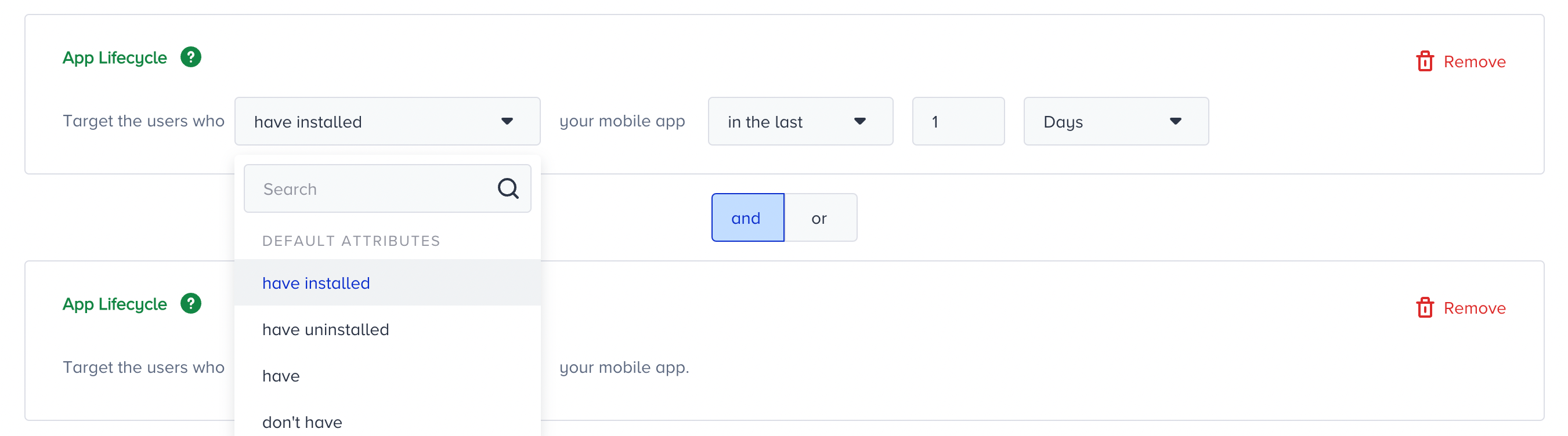
- Install and uninstall attributes are updated daily. So you don't need to make the On Past Behavior work every 60 minutes. A 1-day 'triggering frequency' will be enough.
- If there is no install or uninstall attribute coming from the SDK, you cannot see this predefined segment in this step.
Call an API Status
This segment targets users who have succeeded or failed responses a specific number of times on the request sent to external tools from the Call an API channel within a particular time or period.
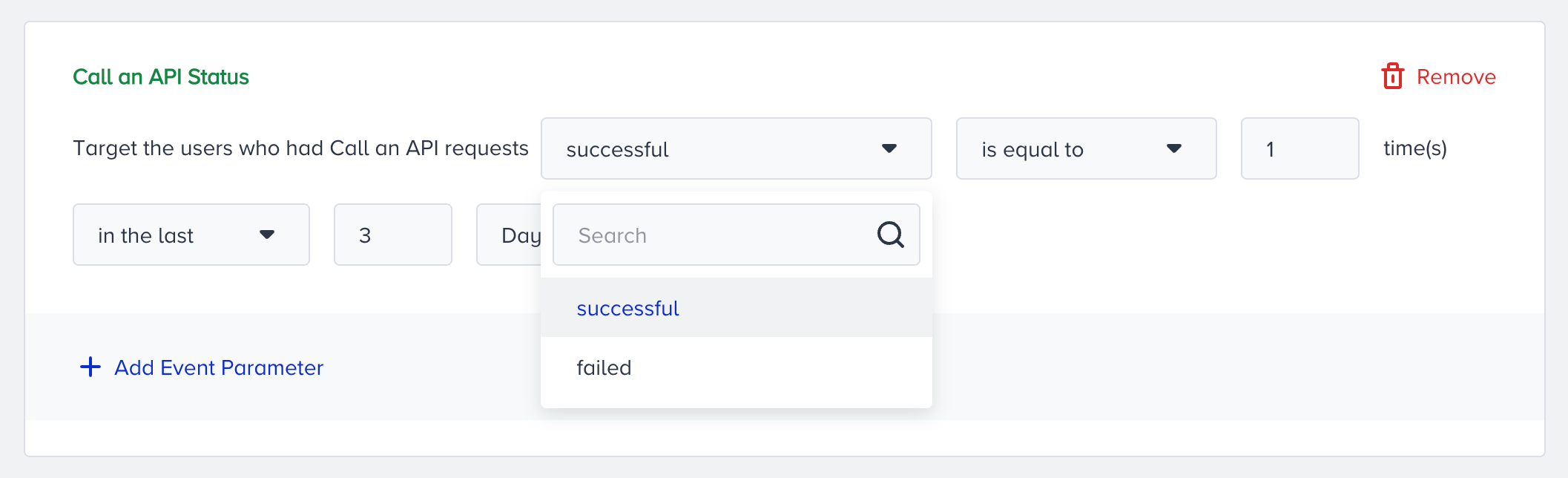
You can also select event parameters for more filtering options. Call an API action’s event parameters are considered only if there is a channel in a specific journey. You can select which journey and channel element to track the activity. E.g., Target users who have a successful request in X Call an API channel in a Y journey.