The Advanced Settings in the top bar let you add custom HTML and CSS to change your website, or run custom JavaScript.
Click the Advanced Settings button on the Design tab and select the option to customize your website.

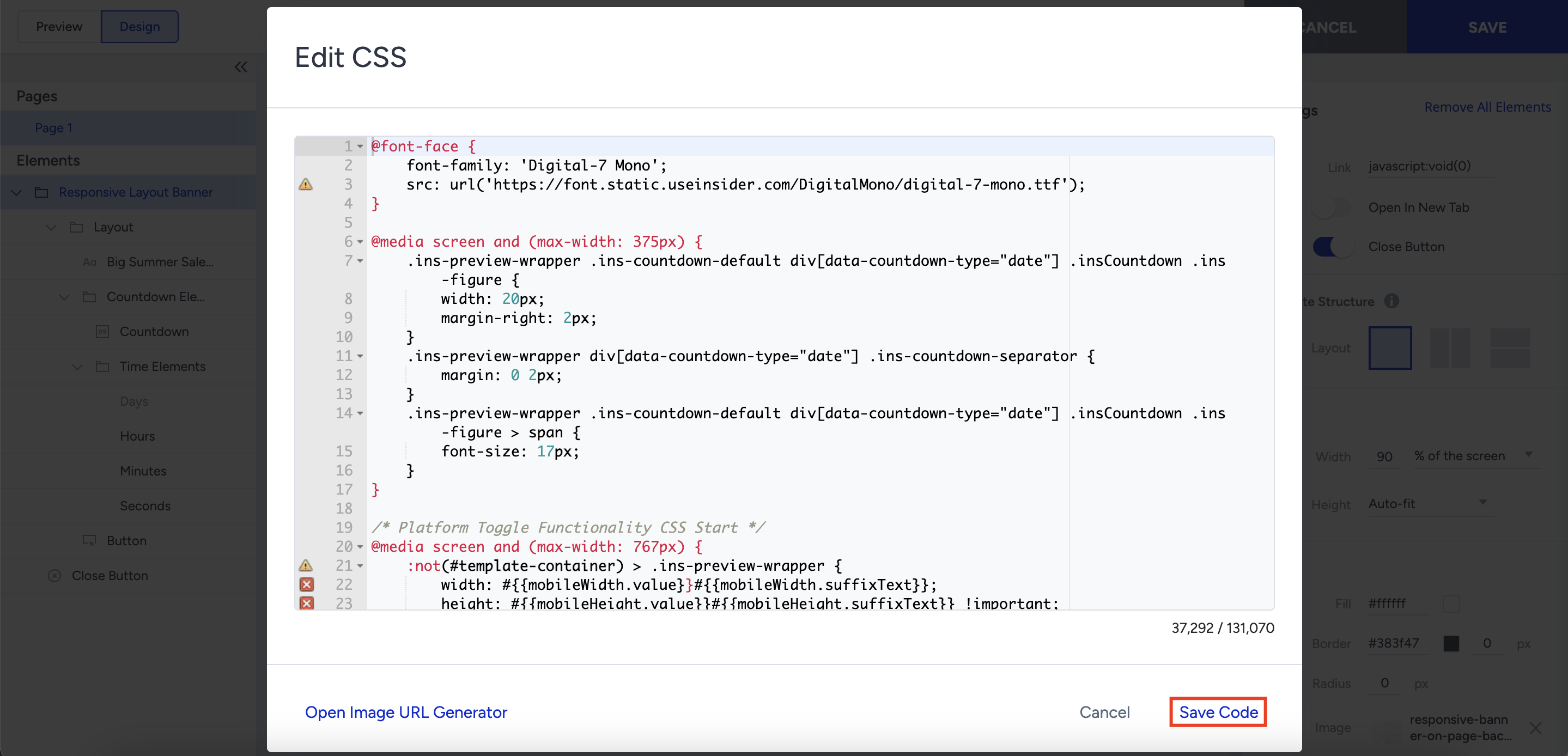
Enter the code to make the necessary changes. Click the Save Code button.
If you need changes beyond the built-in customization options, Advanced Settings lets you add custom HTML and CSS or run custom JavaScript. Preserve the template’s required elements when editing its code. For example, the Wheel of Fortune template requires its Wheel element. Custom code can affect appearance and behavior, so preview your changes in Action Builder, then use the campaign’s test link to check that the campaign displays and works as expected before activating it.