Lead Collection templates include two pages by default: one for collecting input and one for showing a coupon code. Thanks to the Add Page flexibility, you can launch a 3-page Lead Collection campaign.
The Add Page feature is available only for Cross-platform Lead Collection (Inline and On-page) and its ready-made templates.
Click the + (plus) button on the left menu to add a new page.
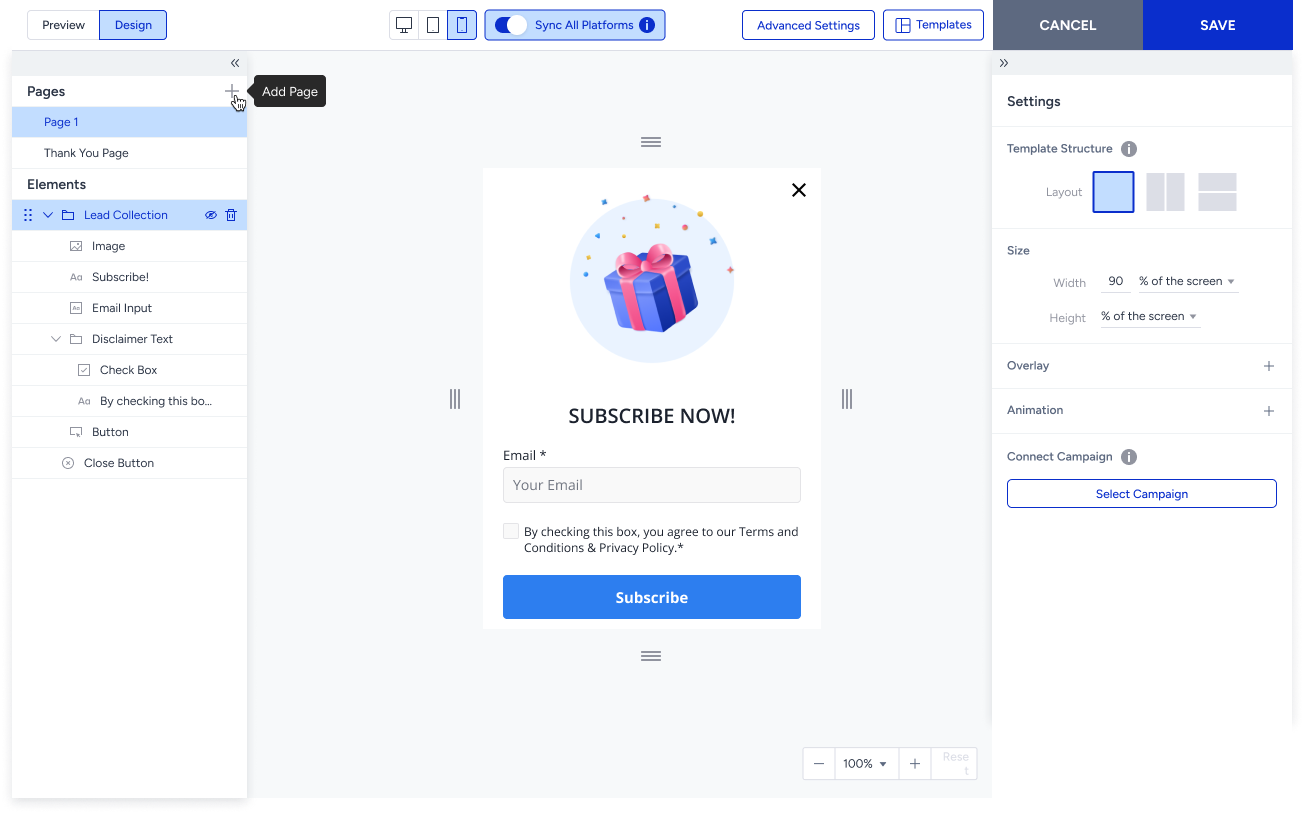
You can customize pages by adding new elements or removing existing ones. However, you can only add the Email or Phone Number input element once. This means you cannot add the Email input to the second page if it is already included on the first page, or vice versa.
If you do not show the second page, click the Delete icon to remove it.
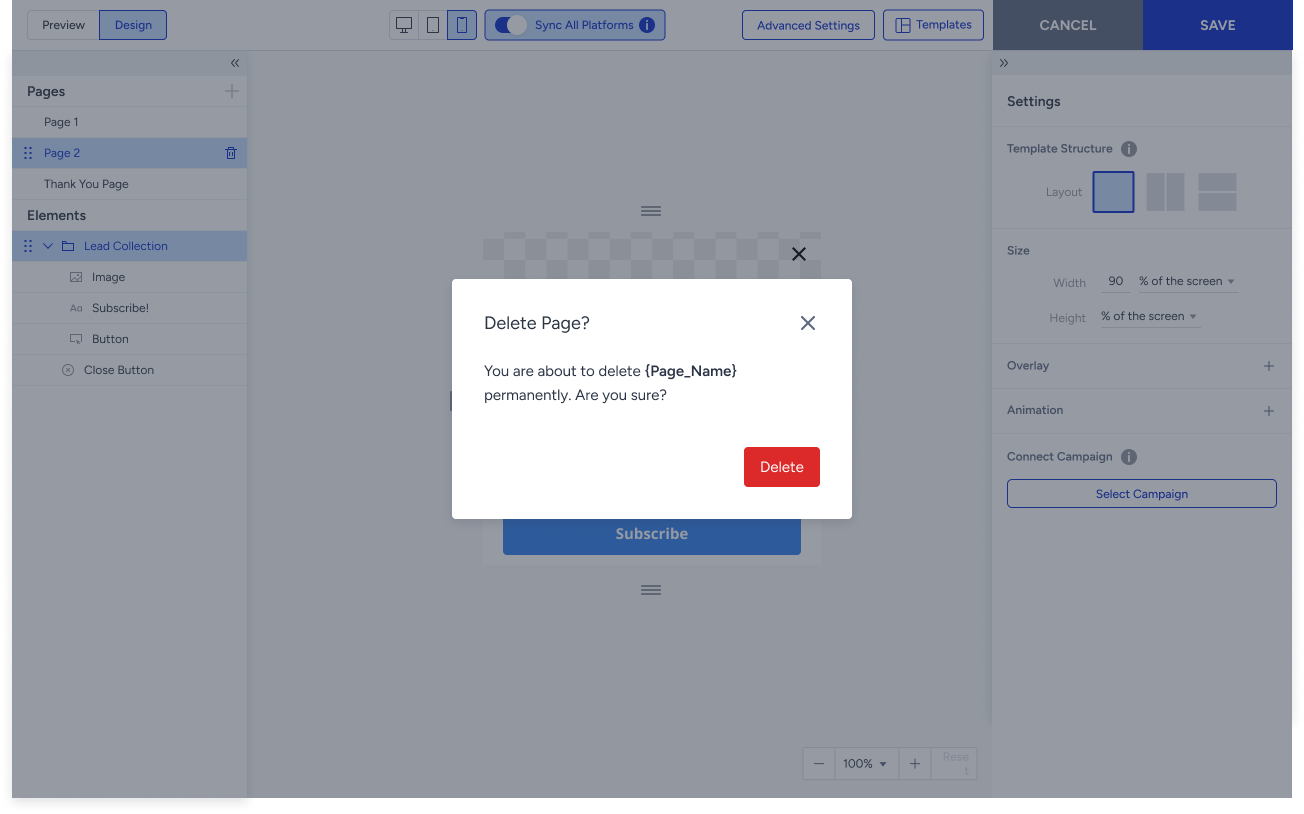
Consent types sync with all input elements. If you add a Disclaimer Text to the Email Input on the first page, it will automatically be applied to any other input elements you add on the second page.
If the Consent Type is Opt-in and Data Privacy Policy, and there are multiple input pages, the Data Privacy Policy will be added only to the first input page. If you reorder the input pages or delete the first input page, the Data Privacy Policy will automatically move to the new first input page.