Suggested readings: Test Transactional Journeys, Preview and Test Message
Test API allows you to validate your request payload before activating a transactional journey. It helps identify structural issues early and ensures the payload will be accepted when sent to the live endpoint.
Test API performs the limitation checks without enqueuing users into the journey.
To access the Test API, simply navigate to On API Call Starter > Test API.
This guide explains the following?
How does Test API work?
Once you create a payload in the On API Call starter, you can test it using the Test API.
After execution:
The HTTP status indicates whether the payload passed validation.
The Response Body explains the result.
No users enter into the journey.
If the response is not successful, the error message explains which rule was violated.
Successful payloads
Below is a sample successful payload.
{
        "idempotency_key": "string",
        "targets": [
        {
        "type": "journey_id",
        "value": 1001
        }
        ],
        "users": [
        {
        "identifier": {
        "type": "email",
        "value": "string"
        },
        "dynamic_attributes": {
        "user": {
        "name": "Sarah"
        }
        }
        }
        ]
        }
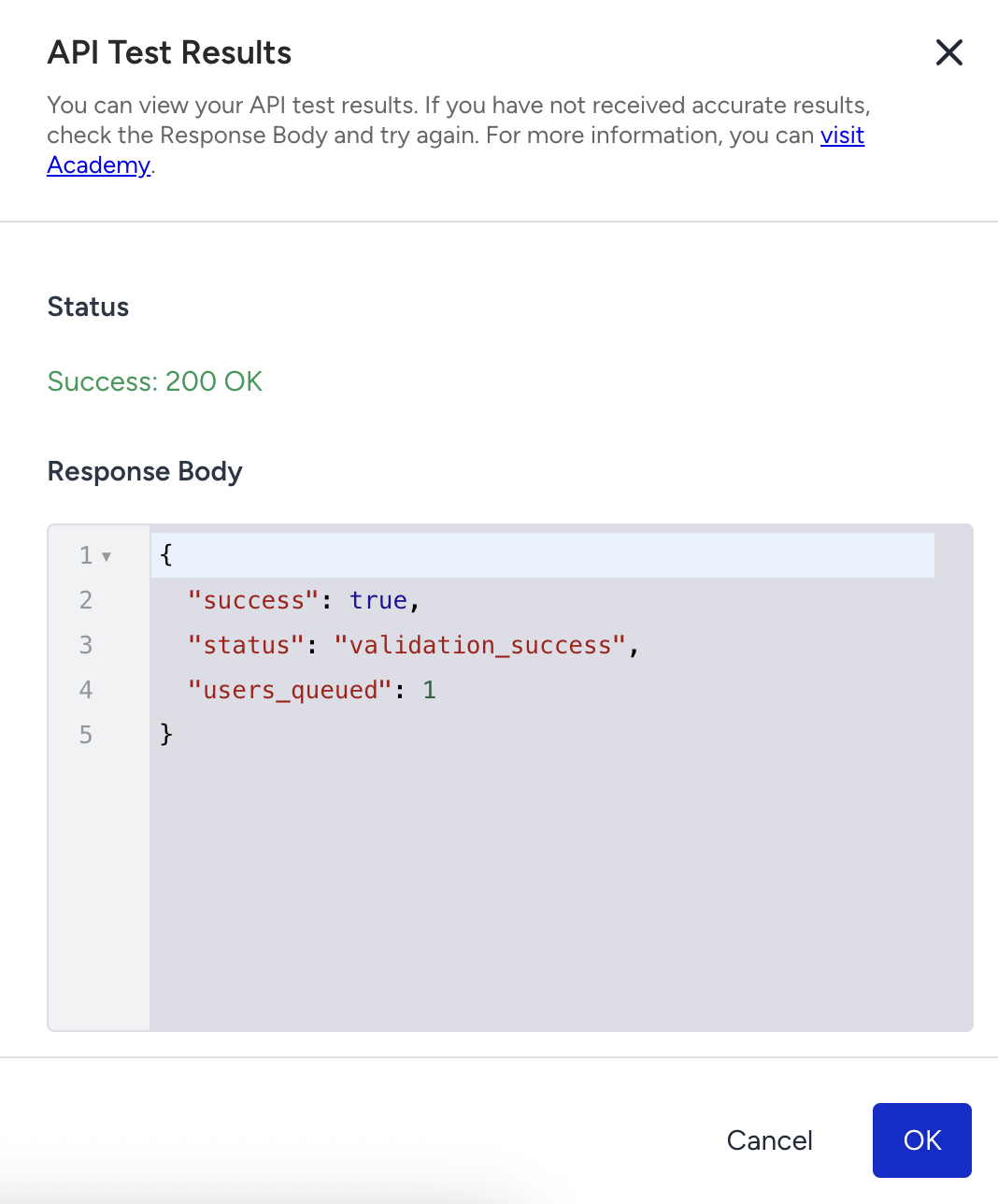
Status Response: HTTP 200 OK
The payload includes all required fields and follows the schema rules.
The Response Body confirms that the payload is valid and can be used safely when the journey is active. No further action is required.
Unsuccessful payloads
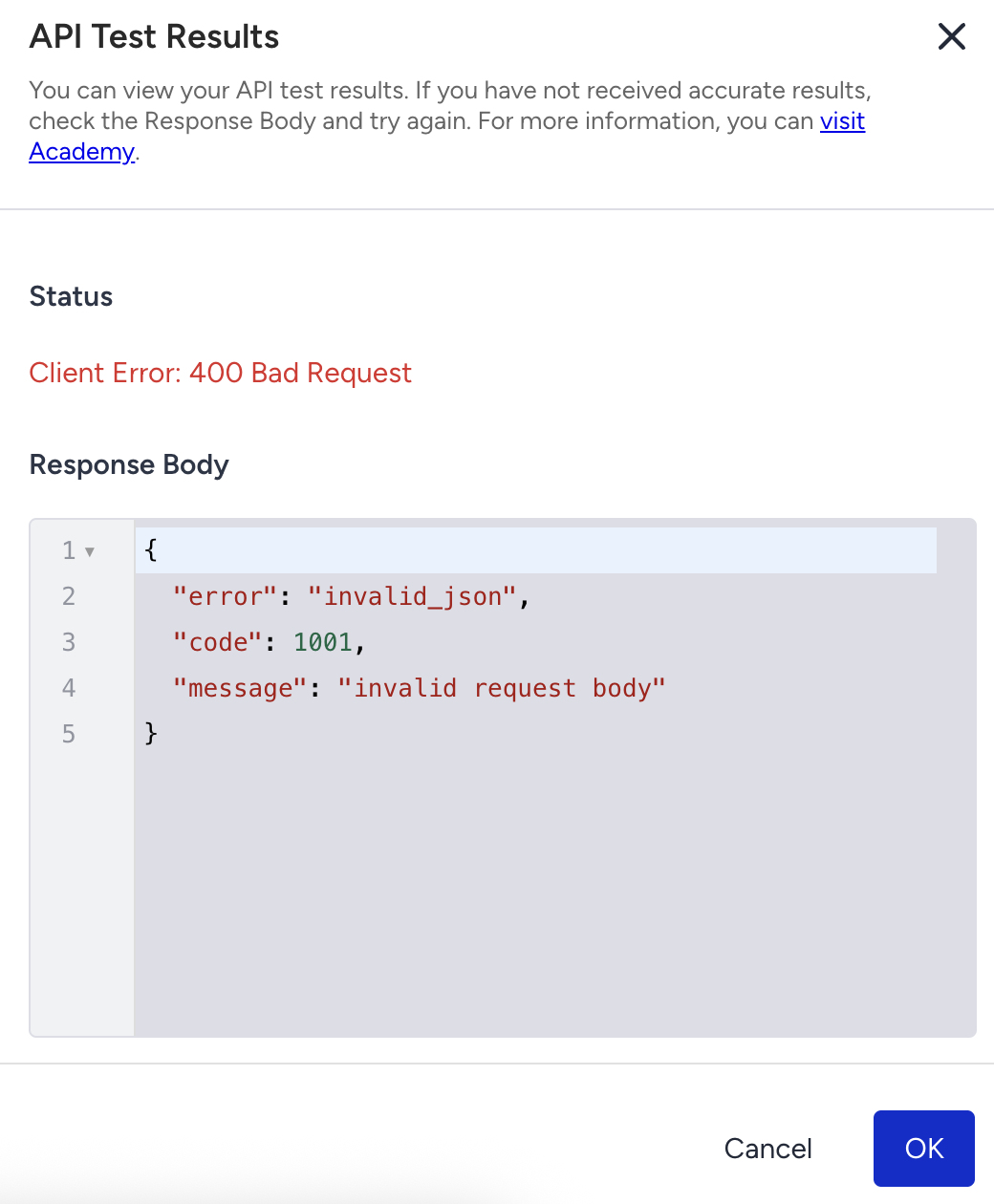
HTTP 400 - Code 1000: Empty JSON Body
The Test API requires a JSON body. Your payload contains an empty object that lacks the required fields.
Below is a sample unsuccessful payload.
{}
How can you fix this error?
Add all required root-level fields:
idempotency_key
targets
users
The request body must include a valid structure, even for testing.
HTTP 400 - Code 1003: More Than 100 Users
A single API request can include up to 100 users. The Test API enforces the same limit.
Below is a sample payload.
{
        "idempotency_key": "user-test-101",
        "targets": [
        { "type": "journey_id", "value": 1001 }
        ],
        "users": [
        { "identifier": { "type": "uuid", "value": "00000000-0000-0000-0000-000000000001" } }
        // ...
        ,
        { "identifier": { "type": "uuid", "value": "00000000-0000-0000-0000-0000000000101" } }
        ]
        }
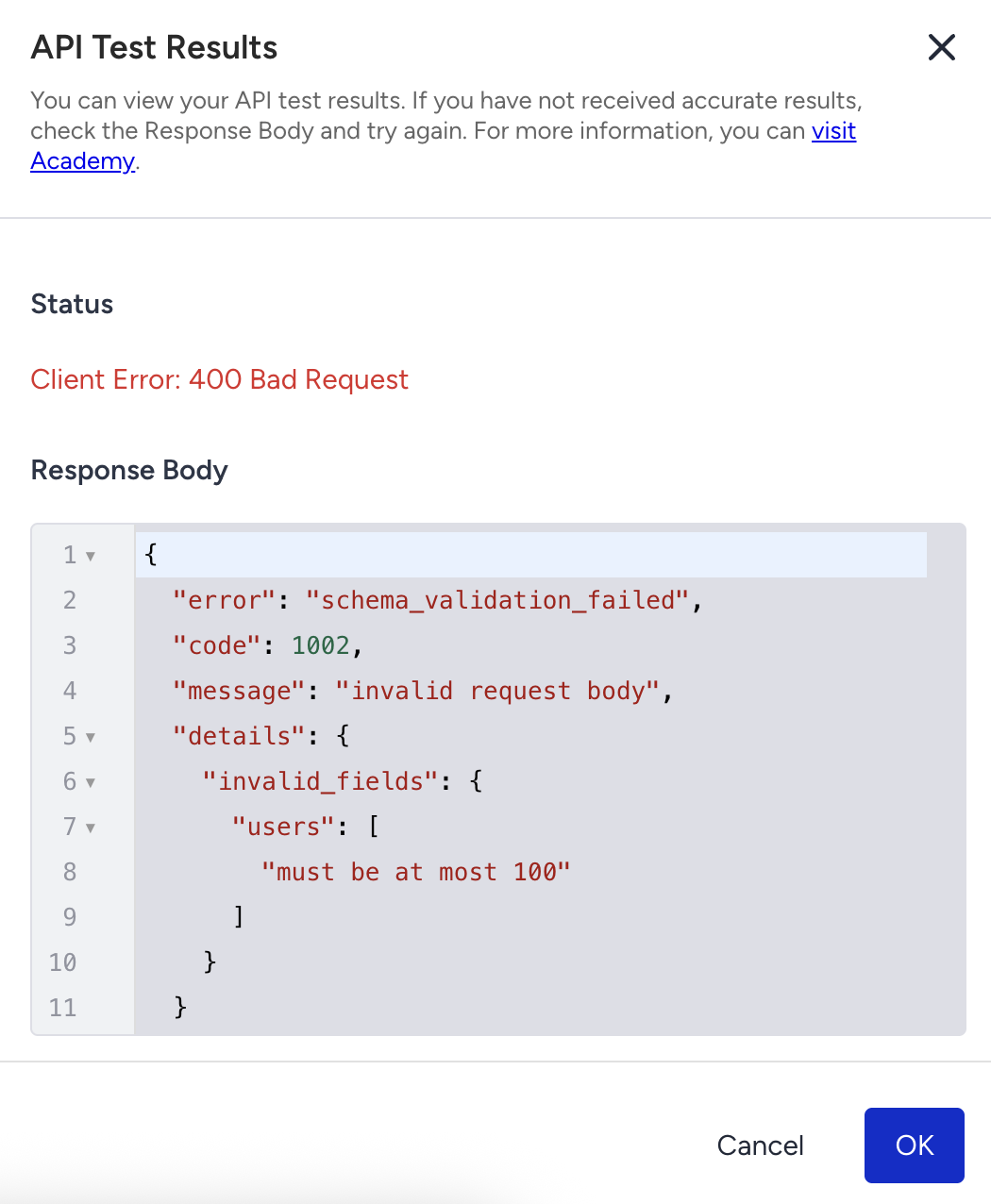
How can you fix this error?
Reduce the number of users to 100 or fewer in the users array. If you need to send more users, split them into multiple requests.
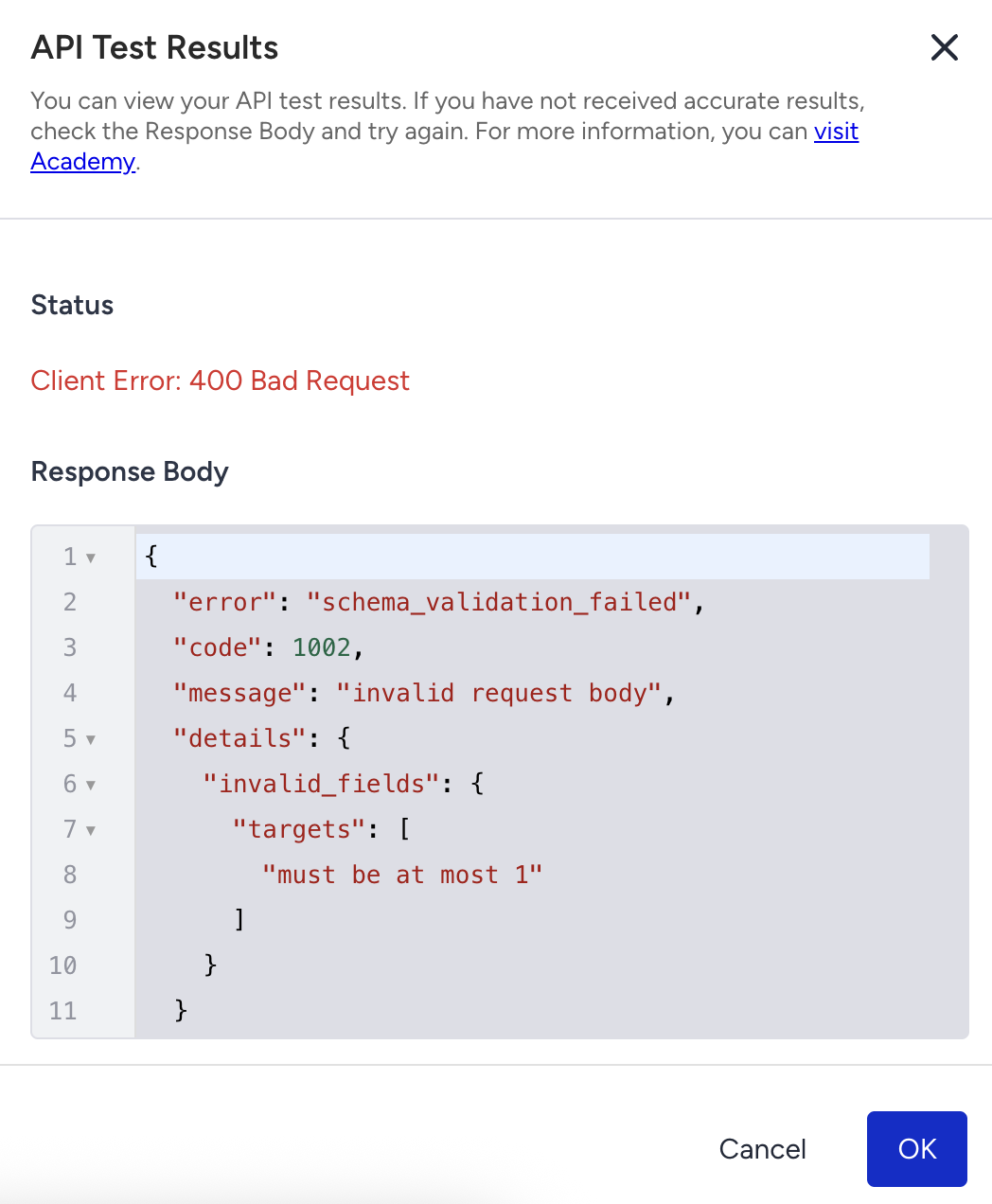
HTTP 400 - Code 1003: Exactly One Target Required
The Test API requires exactly one target journey. This error occurs if the payload includes multiple targets or no targets.
Case 1: Multiple targets
Below is a sample payload.
{
        "idempotency_key": "multi-target-test",
        "targets": [
        { "type": "journey_id", "value": 1001 },
        { "type": "journey_id", "value": 1002 }
        ],
        "users": [
        {
        "identifier": {
        "type": "iid",
        "value": "123456789"
        }
        }
        ]
        }
How can you fix this error?
Keep only one object in the targets array. Remove all additional targets so the request points to a single journey.
Case 2: No targets
Below is a sample payload.
{
        "idempotency_key": "no-target-test",
        "users": [
        {
        "identifier": {
        "type": "iid",
        "value": "123456789"
        }
        }
        ]
        }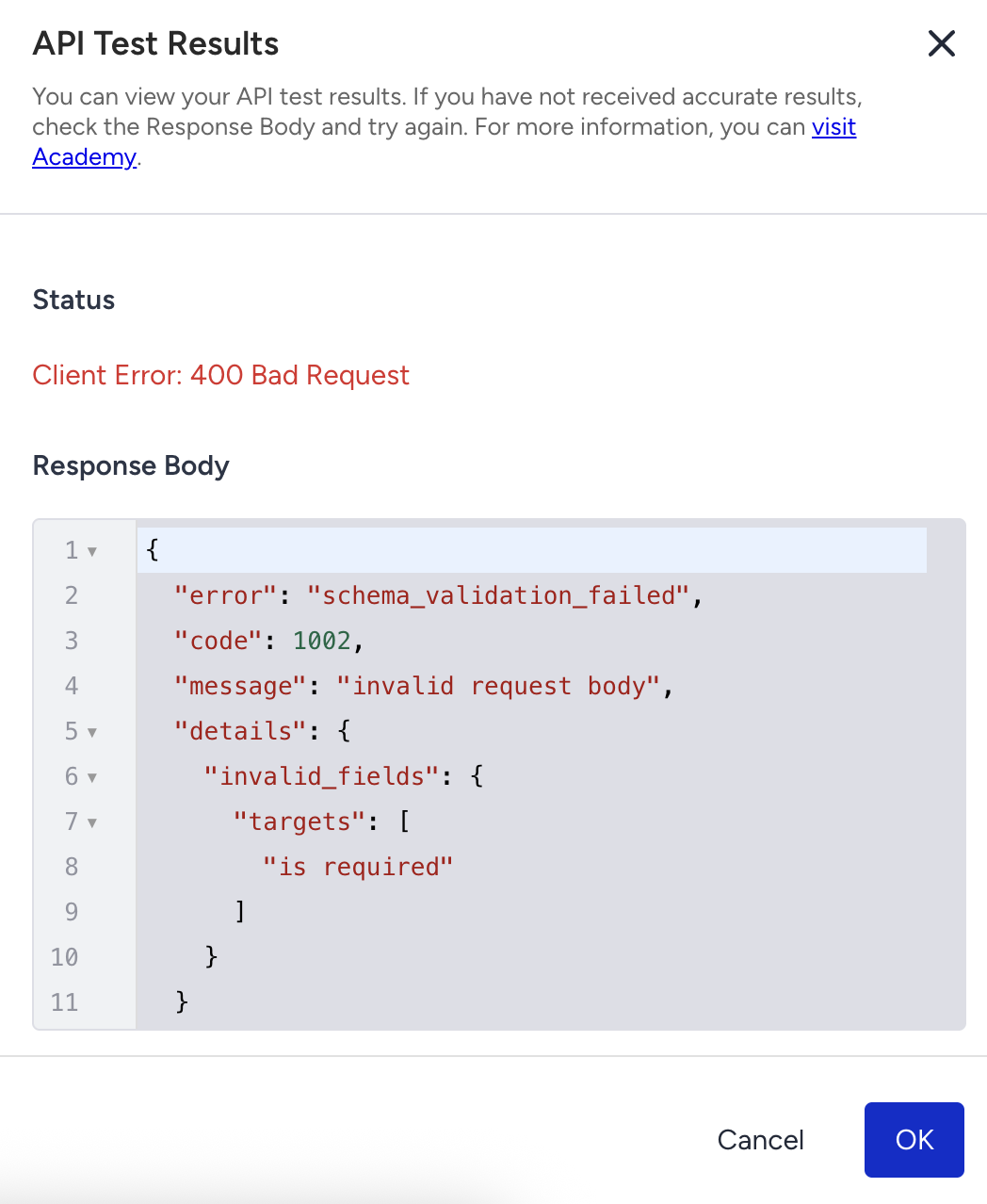
How can you fix this error?
Add a targets array with exactly one journey reference. The journey must be identified using type: journey_id.