The Traffic Source triggers your campaign based on the traffic source that brings a user to your website.
The Traffic Source rule is available for OnSite and Architect campaigns.
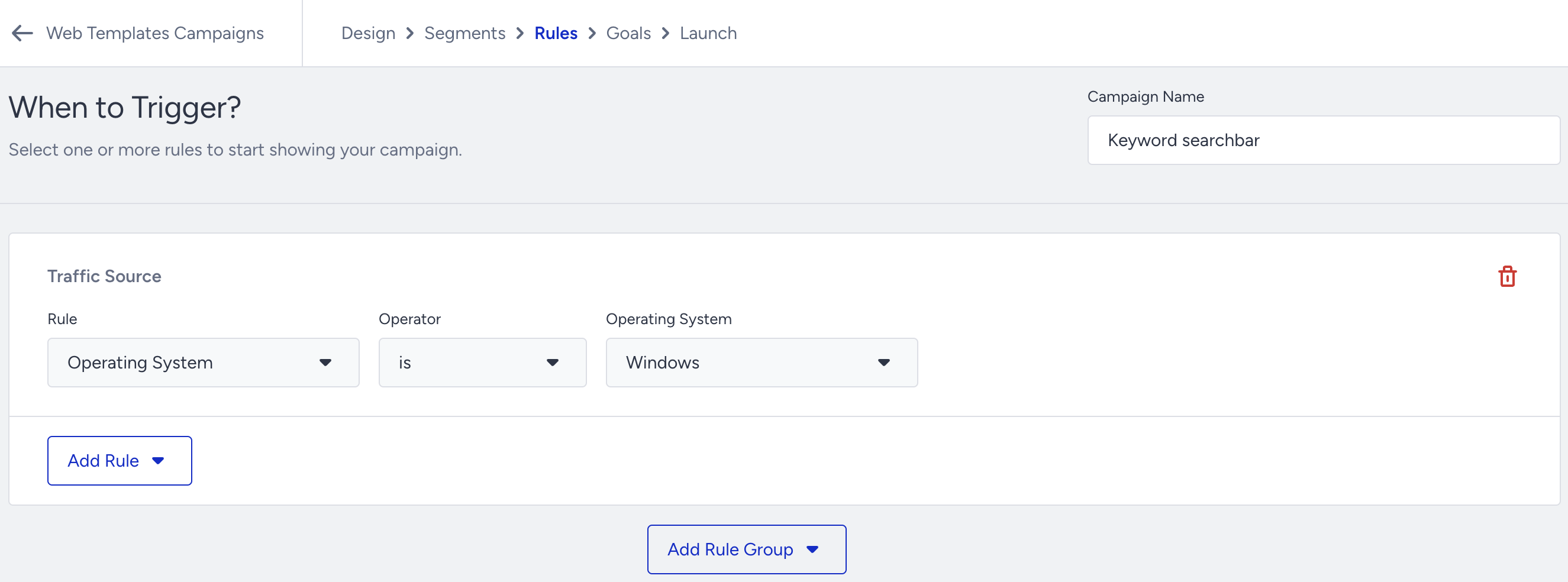
Traffic Source rules definitions
Operating System: Targets users by their operating systems (e.g., Operating System - is - Windows).
Browser: Targets users by their browser type (e.g., Browser - is not - Firefox).
Device Type: Targets users by their device types (e.g., Device Type - is - All Devices).
Location: Triggers your campaign based on a user's current location. You can target a user's location by county, region, and/or city (e.g., Location - is - Singapore - All Cities).
IP Address: Triggers your campaign based on the user’s IP address. For example, you can use this rule to not display your campaign to a specific IP Address (e.g., IP Address - is not - 55.555.555.555).
Direct Traffic: Targets users who are or are not from direct traffic (e.g., Direct Traffic - is or Direct Traffic - is not).
Source URL: Targets users by any parameter in the source URL that brought them to your website (e.g, Source URL - is - /special-deals). For example, you can show a countdown bar on the https://mywebsite.co/special-deals URL to remind users that the sale is about to end.
Screen Size: Targets users by screen resolution (e.g., Screen Size - is greater than - 1024x768).
Use Cases
Using the source URL rule, you can display the Call Us button for users who come from Google Ads / Meta.
You can segment users who came from a specific source URL and target them with a Web Push notification.
You can target your Game Console users with a survey to understand the purchasing experience.
You can add related peripherals to the Sticky Menu for Mac users.