You can use in-apps for various use cases. Some are as follows. Depending on the strategy of the campaign, you can set campaign goals. The use cases below also have example campaign goals listed along with them.
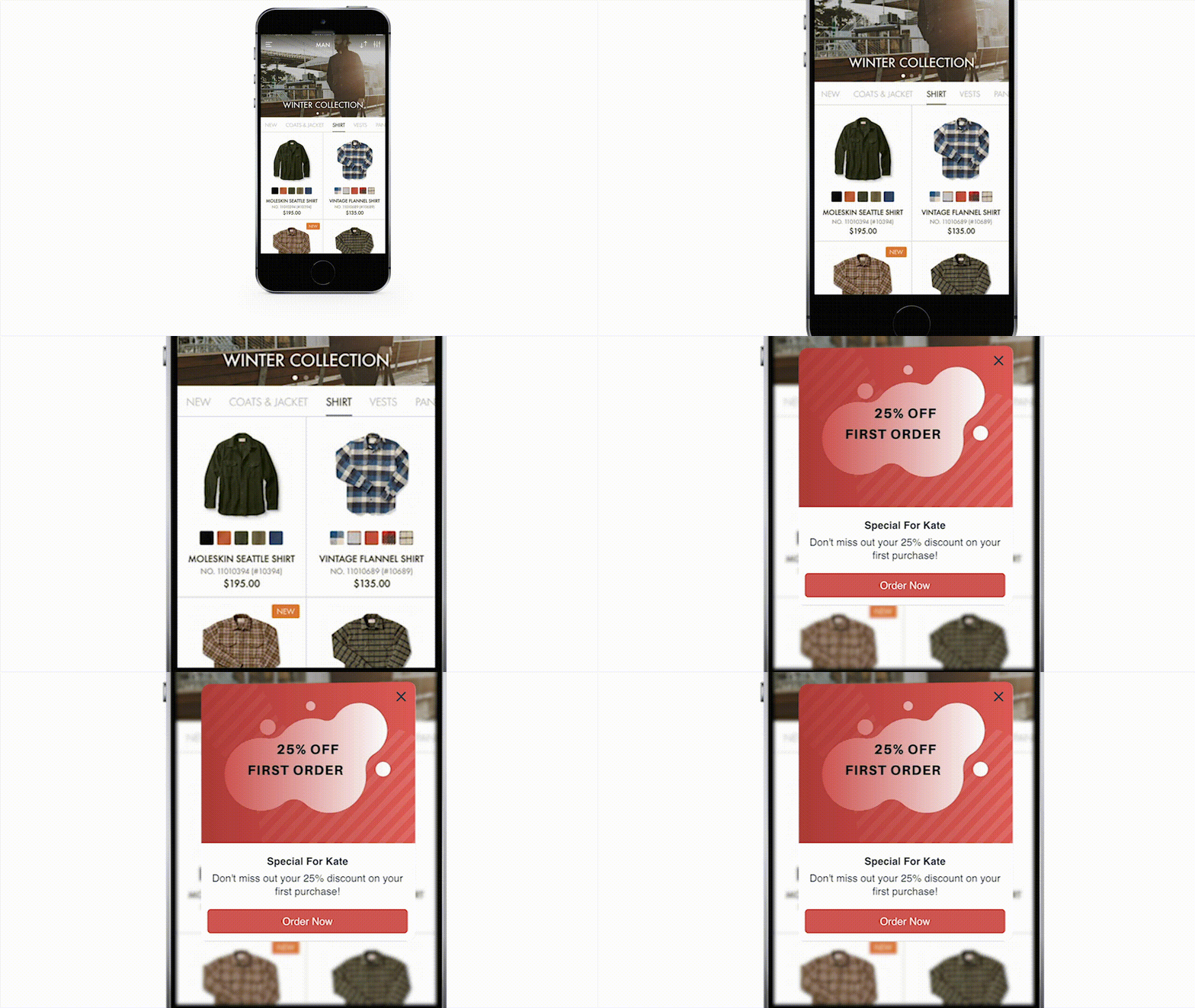 | You can onboard users on their first session and offer discounts for their first purchase. For example, if your goal is to drive new users to check out, you can set the Confirmation Page View event as your campaign goal to keep track of the purchases. |
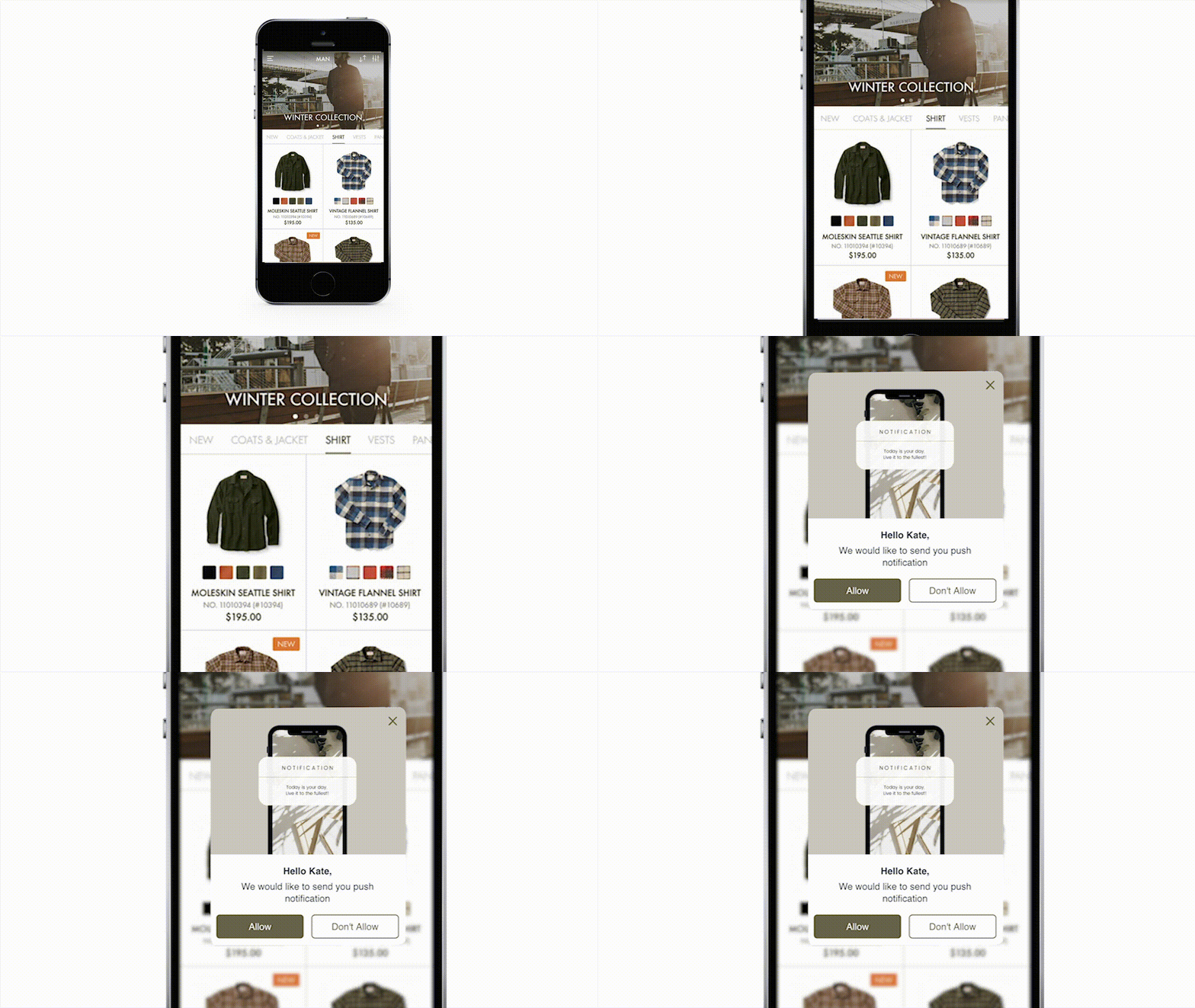 | On iPhones, you can ask for push permission after a user signs up or logs in, and reengage those who selected “NO” in their next session. For example, you can create a custom event to track the views on the notifications opt-in page in your app and set it as the campaign goal if your goal is to keep track of users who visit that page. |
- Promote a new feature of the app with a GIF and full-screen. If your goal is to keep track of the visits to the page where you have the new feature, you can set a custom campaign goal for the page views.
- Promote daily/weekly sales in the application. You can set the Confirmation Page View event as your campaign goal to keep track of the purchases.
- Onboard users on their first-ever session and give information on how to use the app.
- Ask users for their App Store/Google Play rating at happy moments, such as when a purchase is complete or after a certain number of article/product visits, to increase your app's rating on stores.
- Cross-promote an offer by sending users to an external site/app.
To explore more use cases, refer to the Use Case Library..png)