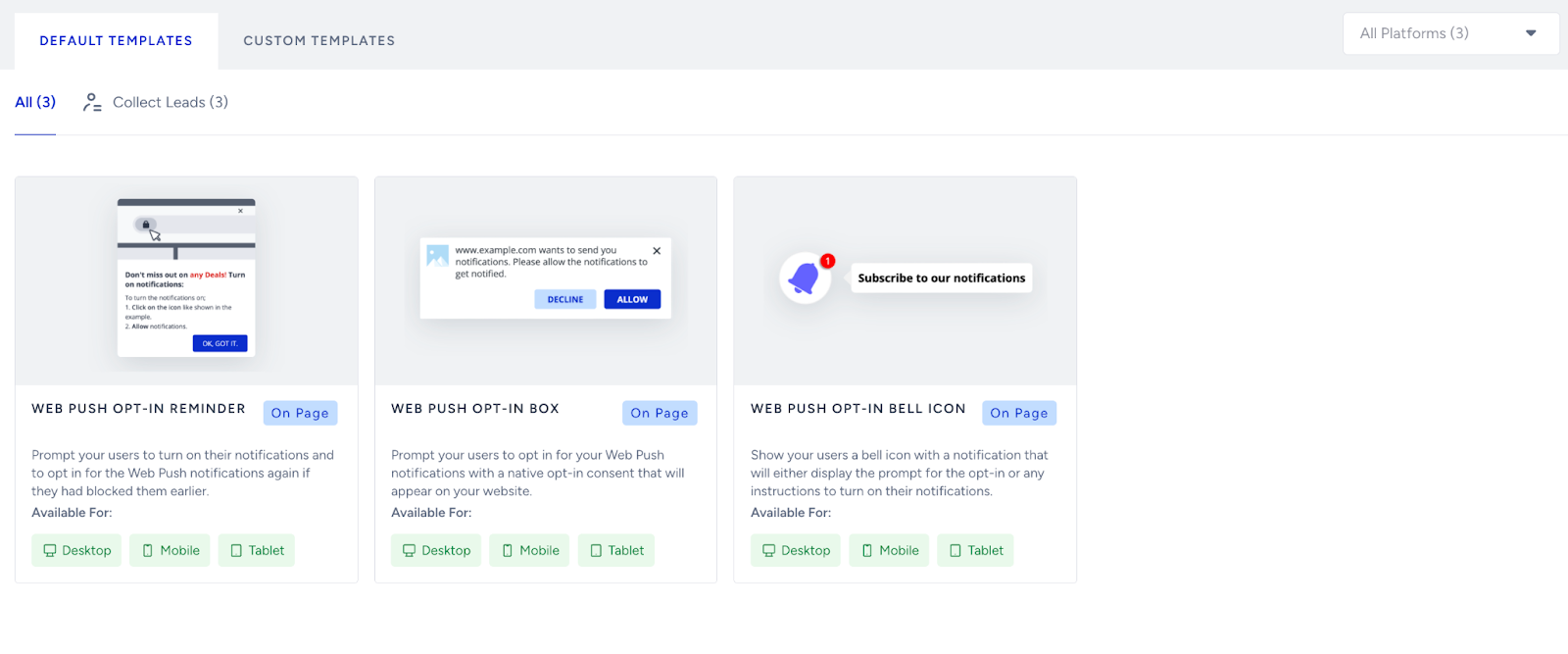
If your Web Push setup is active, the opt-in prompt is displaying as expected, and no errors are visible. However, you're still not gaining new subscribers; there might be underlying behavioral or targeting factors at play. Here are a few key areas to investigate:
Silent Permission prompt
Browsers remember if a user has previously dismissed the opt-in prompt. After repeated rejections, the prompt may stop appearing altogether. As a preventive measure, you can visit Opt-in Configurations and adjust Display Settings accordingly.

Overly narrow targeting
Review your campaign filters. If a custom rule limits the prompt to a specific page or behavior, it may be shown to a very small pool of visitors, or even no one at all. You can review these custom rules and opt-in trigger settings below:

.png)
Saturated audience
If the majority of your site visitors are returning users who have already subscribed or opted out of notifications, your opt-in rate will naturally plateau. Expanding reach to new audiences or re-engagement campaigns can help in such cases.
Prompt placement and timing
Even if the opt-in is technically working, changes in site layout, modals, or timing delays may be impacting visibility. Test your site on various devices and browser types (e.g., mobile vs. desktop, Chrome vs. Safari) to ensure it remains accessible at all times. Ready-to-use Web Push Opt-in Templates can also be activated to increase user engagement.