This guide aims to explain the user roles in MindBehind Flow and their access levels.
The role specification between an administrator and an editor is to separate responsibilities, ensuring that editors have restricted access and cannot modify the current chatbot experiences managed by administrators. As non-admin users, editors have restricted access to prevent changes to current chatbot experiences while allowing limited permissions to configure new ones without affecting existing setups. The "Editor" role under administrators supports this purpose with carefully defined and restricted capabilities. 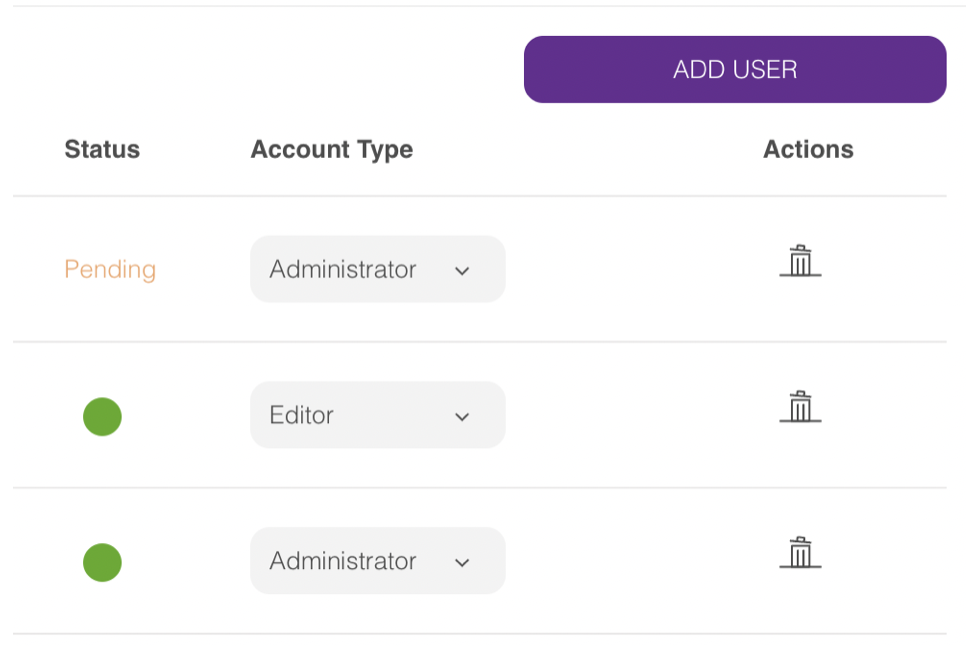
The user role descriptions below define each role's specific responsibilities and access levels for clear distinction and efficient system management:
- Administrator: This role has unrestricted access to perform all actions within the company.
- Editor: This role allows users to design and configure new experiences while restricting access to modify existing ones.
Role-Specific Access
You can find the details of the access and restrictions for editors across different pages and features below:
- Users page: Editors cannot access the Users page, as it is intended for inviting new users and modifying their roles.
- Assistants page: Editors have limited access to the Assistants page. They can use assistants based on their assigned access level, but cannot add, delete, or copy assistants. Additionally, editors cannot modify the access levels of other users for assistants.
- AI& NLP page: Editors can access the AI& NLP page, but cannot delete AI sources. All other actions are permitted.
- Channels page: Editors cannot perform any actions on the Channels page, but can view the existing channels.
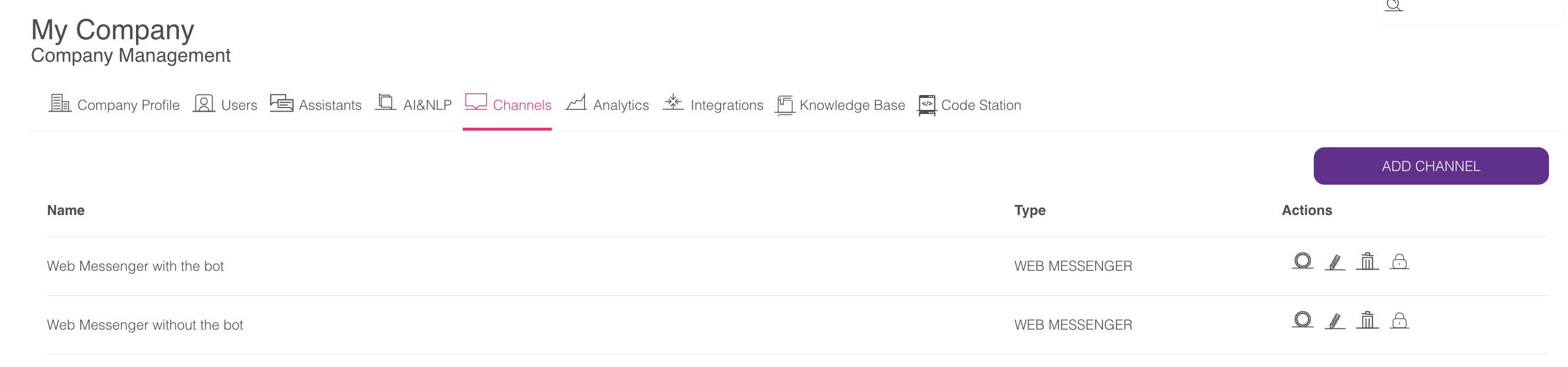
- Integrations page: Users with the editor role can view and add integrations but are not authorized to delete existing ones.
- Code Station and Knowledge Base page: Editors cannot access the Code Station and Knowledge Base pages, as these are not critical for experience design, though they could impact the current assistant experience.
- Conversation Analyses page: Editors cannot access the Conversation Analyses page, as it enables critical actions such as closing or handing over conversations. They also cannot fetch or filter data for the companies they manage.
- Assistant Design: Assistant design capabilities are independent of user roles, such as administrators and editors. A user with access to an assistant can manage it according to their access level, regardless of whether they are an administrator, editor, or other role.
Assistant Access Levels
The following outlines the different access levels available for managing and editing assistants:
- Manage and Publish: This access level grants complete control over all actions. Users with Manage & Publish access can edit, save, and publish assistants without limitations.
- Design and Edit: This access level allows users to make and save changes, but cannot publish them. While it enables modifications to the experience design, it prevents alterations to current chatbot experiences. Design and Edit access also includes specific limitations in the AI module to avoid unintended changes to existing experiences, even without publishing.
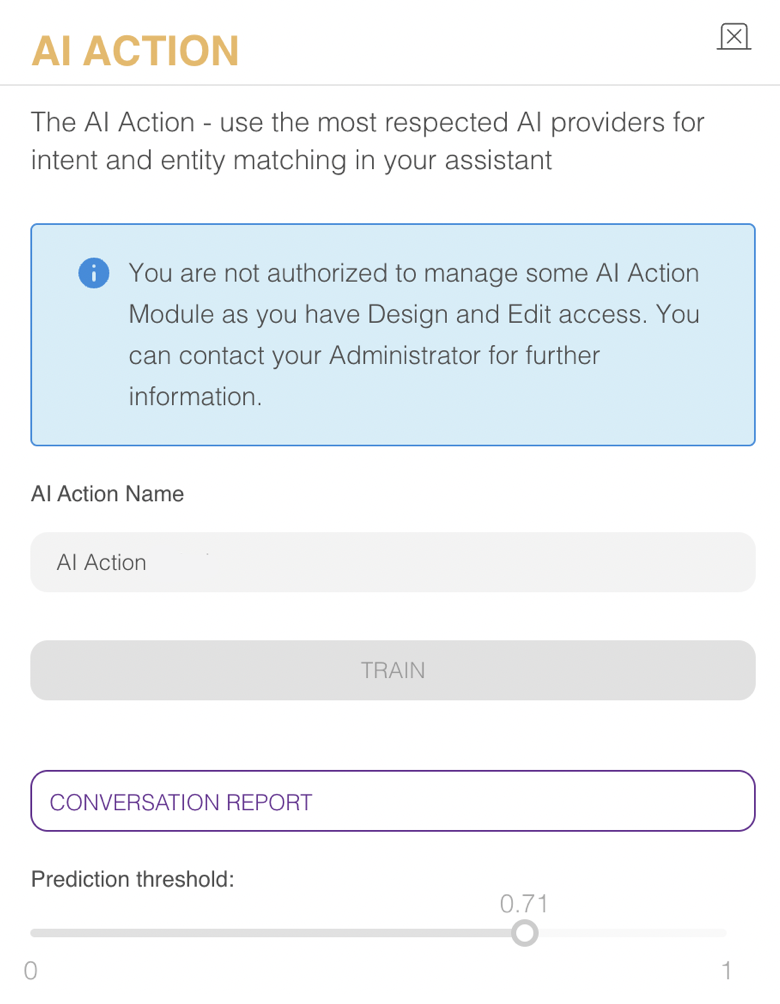
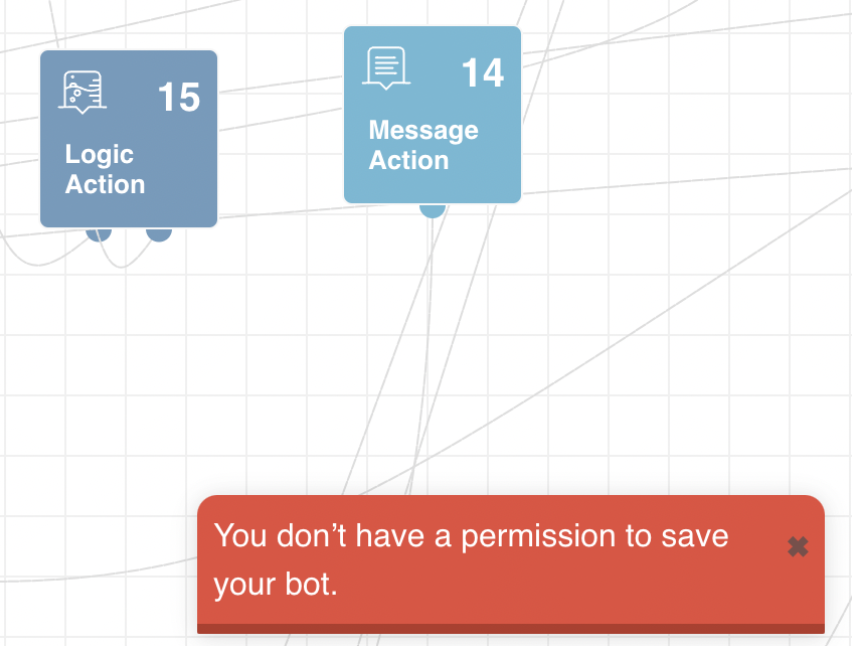
- Viewer: This access level does not allow saving or publishing changes. Users with Viewer access can only view and observe flows without any authority to modify or publish them. Viewer access also includes specific limitations in the AI module to prevent potential changes to current chatbot experiences, even without publishing.