Suggested reading: Email Drag & Drop Editor
The general styles cover only the “normal” text in your emails. Hence, you should separately set the font, size, and style for headings that would be used across emails.
You can use bold or italic type or even set a different font to make headings stand out.
To set styles for headings in emails with the Drag and Drop Editor:
1. Click the Appearance tab on the Settings panel. 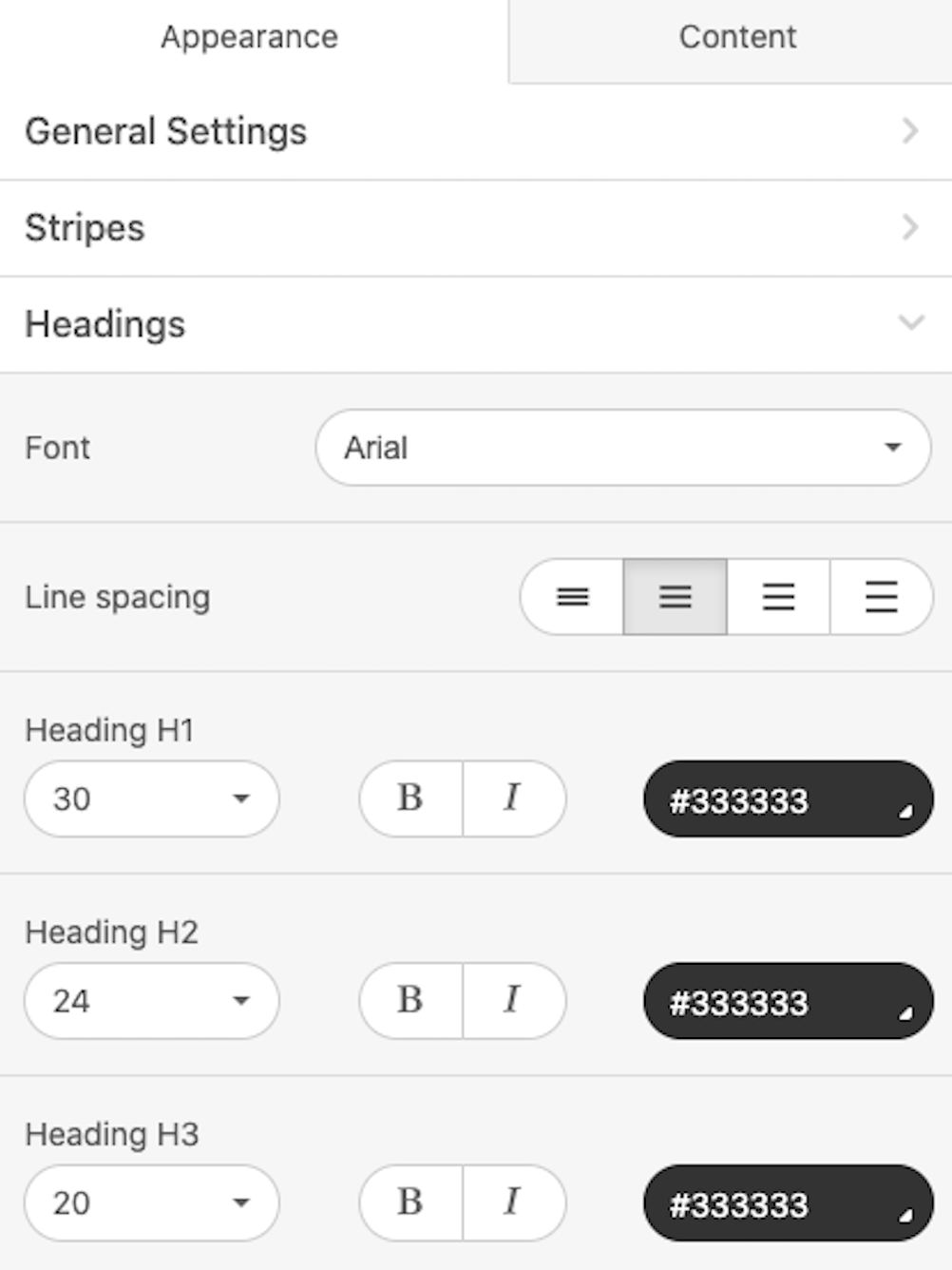
2. Then select the Headings tab.
3. Set the font size and color for each heading (H1, H2, H3).
Your changes will be reflected in your headings in real-time.