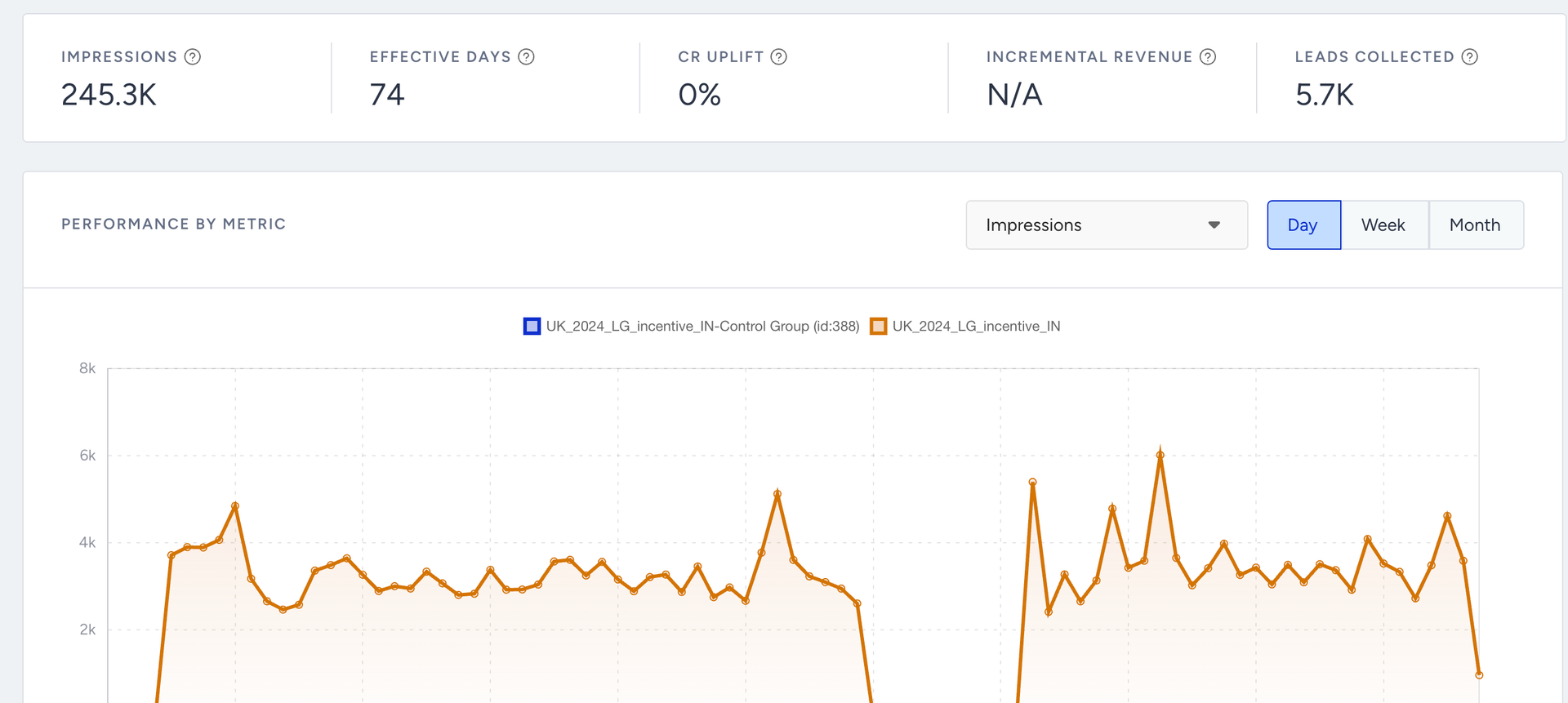
Default goals are automatically added to every campaign in Insider One. They cannot be removed or edited. Because they are always active, conversions from default goals are tracked on every campaign without any setup required.
The three default goals are:
Purchases
Clicks
Leads Collected
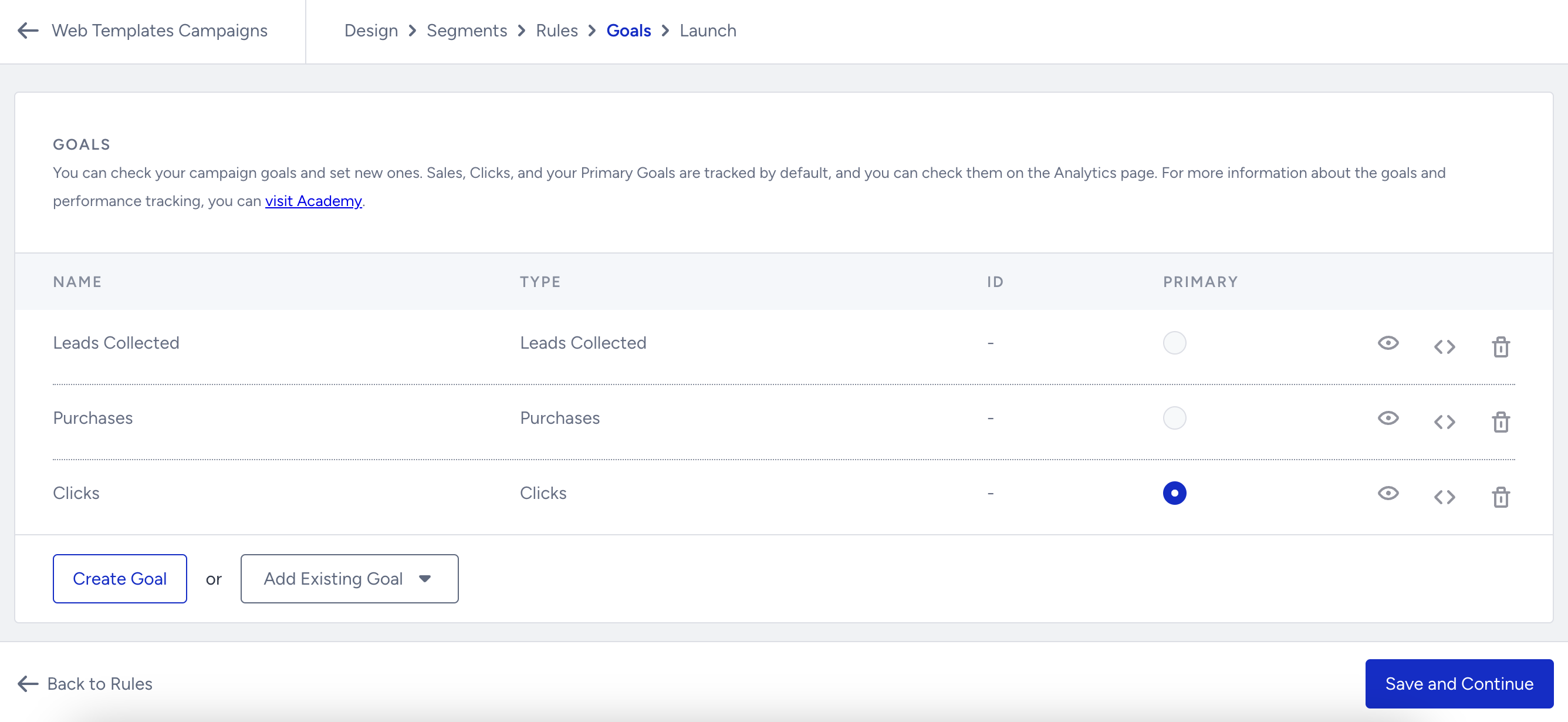
Default goals vs. custom goals:
Default goals are fixed and apply to all campaigns. Custom goals are manually added to track additional conversion actions specific to a campaign. See Custom Goals for more information.
To view conversions from default goals, select them from the Conversion Criteria dropdown on the Campaign Analytics page.
Purchases
The Purchases goal tracks the number of successful purchases made on the website after a user receives a campaign impression.
What counts: All purchases made anywhere on the website within the Goal Conversion Duration window, regardless of which page the campaign was displayed on.
What is a campaign impression: An impression is recorded when the campaign is first displayed to a user.
Attribution window: The Goal Conversion Duration defines how long after the first impression a purchase is attributed to the campaign. For example, if the Goal Conversion Duration is set to 5 days, a purchase on day 2 counts as a conversion. A purchase on day 10 does not. See Goal Duration Settings for configuration details.
If the Re-eligibility Duration is set to 0, goal conversions, including purchases, will not be logged for that campaign.
Clicks
The Clicks goal tracks interactions with the campaign itself.
What counts: Any click on the campaign, excluding clicks on white spaces and the close button.
What does not count: Clicks on white space areas within the campaign and clicks on the close button are excluded. These are not treated as intentional engagement.
Leads Collected
The Leads Collected goal tracks the number of leads gathered through the campaign. This goal is available only for templates with the Collect Lead objective.
What counts: The number of data submissions made through the campaign, such as form submissions.
Where to view results: Lead counts are available on the Campaign Analytics page and in exported campaign data.
Web Push Opt-in templates
Because Web Push Opt-in templates do not include a direct Submit button, the Leads Collected goal works differently for these templates. Instead of counting form submissions, it measures the number of users who enable web push notifications through their browser settings after viewing the campaign.
Where default goals appear in analytics
All three default goals appear in the Conversion Criteria dropdown on the Campaign Analytics page. You can switch between goals to compare conversion performance across Purchases, Clicks, and Leads Collected for the same campaign.