If you typically target specific groups of users with your campaigns and want to reach the same segment consistently, you can utilize OnSite Segments. These segments allow you to target users based on specific criteria you define.
Create an Onsite Segment
Navigate to Audience > Segments > Onsite Segments.
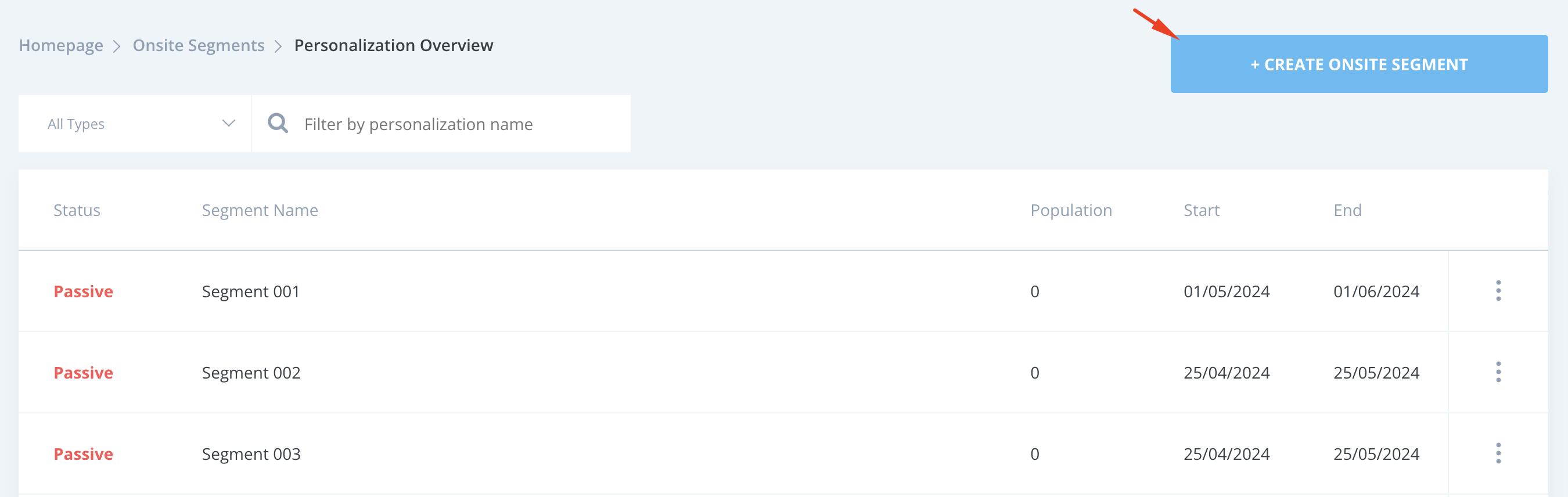
Click the Create Onsite Segment button.
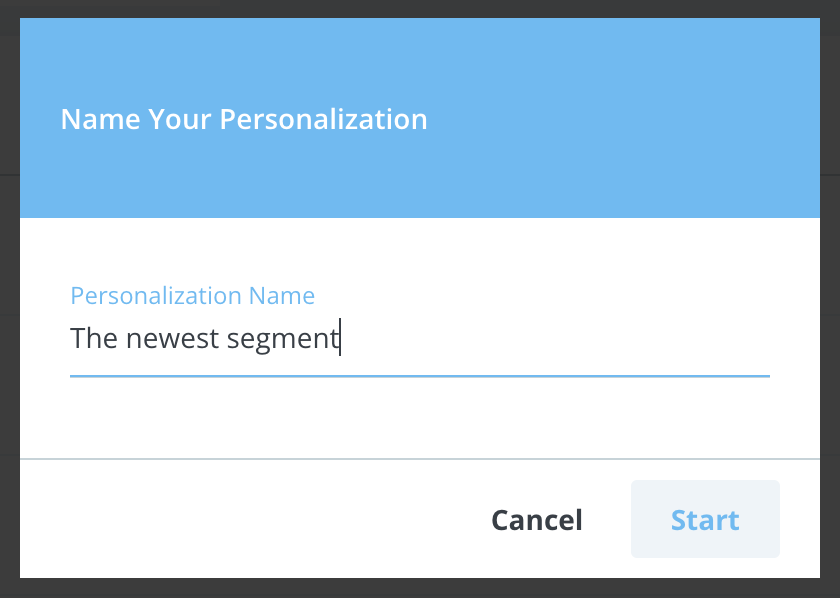
Name your Onsite segment and click Start.
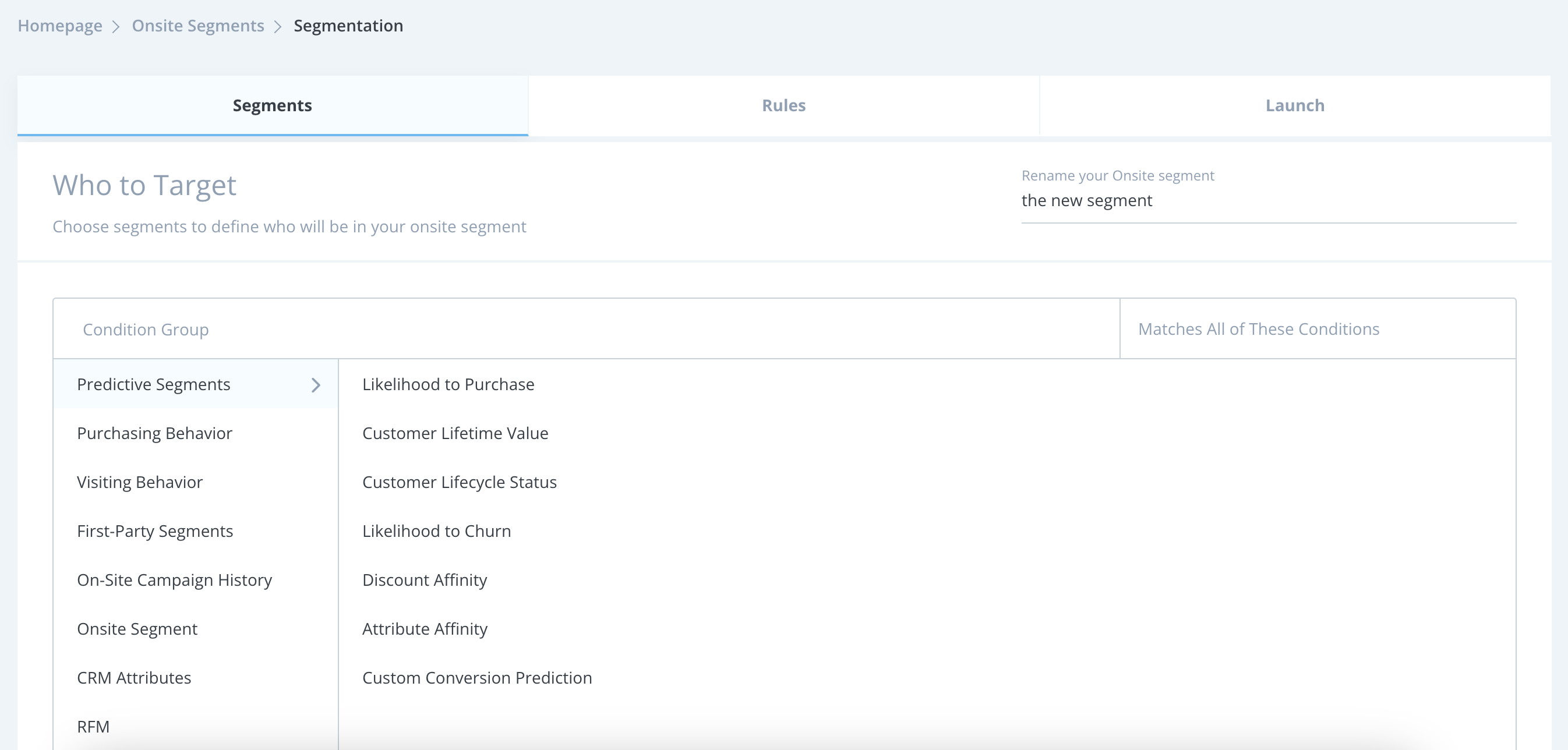
Select the segments that apply to your use case and save this step. You can save this step without selecting any segment and proceed to the Rules step.
Select the rules for your use case and save this step.
You must select at least one rule to create an OnSite segment.

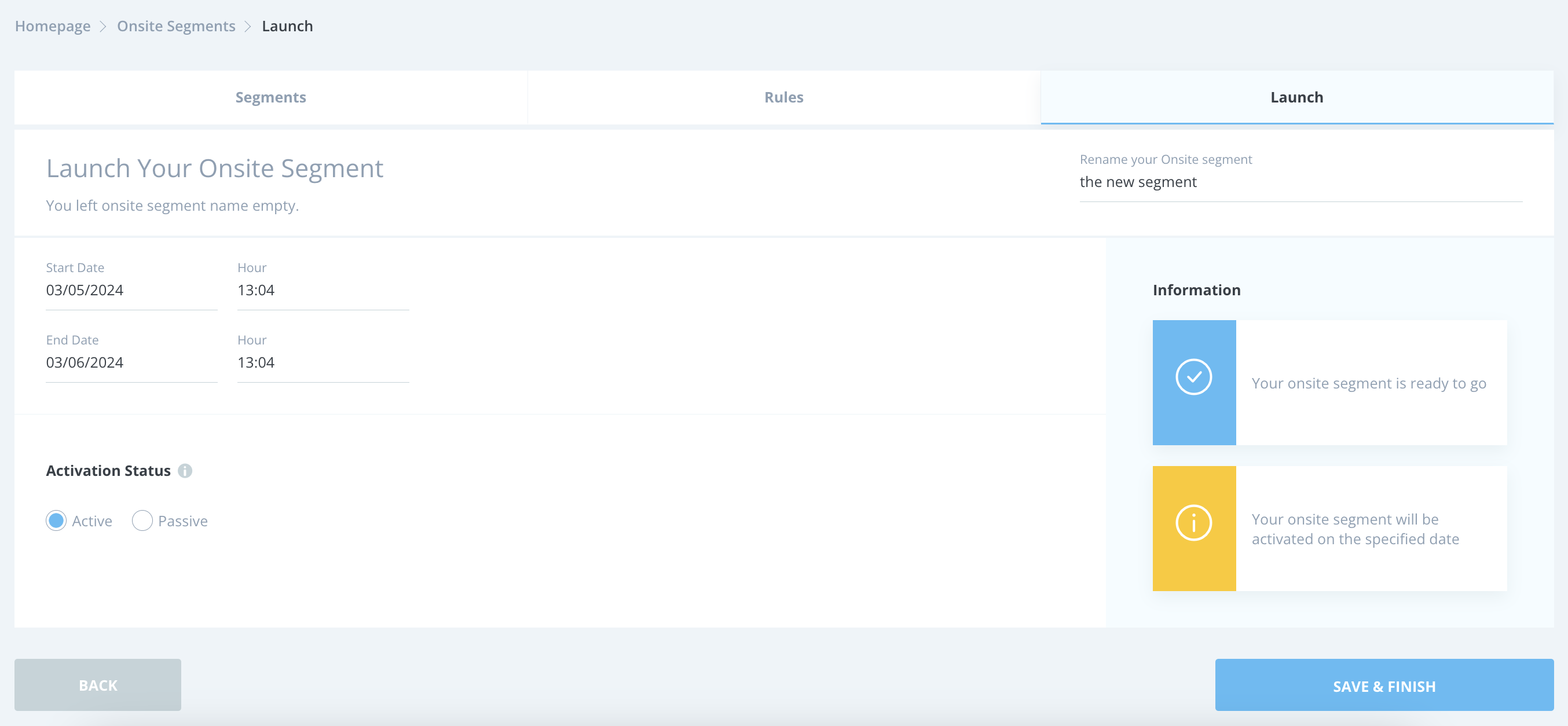
Set your start and end date and hour, considering your time zone. Select your activation status as Active and click the Save & Finish button to launch your segment.
Onsite Segment Operations
Track the Population column to see how many users are eligible for your Onsite segment.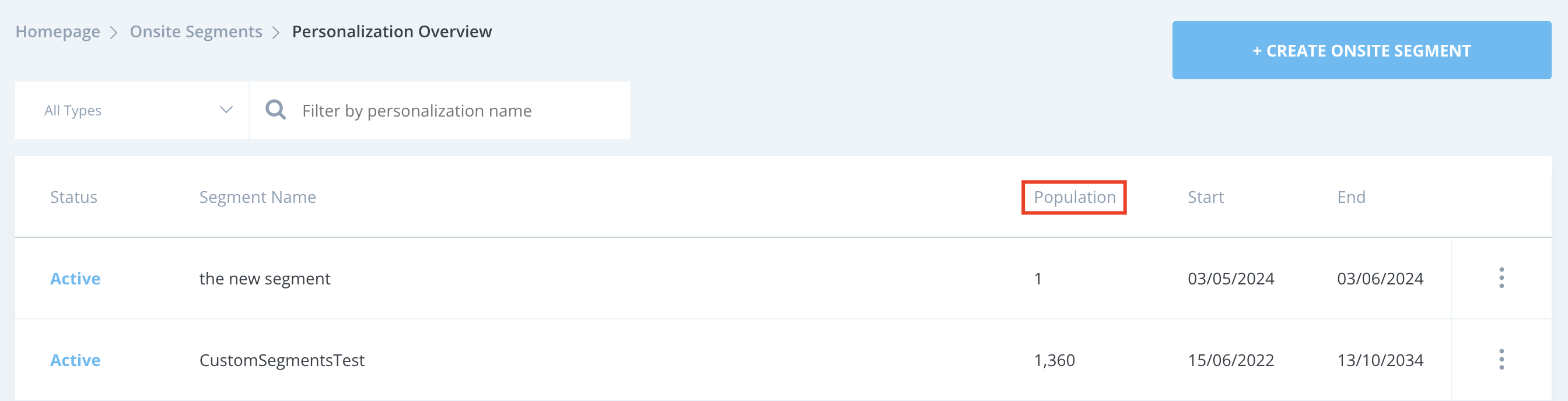
You can pause your Onsite segment using the menu next to the respective segment.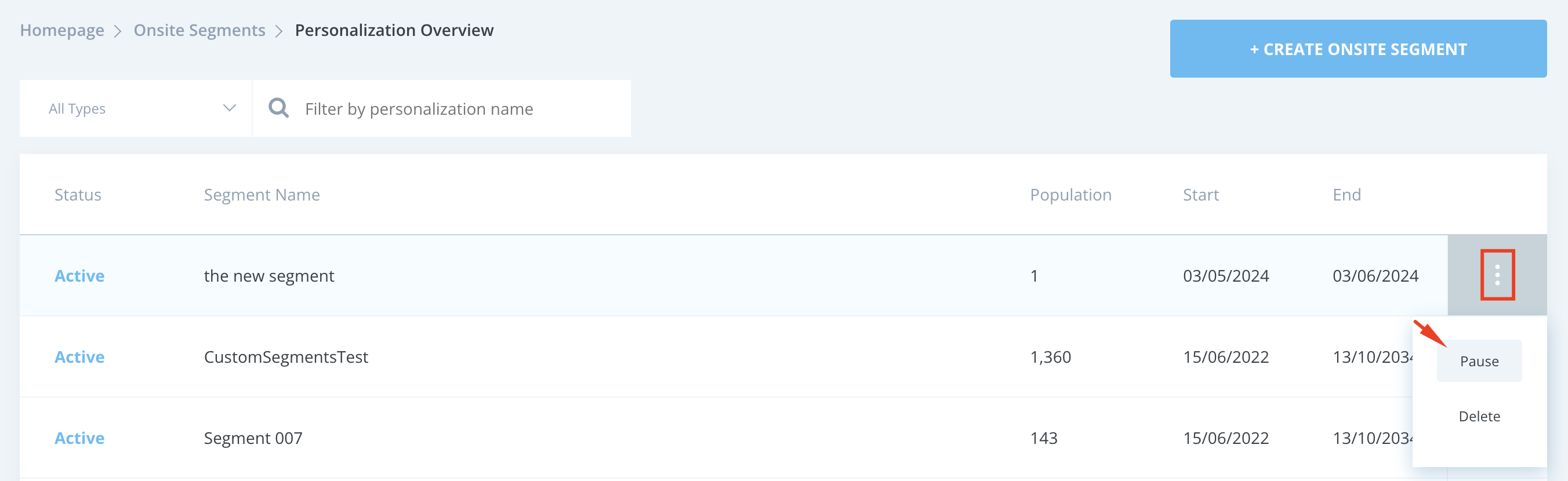
Now, you can use your OnSite segment in your campaigns where applicable.
If you create your segment using a specific rule, such as users who have filled out the NPS survey two times, since the Insider One team needs to check it, you should open a request in the Insider One Help Center.