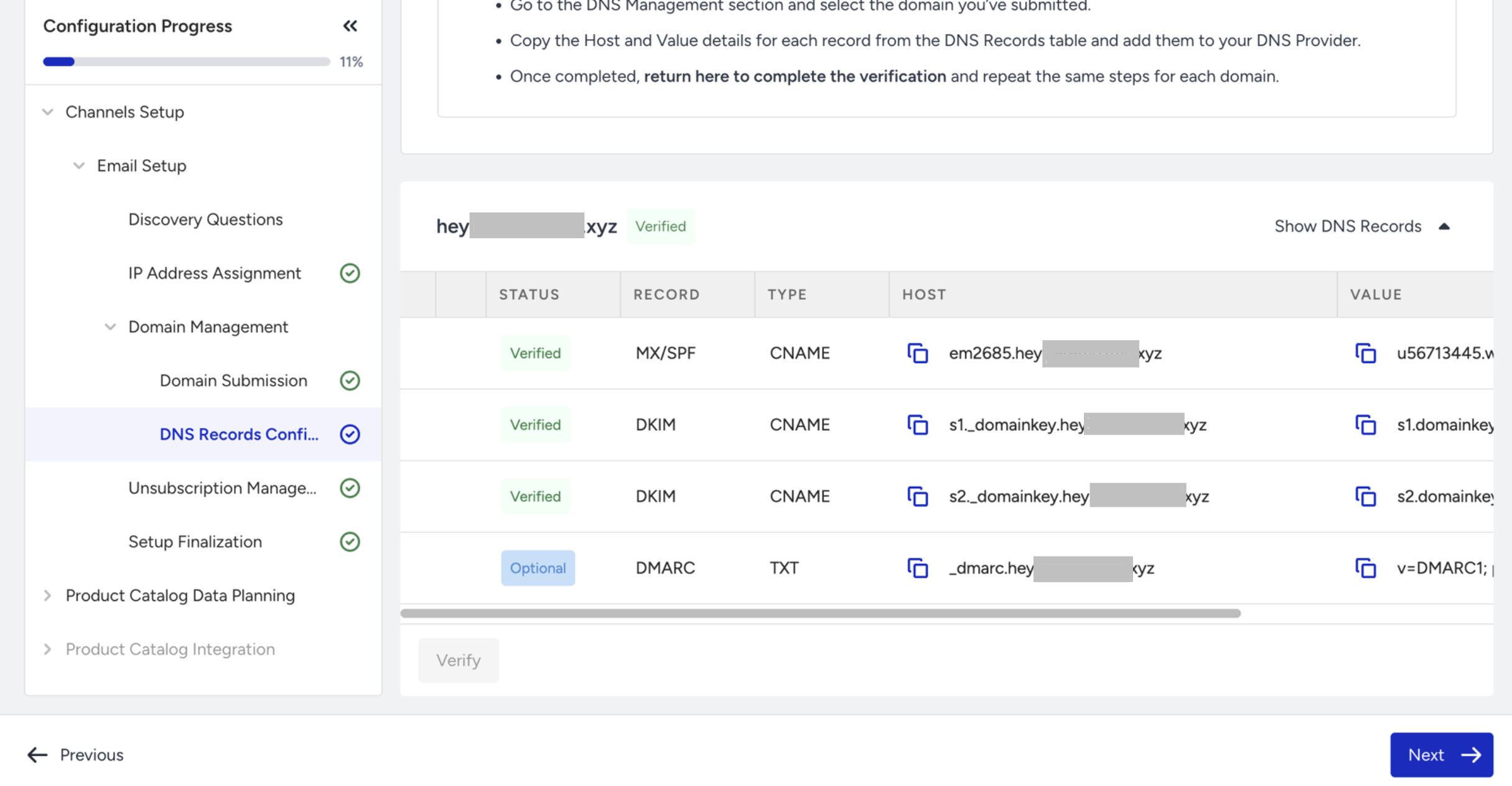
Traditionally, DNS records must be configured by copying each value and pasting it into your domain provider’s DNS settings. With Auto DNS Configuration, this process is handled automatically through a secure integration with Entri.
When setting up your domain for email sending, Insider requires the following DNS records to be configured:
MX/SPF – CNAME
DKIM (1) – CNAME
DKIM (2) – CNAME
DMARC (optional) – TXT
For more information about DNS records and manual configuration, see Configure DNS Settings for Email.
How does auto-configuration work?
DNS records are hosted in your Domain Provider’s settings. This is where Auto Configuration simplifies the process.
In Email Setup > DNS Records Configuration, click Configure Automatically under the domain you want to connect to Insider.
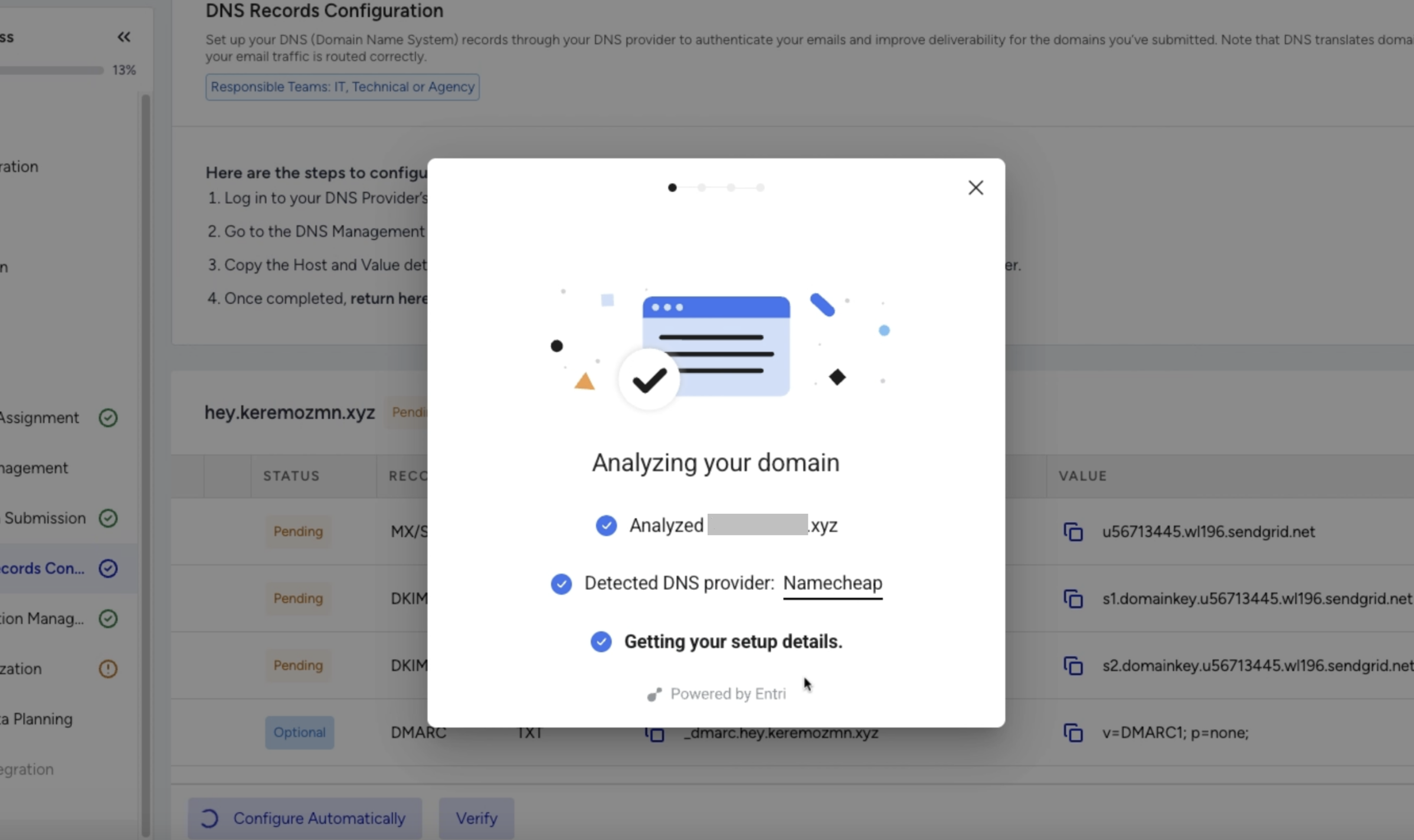
Once clicked, a modal window will appear and begin identifying which domain provider is linked to your domain.
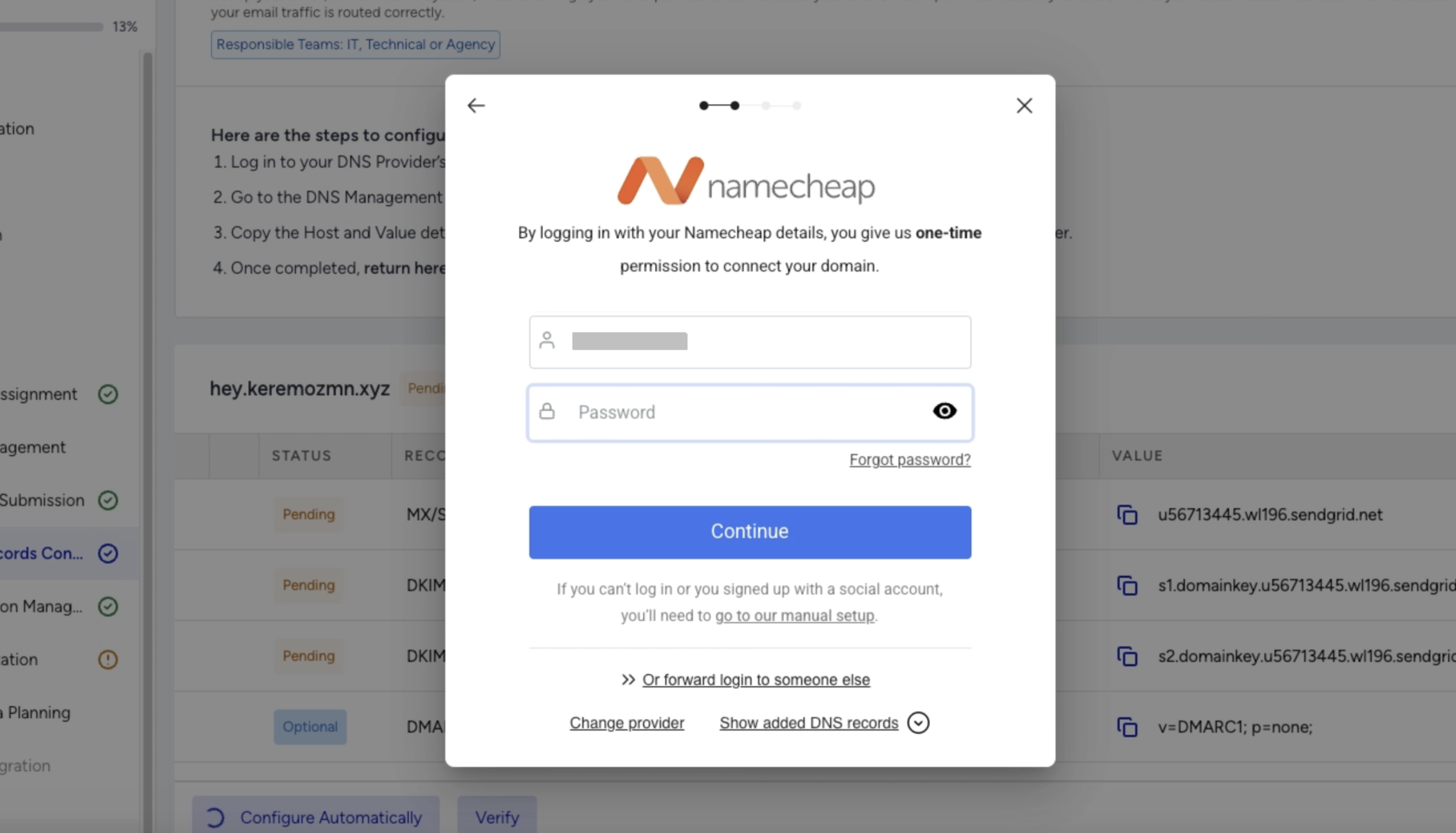
After the provider is detected, Entri will prompt you to sign in to your domain provider’s account.
Upon authorization, Entri automatically adds the required DNS records on your behalf.
You will also see a summary of the DNS records being configured during this process.
Now that you have reached this page, your DNS records are automatically configured within minutes, ensuring a fast and secure setup for optimal email deliverability.
DNS provider is detected.
You sign in to the domain provider.
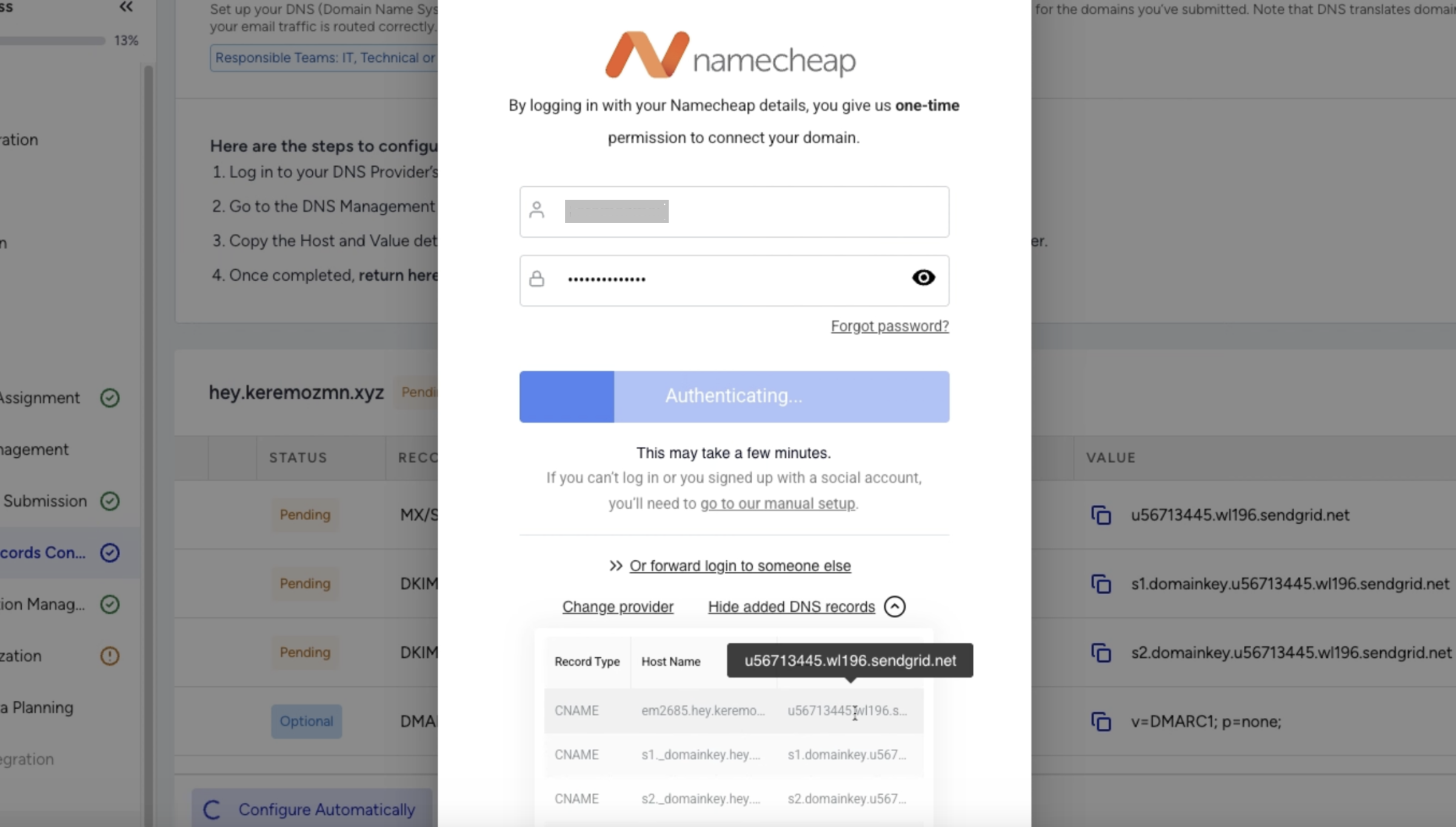
The DNS records are configured within minutes.
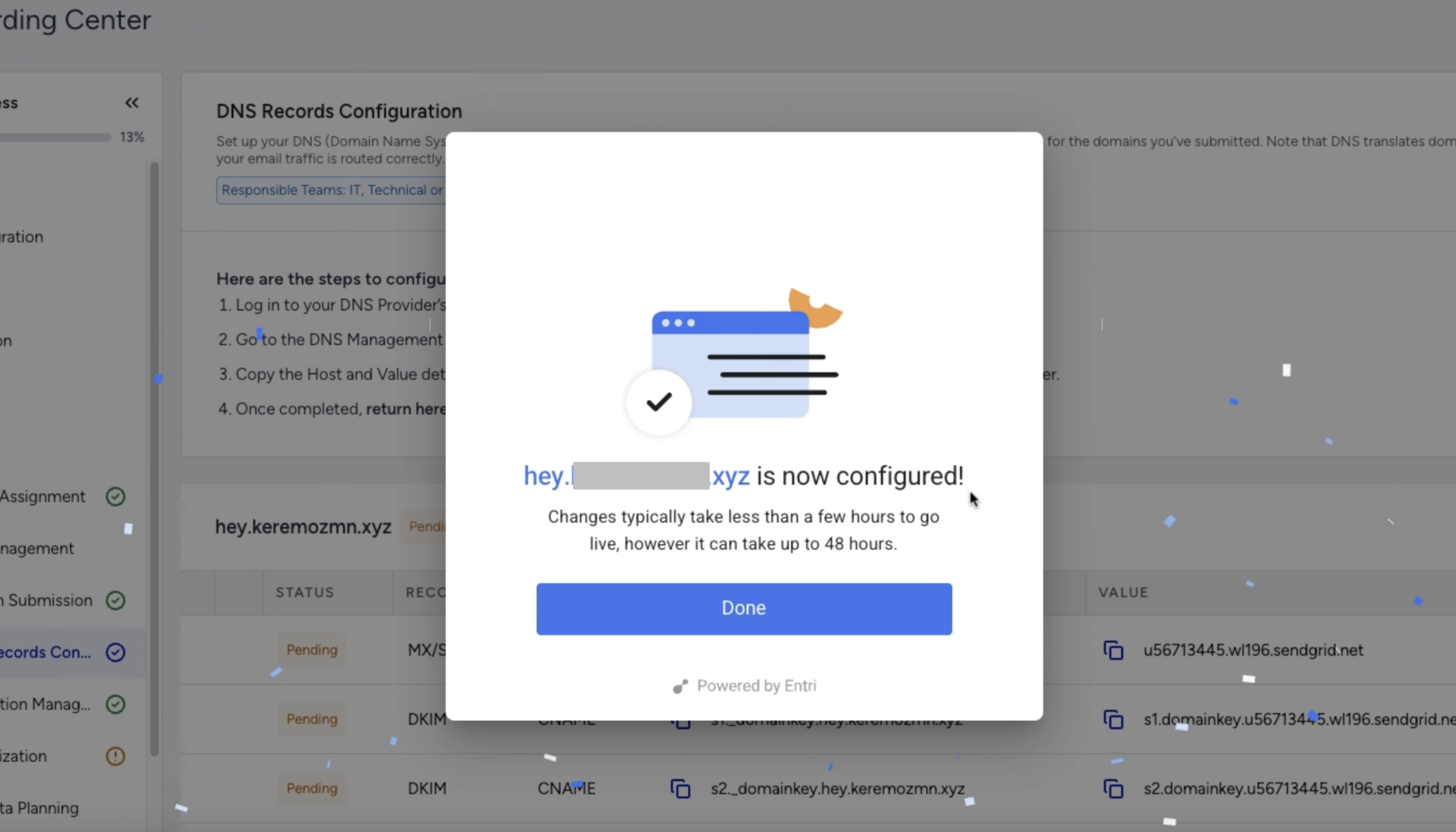
What happens after the configuration is completed?
After the DNS records are successfully configured, it may take up to 24 hours for the changes to propagate across global DNS systems. Once propagation is complete, you can click Verify to confirm the setup and view the results.